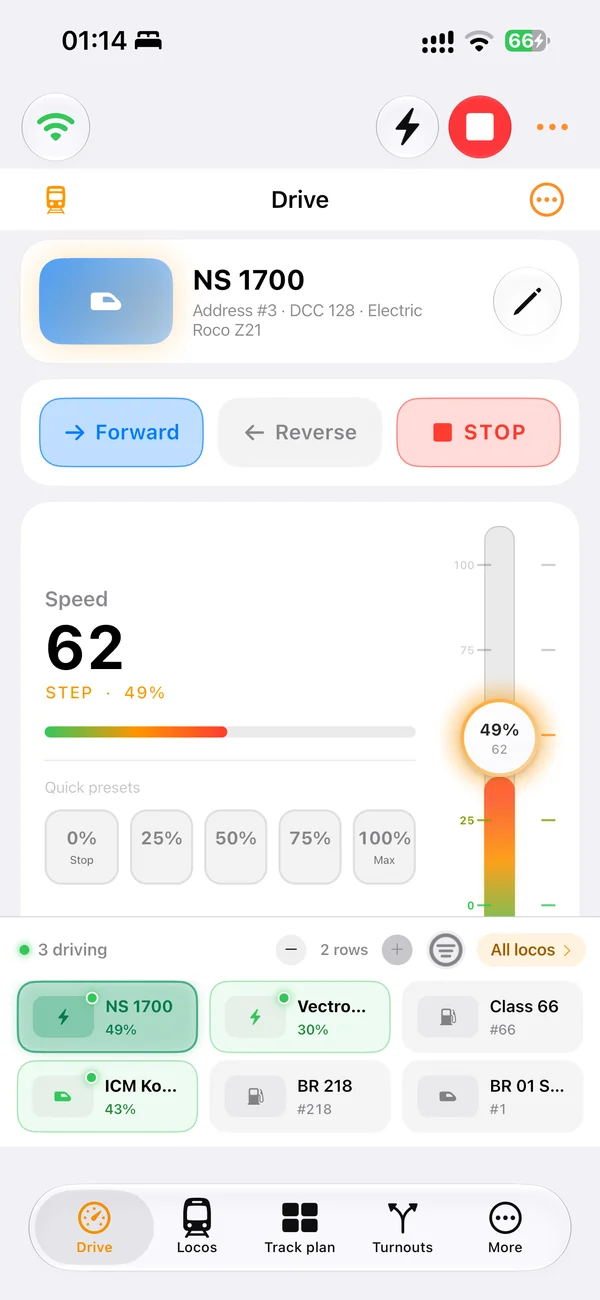
Install. Open. Drive.
Open the downloaded .deb with your software installer, then launch LocoLink from the applications menu. You can also install from your download folder:
sudo apt install ./LocoLink-1.7.16+44-linux-amd64.debDownload
Available on Windows, Linux, Mac and iOS today — with Android arriving soon. Start with 30 days of free Pro access, no card, no payment today and no obligations. Upgrade only when your layout is ready.
Available now on the Mac App Store. Native Apple Silicon, iCloud sync with your iPhone and iPad, and full integration with Siri.
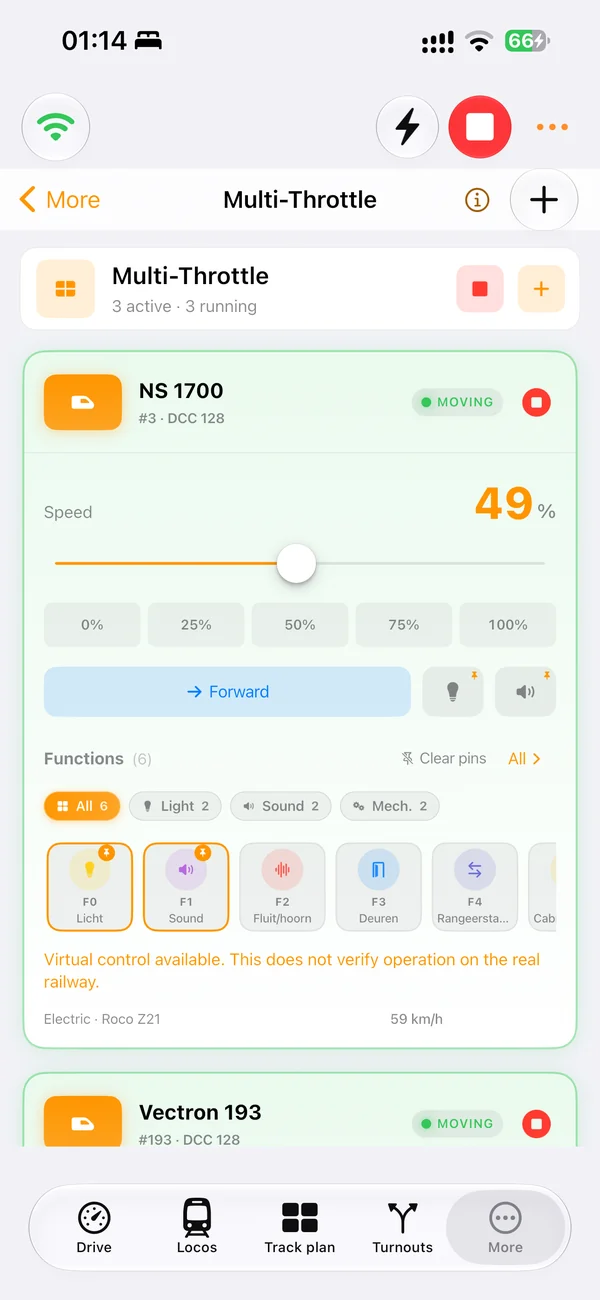
Start free trial on the Mac App StoreThe flagship LocoLink experience on iPhone and iPad. Game controller support, Siri voice control, and iCloud sync across all your Apple devices.
Start free trial on the App StoreOn Apple platforms your projects, locomotives and switchboards sync automatically across iPhone, iPad and Mac via iCloud. Drive trains hands-free with Siri voice commands. Purchases and subscriptions go through the App Store — no license keys to manage. See Apple pricing →
Platform availability
Download the public Windows release today. Android remains in development; sign up only if you want an Android release notification.
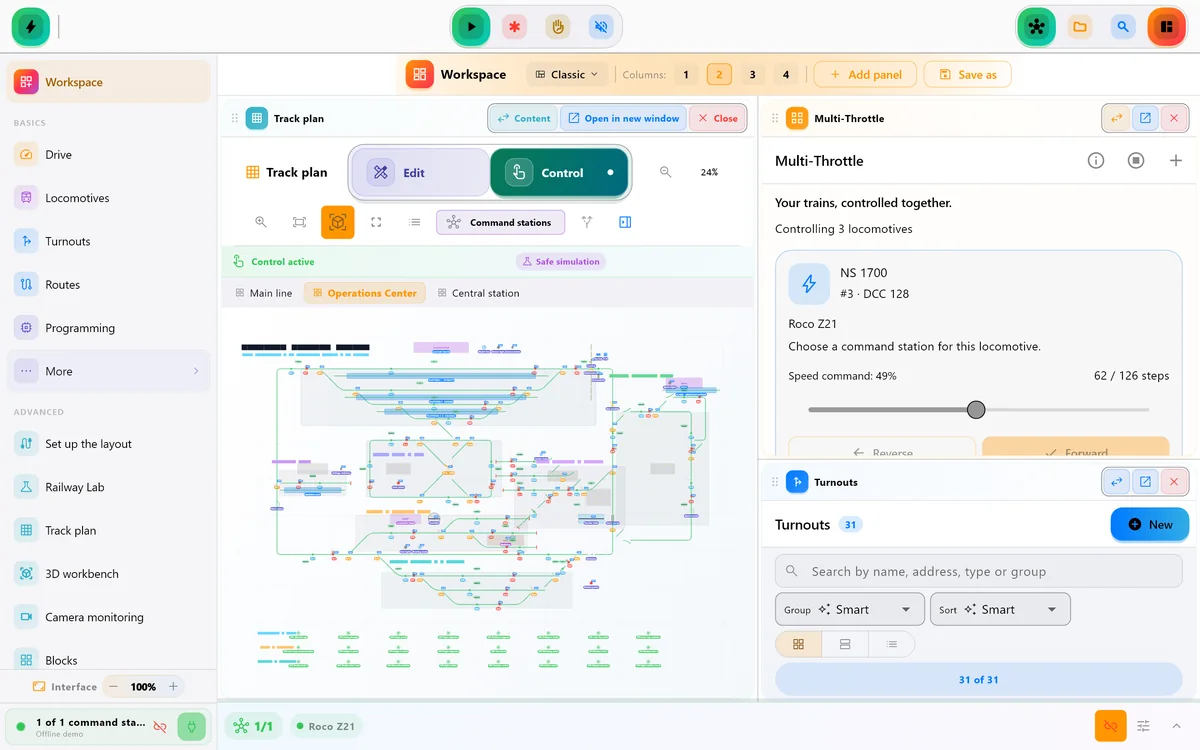
A native Windows desktop app with the full LocoLink experience — multi-window switchboards, gamepad support, and direct command station access.
Download LocoLink 1.7.16A full Android port is on the way. Connect to your command station over WiFi, drive locos and run automations from your phone or tablet.
A native Windows desktop app with the full LocoLink experience — multi-window switchboards, gamepad support, and direct command station access.
Use an older installer only when support asks for it or when the latest release causes a problem. We keep at most the two previous installers here.
LocoLink 1.7.1523.8 MB LocoLink 1.7.1423.7 MBA full Android port is on the way. Connect to your command station over WiFi, drive locos and run automations from your phone or tablet.
Ubuntu 22.04 / 24.04 · Intel / AMD 64-bit
Open the downloaded .deb with your software installer, then launch LocoLink from the applications menu. You can also install from your download folder:
sudo apt install ./LocoLink-1.7.16+44-linux-amd64.debLocoLink checks for new releases and shows an update notification in the app. Download the new .deb and install it over your existing version. Back up your projects before updating.
Linux has its own LocoLink+ and Pro plans. A Windows license does not activate Linux. You can also purchase and activate in the app.
A graphical desktop and working OpenGL/EGL drivers are required. Linux 3D support is experimental; Wayland is recommended. RTSP cameras are supported; Windows USB camera capture is unavailable. This release is for amd64 only, not ARM.
Open LocoLink, head to Settings → Account and paste your key to unlock Pro on this device. Lost your key or need help with billing? Email info@locolink.io. See plans & pricing →
locolink-setup-1.7.16.exe from your Downloads folder.Yes. LocoLink is free to download on Windows, Linux, Mac and iOS. New users start with the complete Pro experience free for 30 days, with no card, no payment today and no automatic charge, before choosing LocoLink+ or Pro.
The latest public 1.7.16 release replaces earlier Windows builds. If you were running a beta or older public build, simply install the public release on top — your projects, settings, locomotives and switchboards are preserved automatically.
Yes — choose the All Devices plan on the App Store and your subscription or lifetime applies on iPhone, iPad and Mac. Family Sharing is supported. iCloud automatically syncs your projects, locomotives and switchboards between Apple devices.
LocoLink+ and Pro on iOS, iPadOS and macOS include Siri shortcuts for hands-free control: “Hey Siri, stop Mallard”, “Hey Siri, set turnout 12 to thrown”, “Hey Siri, run morning rush hour”. Works with HomePod and CarPlay too.
A LocoLink+ or Pro license bought on our website activates on Windows with the same key — up to 2 devices for single-platform plans, 3 for All Devices. Checkout runs through Mollie (iDEAL, PayPal, SEPA, Klarna, Bancontact and cards). Choose the “All Devices” plan if you also want it on iPhone, iPad and Mac — and on Android once it ships.
The App Store and our website are separate purchase channels, managed by Apple and Mollie respectively. The All Devices plan covers both, and we can issue cross-channel licenses on request. Email info@locolink.io if you bought on one and need the other.
Android is the next platform on the roadmap, currently in private testing. Sign up with your email above and we’ll let you know the moment the public APK is available — one email, no spam, no other use of your address.
Microsoft SmartScreen flags installers that haven’t built up reputation yet. Our installer is safe and unmodified, but it’s not EV-signed yet, so Windows hasn’t accumulated trust signals for it. Click More info → Run anyway to proceed. We’re working on certified signing for a future build to remove this prompt entirely.
LocoLink for Windows requires Windows 10 (1809) or later, 64-bit. It does not support Windows 7, 8, or 32-bit systems. If you’re on an older system, the iOS or Mac version will give you a better experience.
When you run the installer, Windows may show a blue SmartScreen panel. This is normal — our installer is safe but isn’t EV-signed yet, so Windows hasn’t built up reputation for it.
Defender will not remove the file. The prompt goes away as more people install — it’s a Windows reputation thing, not a virus warning.