Choose your software
Compare control apps, planners and alternatives.
Drive, draw your track plan, automate and program decoders. One LocoLink for Windows, Mac, Linux, iPhone, iPad and Android, with the same project and the same controls everywhere.
New features, command stations and big releases, straight to your inbox. No spam, only what matters.
Sign up and get 10% off your first purchase
We’ll keep you posted on launches and major releases. As a thank you, here’s your 10% welcome discount, valid on any plan.
LOCOLINK-WELCOME-2026
Apply at checkout via this link: pricing page (auto-applies). Or paste the code on the Mollie checkout screen.
LocoLink 2.0 runs the same engine on every device. It looks native everywhere: real iOS controls on Apple, Material design on Android, a bold desktop app on Windows, Mac and Linux.
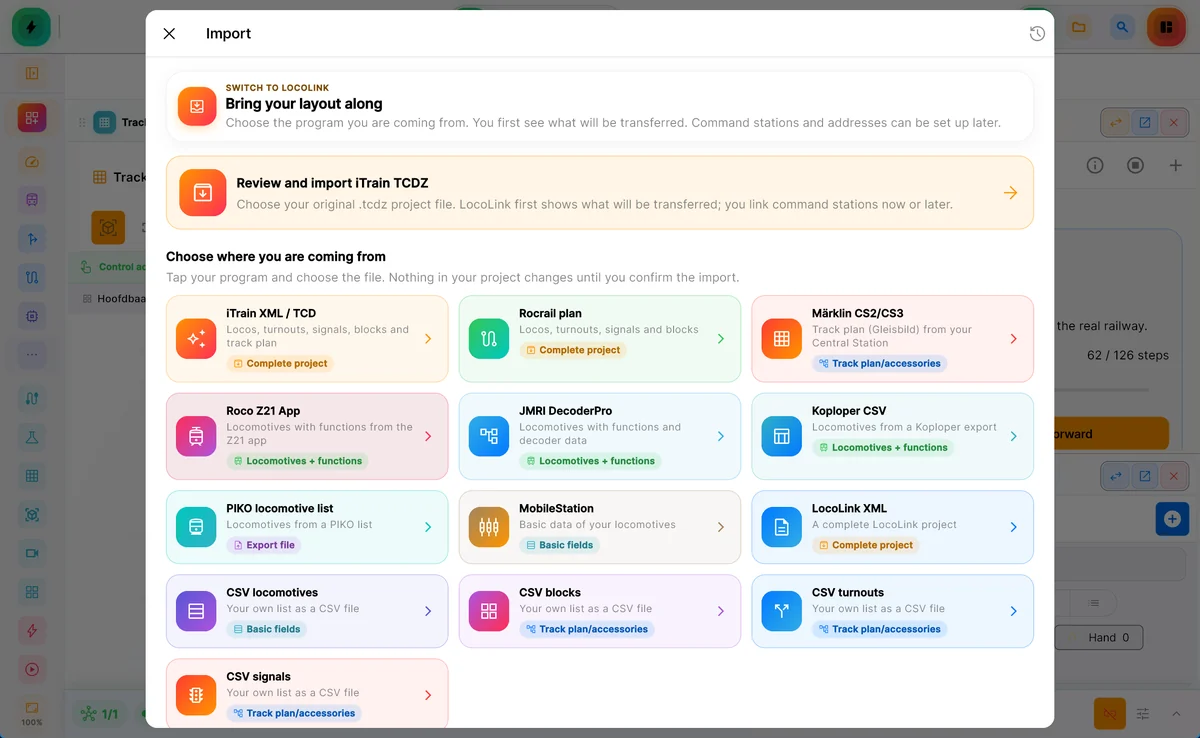
Import your track plan, locomotives, turnouts and signals from the software you use today. LocoLink checks everything and shows what still needs a look.
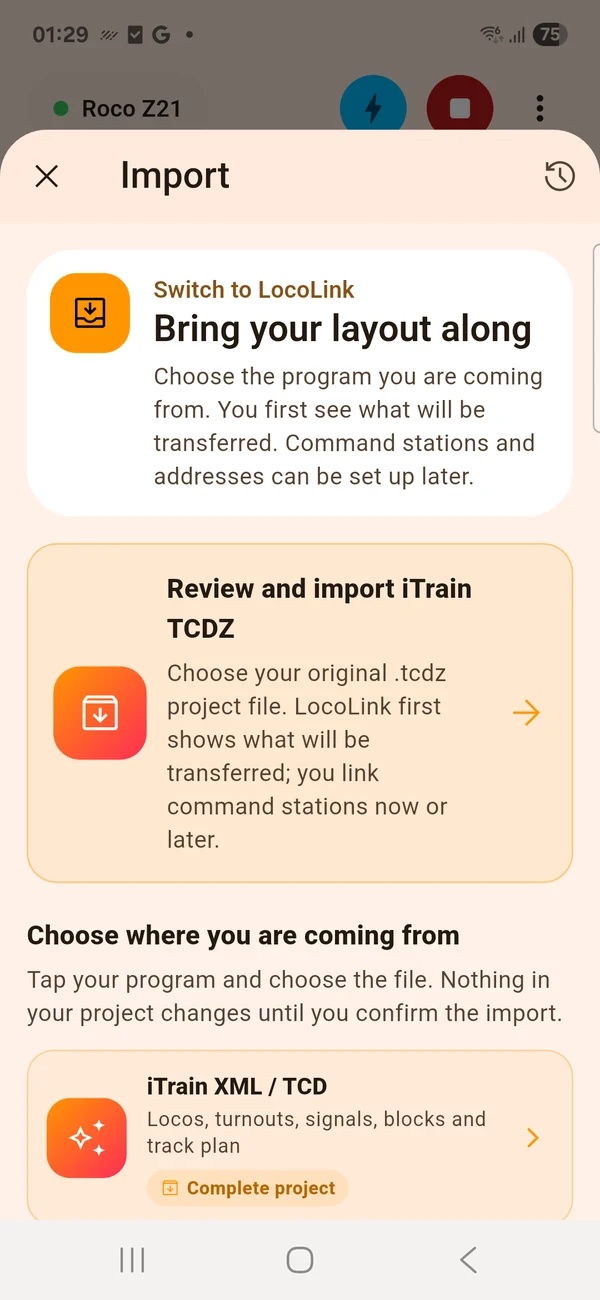
Pick your .any file and your layout arrives in its real shape: every curve, turnout and crossing, to the millimetre. Ready in your track plan and straight in 3D.
Recorded with a demo layout on Windows, Android and iOS. The same LocoLink runs on your Mac, iPhone and iPad.
“Making the hobby feel like it can keep up with modern technology is a joy. Whether it is asking Siri to ‘stop Mallard’ or using a PlayStation 5 controller — I constantly had a smile on my face.”
★★★★★ App Store Review · United Kingdom
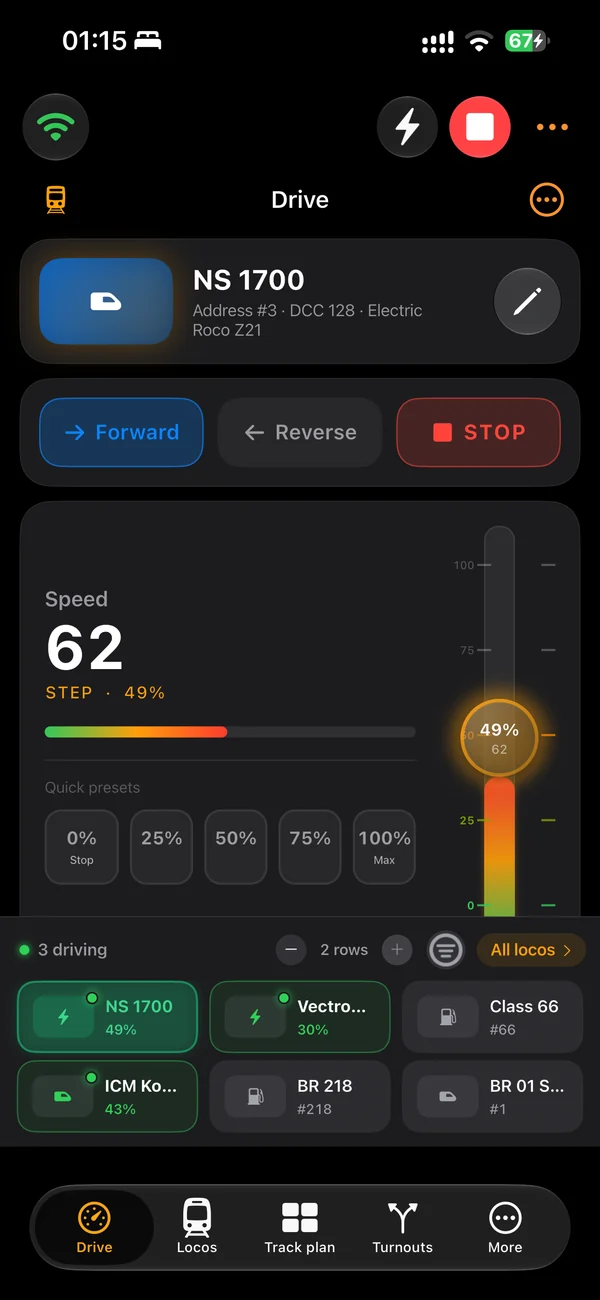
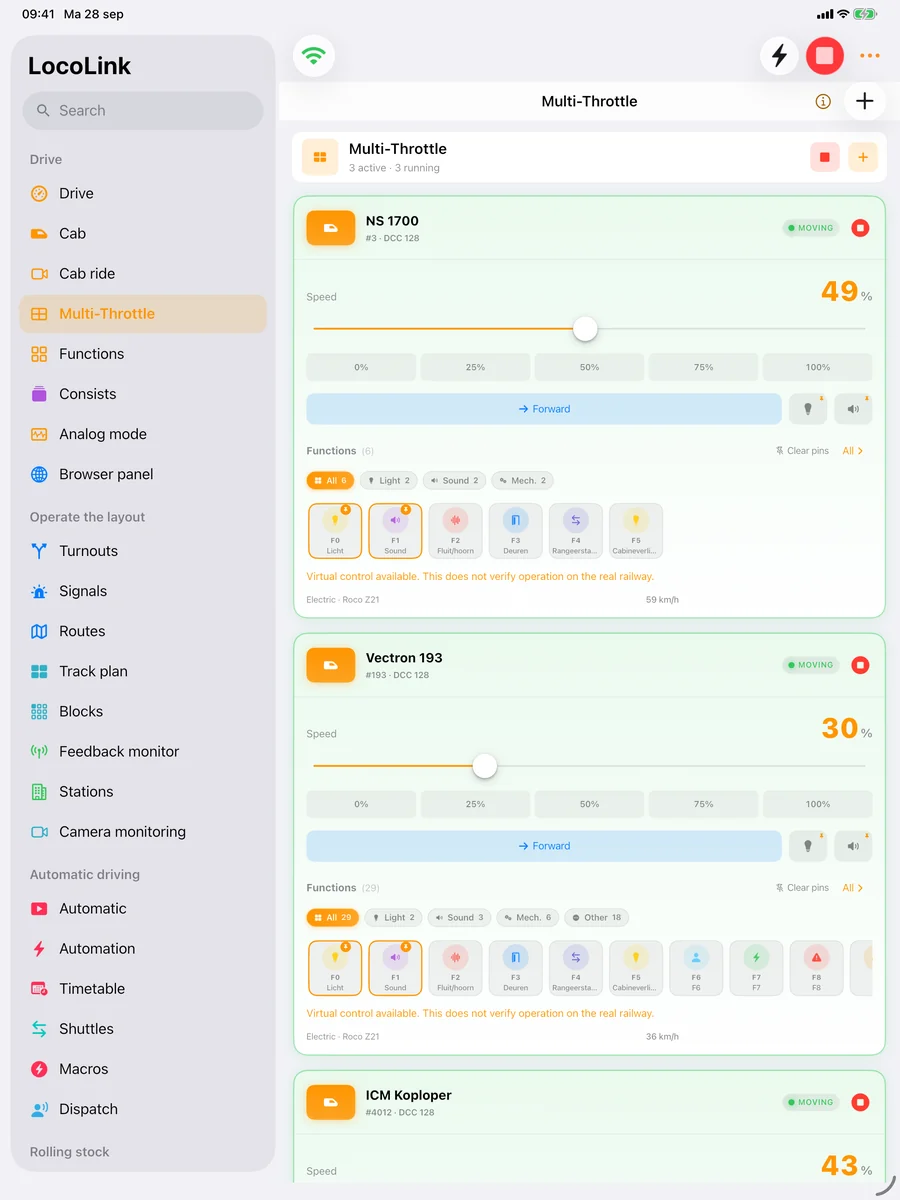
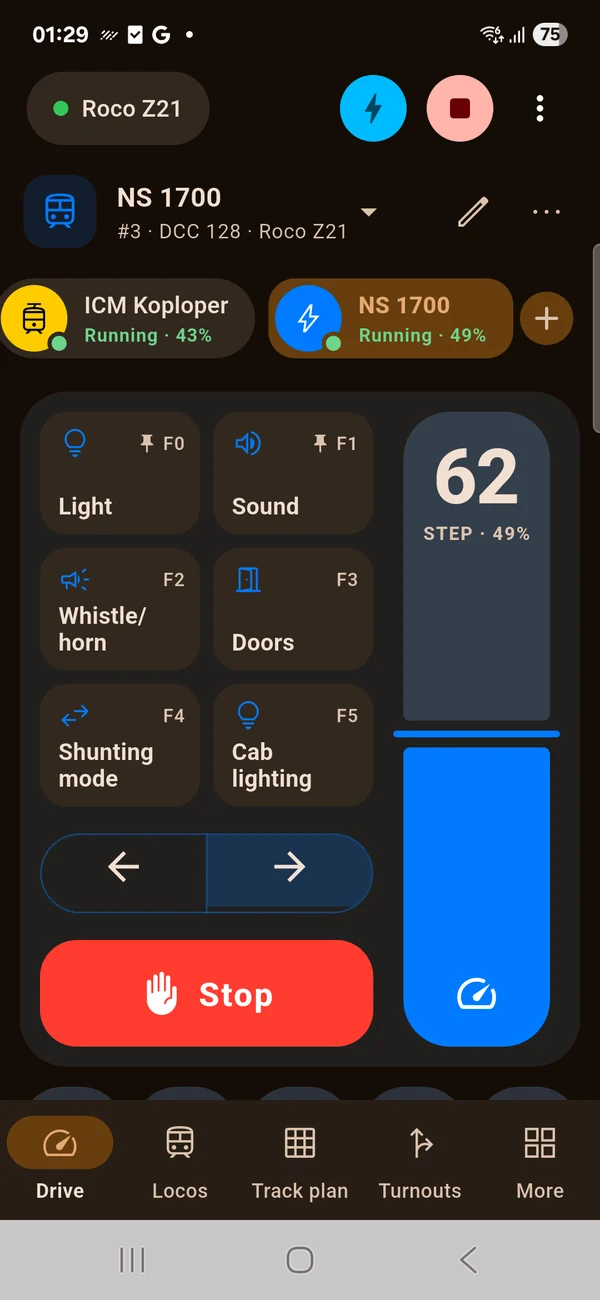
A big throttle, every function one tap away and all your running trains in reach.
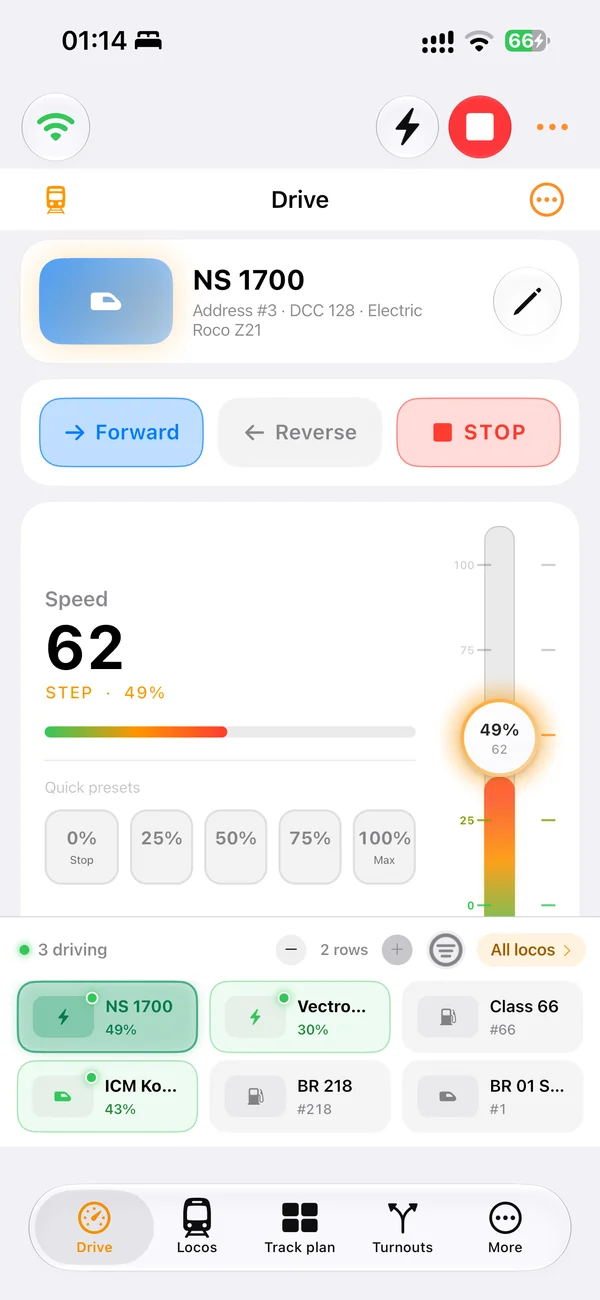
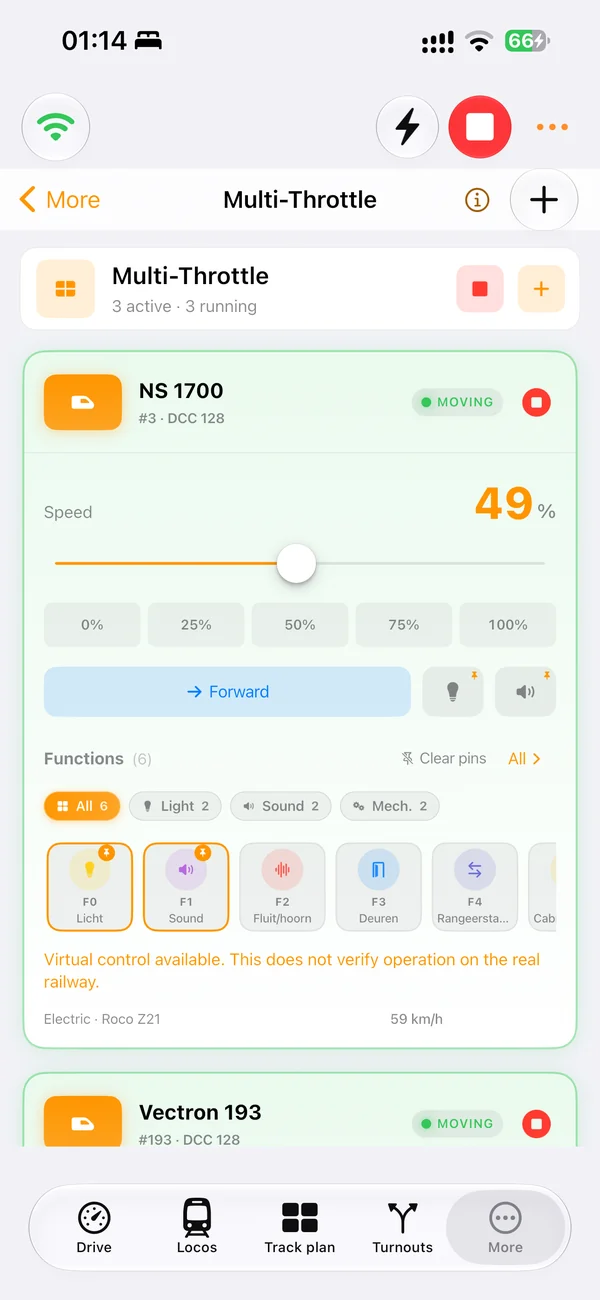
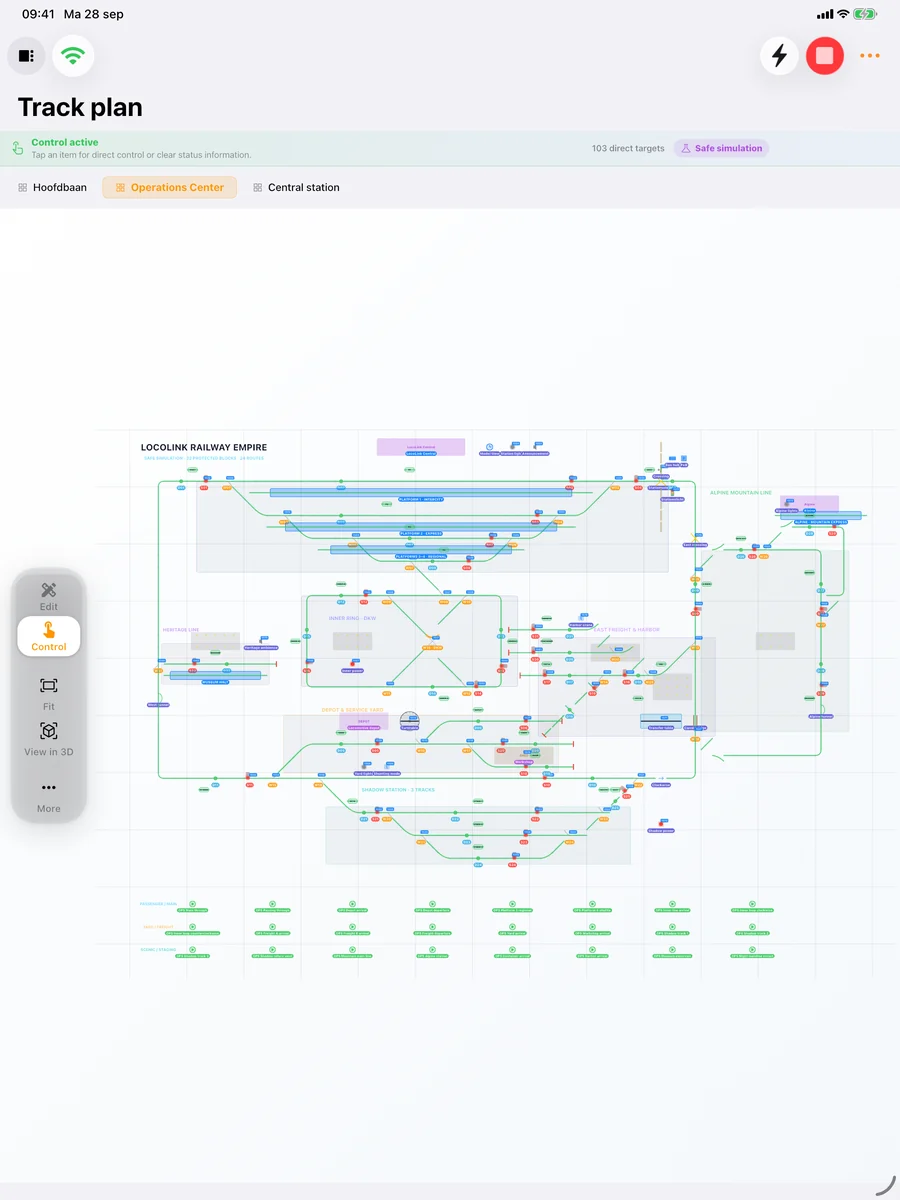
Design your layout on the big screen, then switch turnouts, signals and routes from your phone.
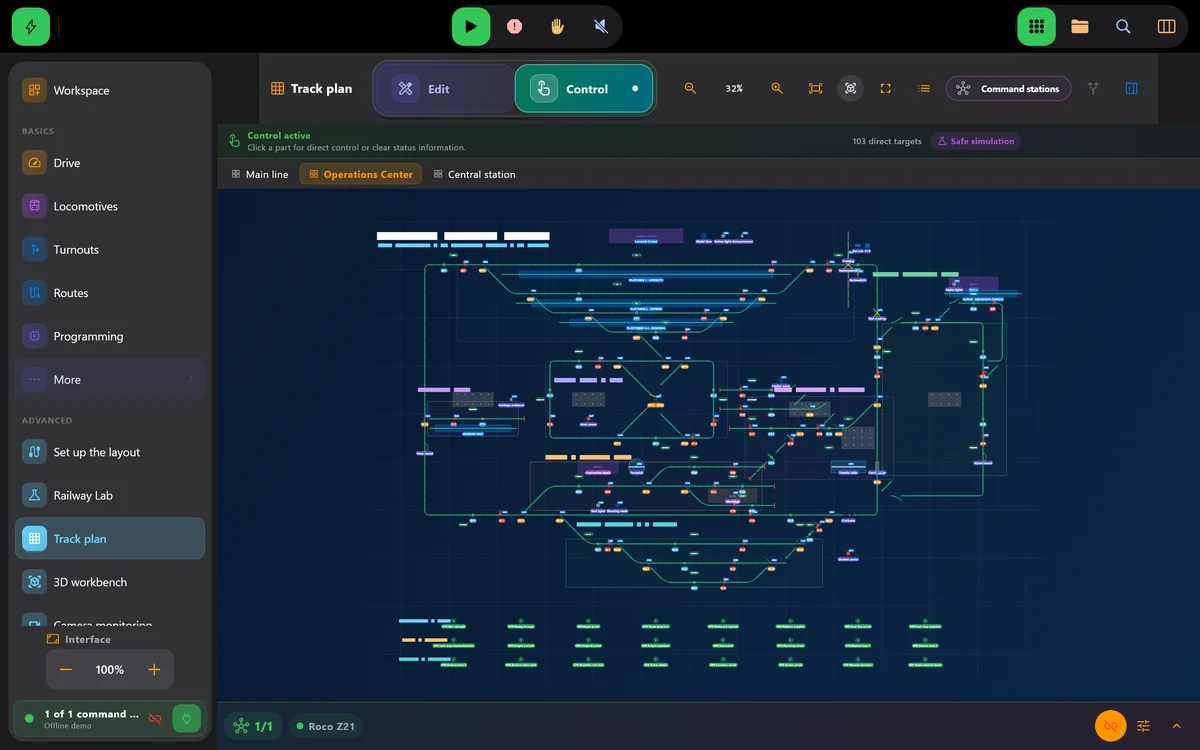
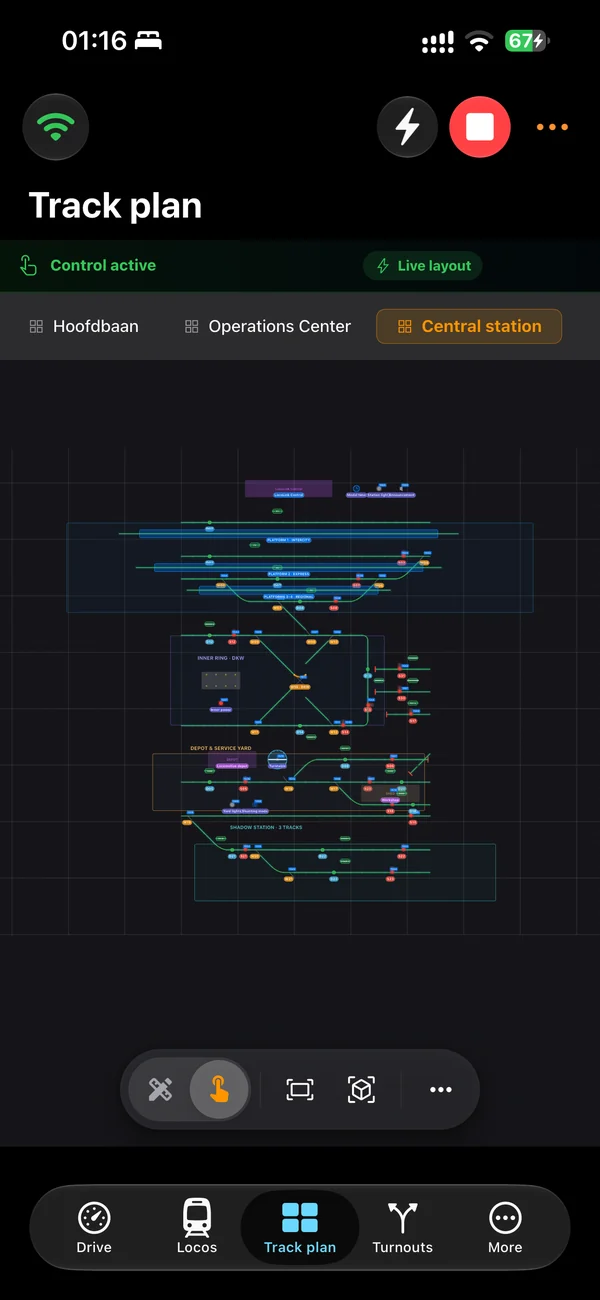
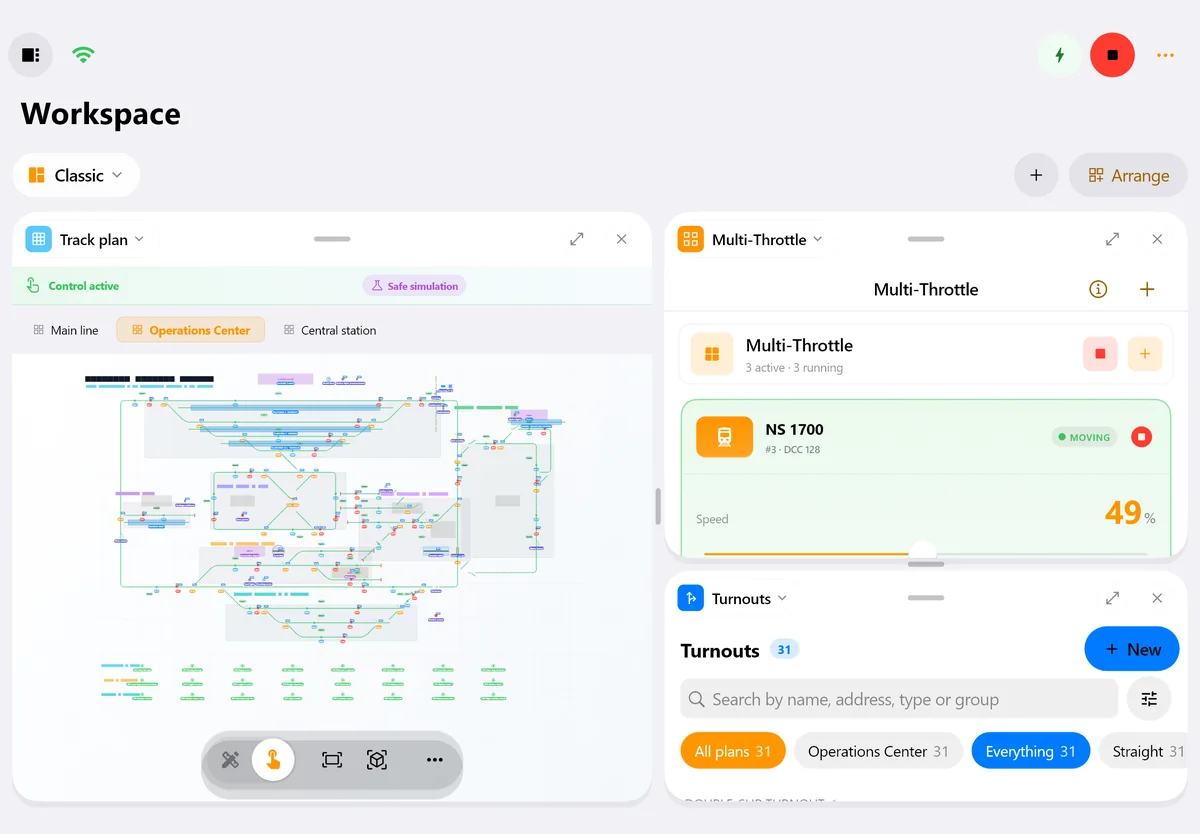
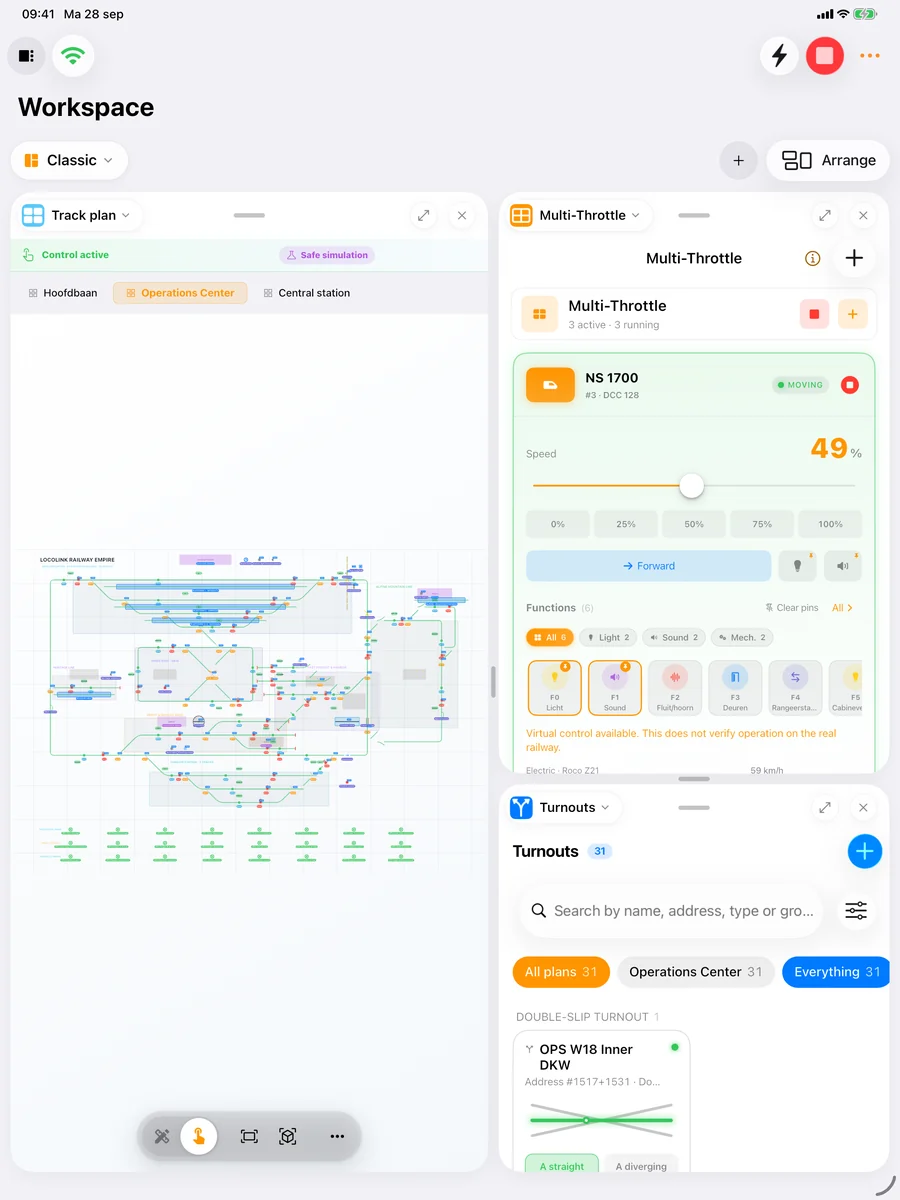
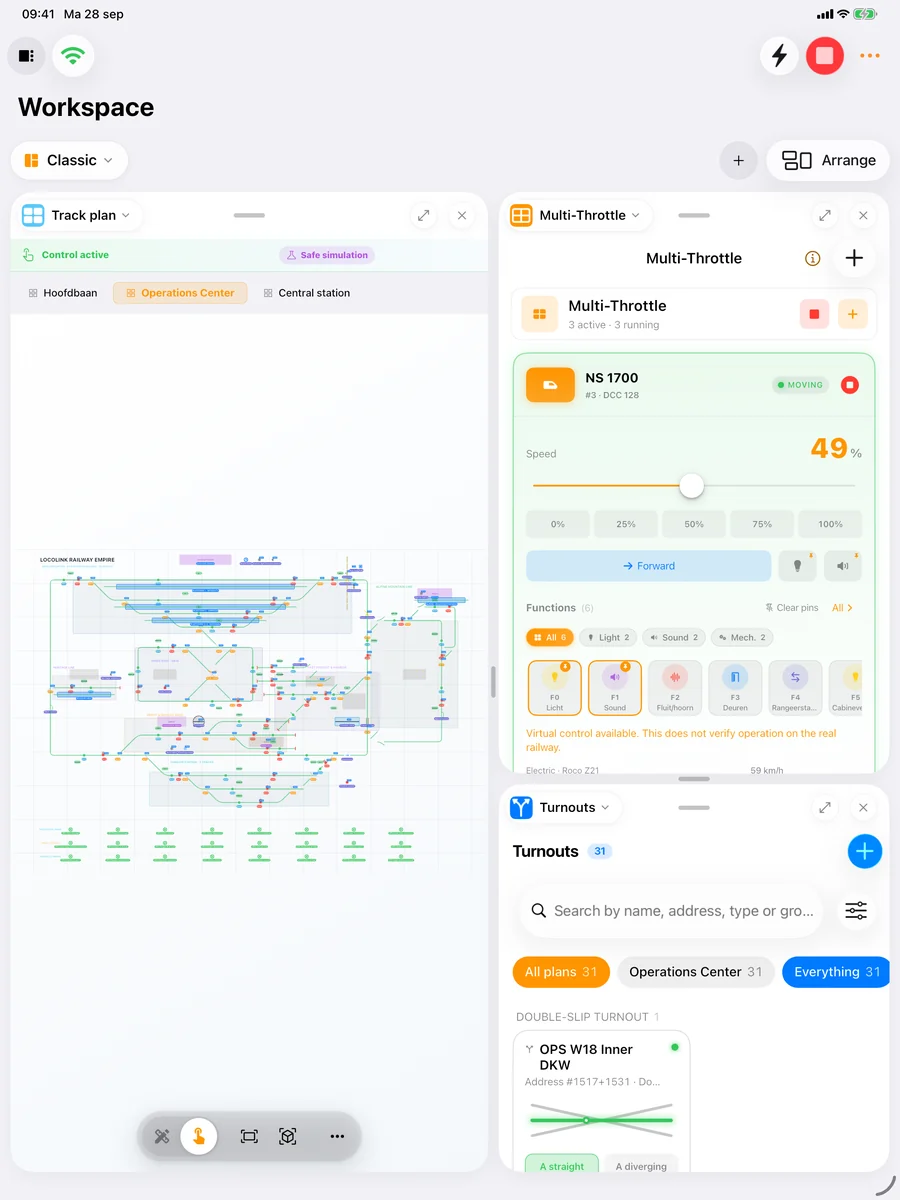
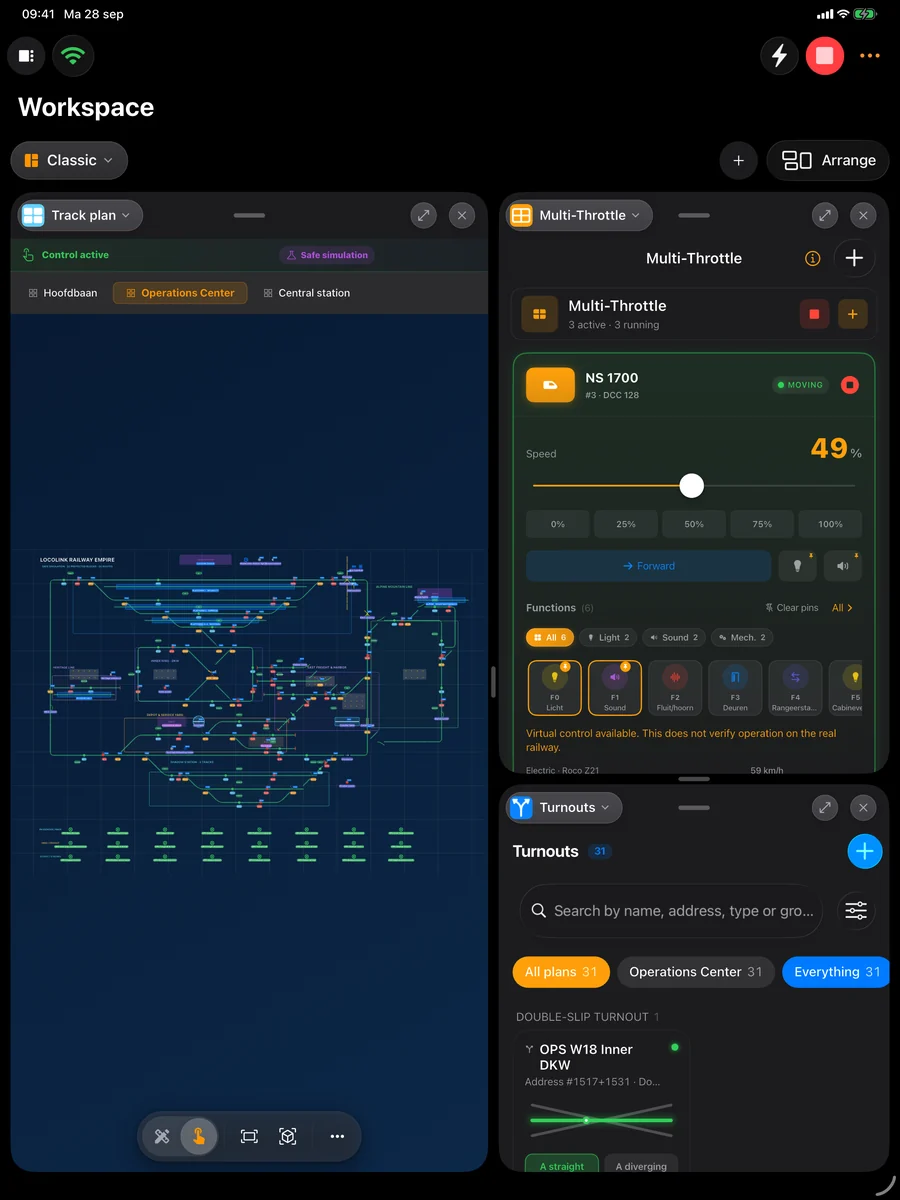
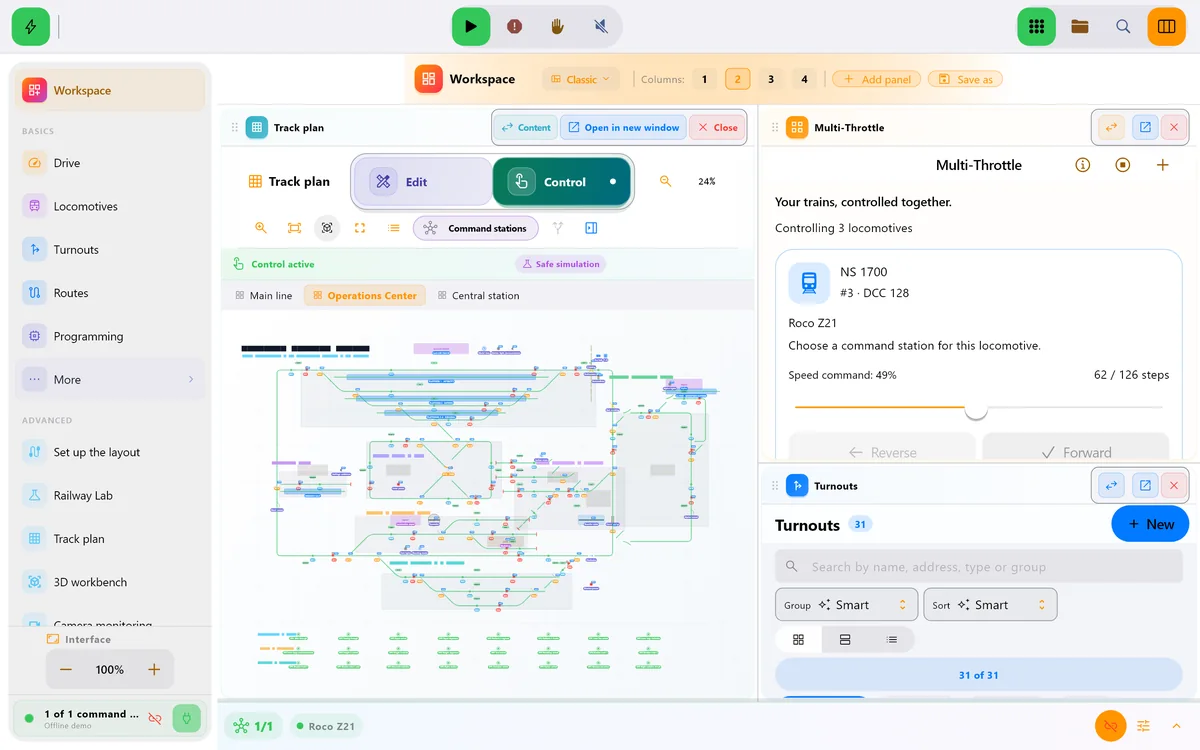
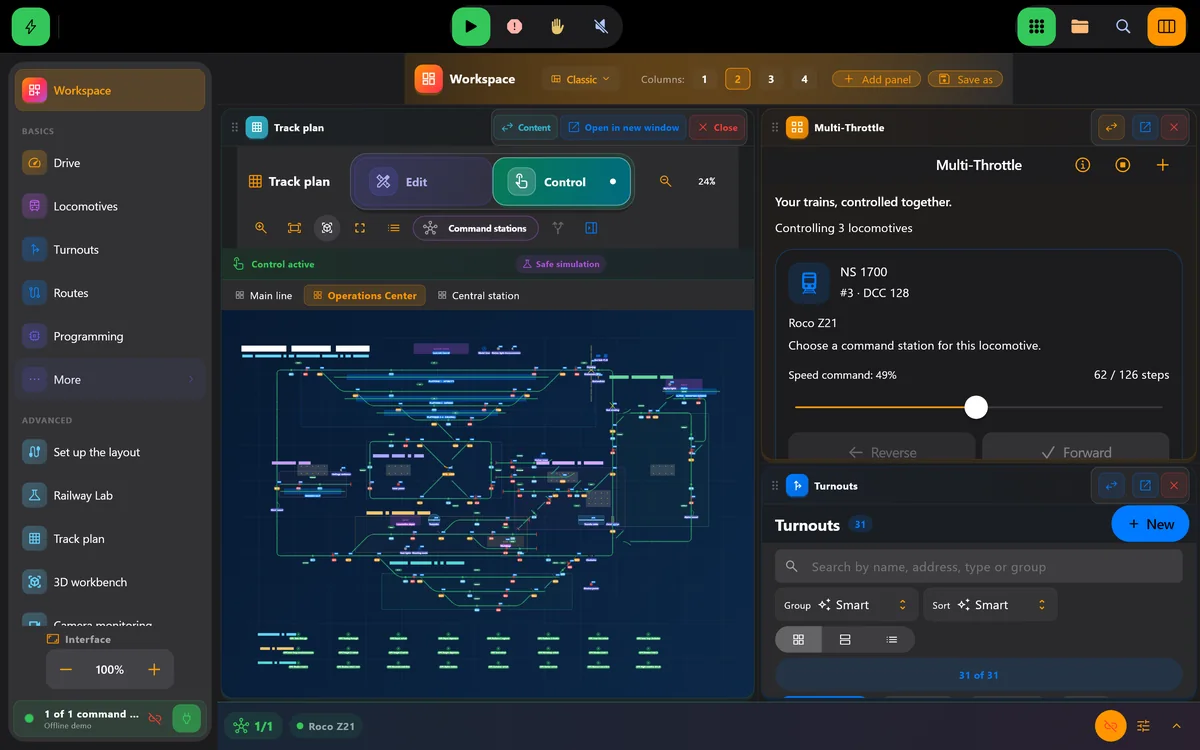
Put the track plan, throttles and turnouts side by side. Drag panels around on iPad, open extra windows on the desktop.
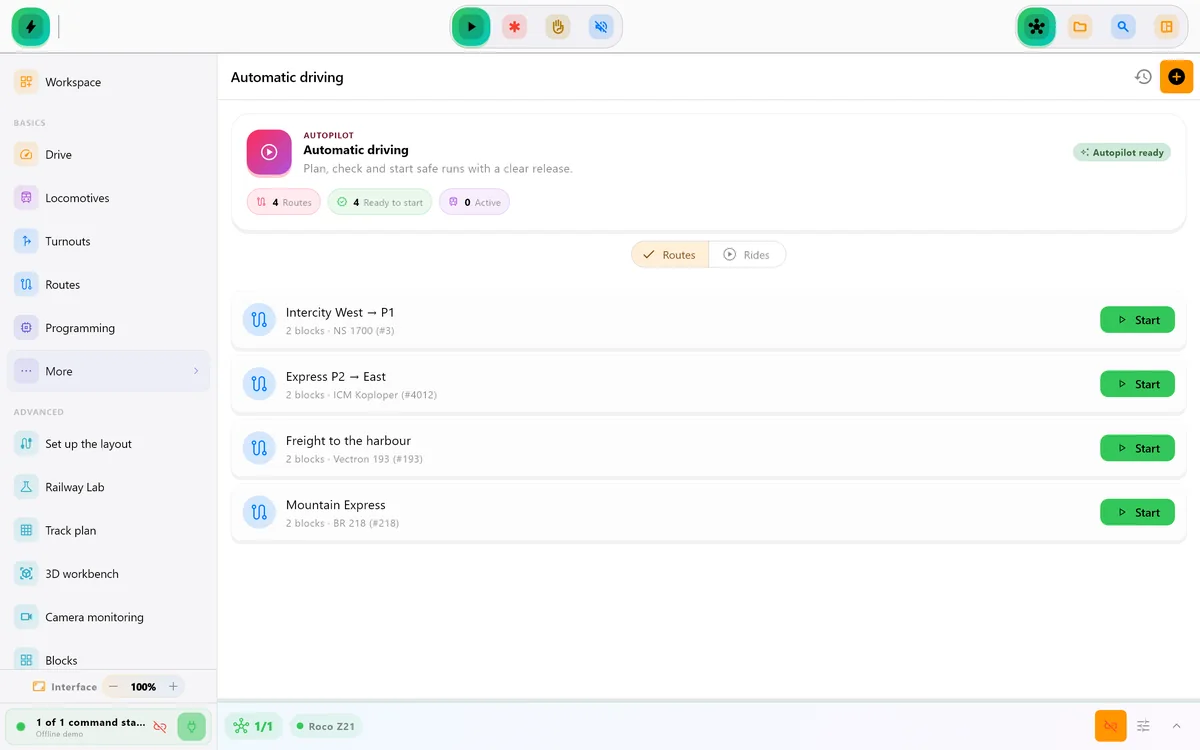
Block routes, timetables and interlocked routes that set turnouts in order and hold them until you release.
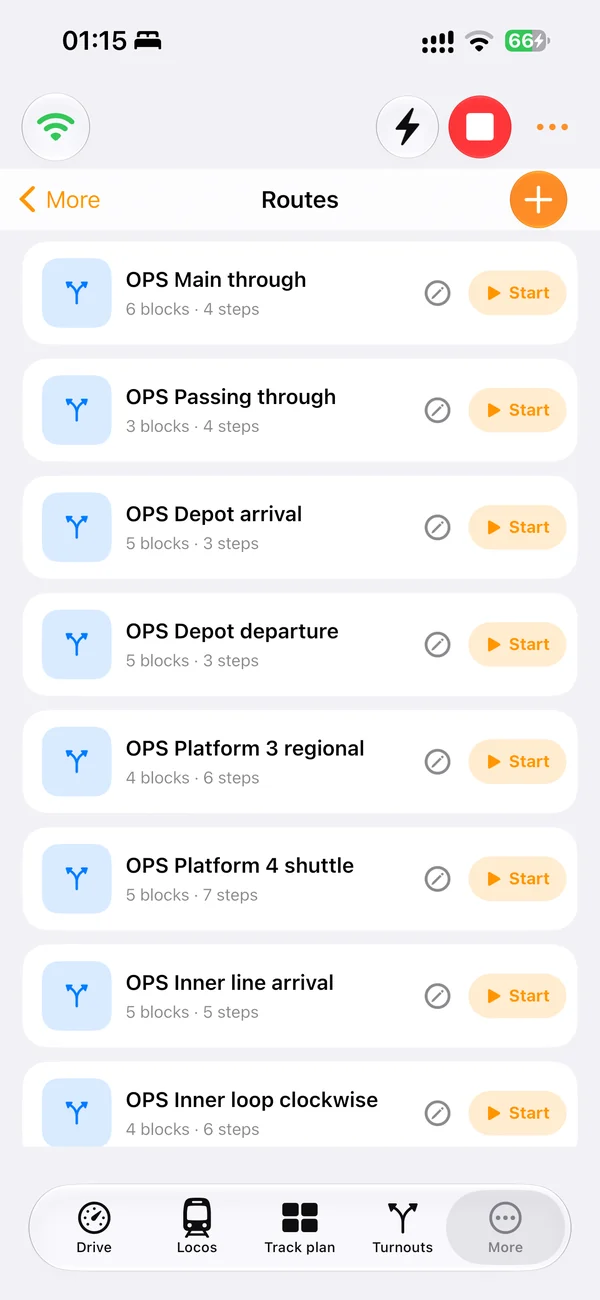
Read first, then write only what differs and is safe. A backup of every value is kept for you.
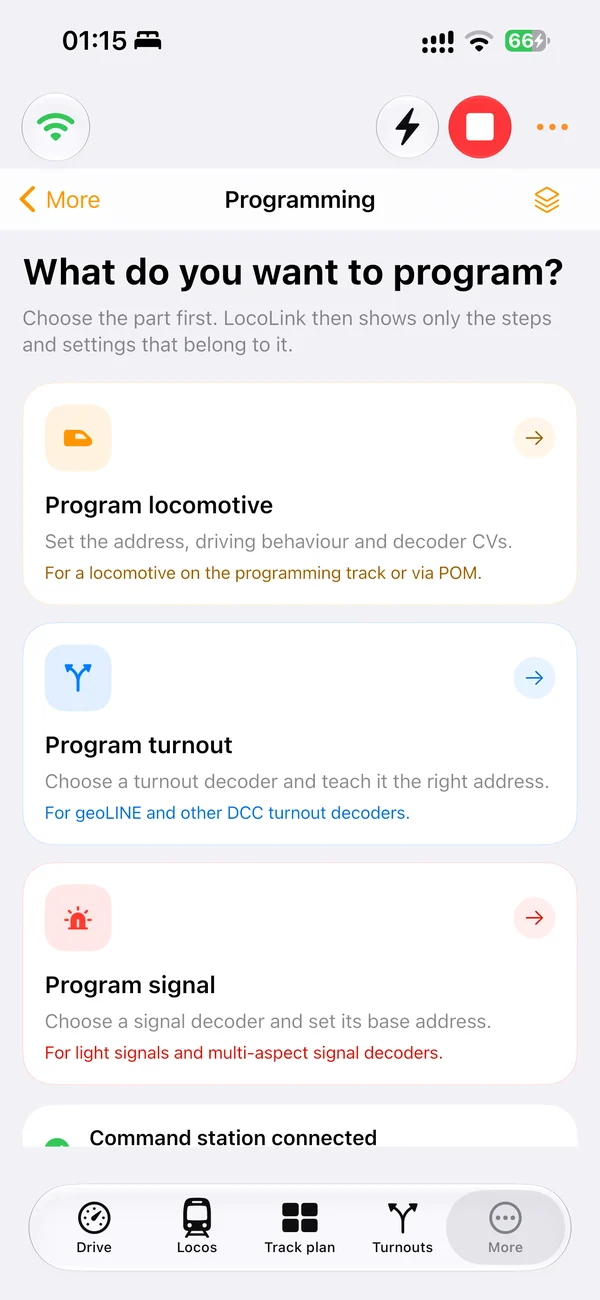
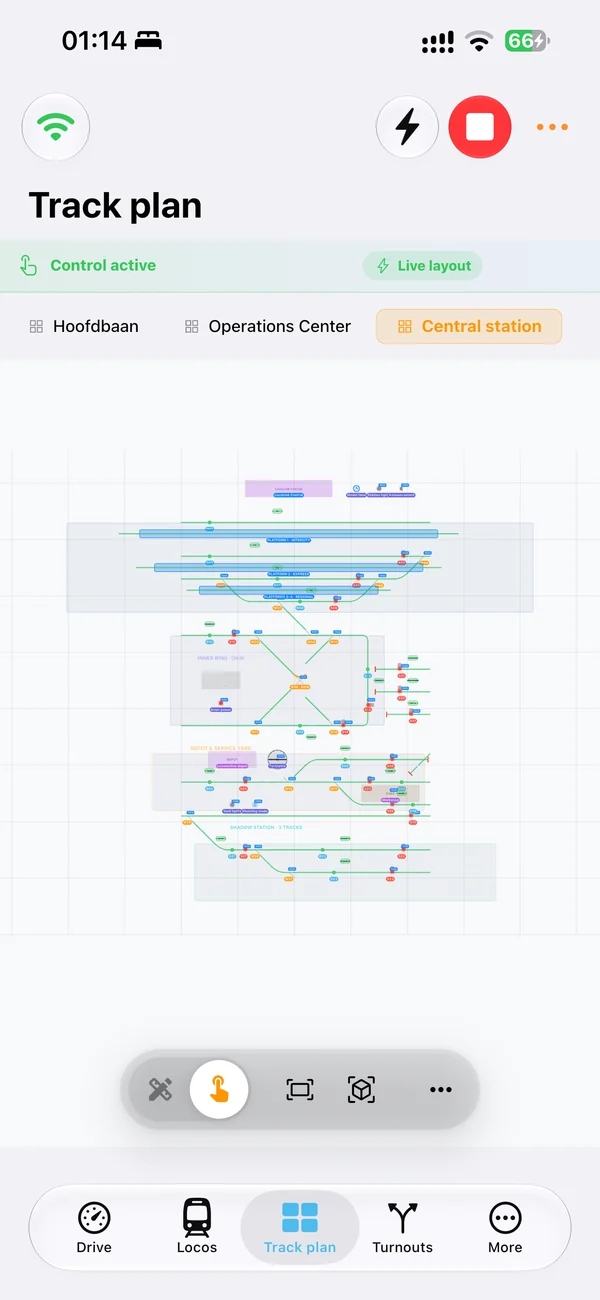
Track plan in 3D
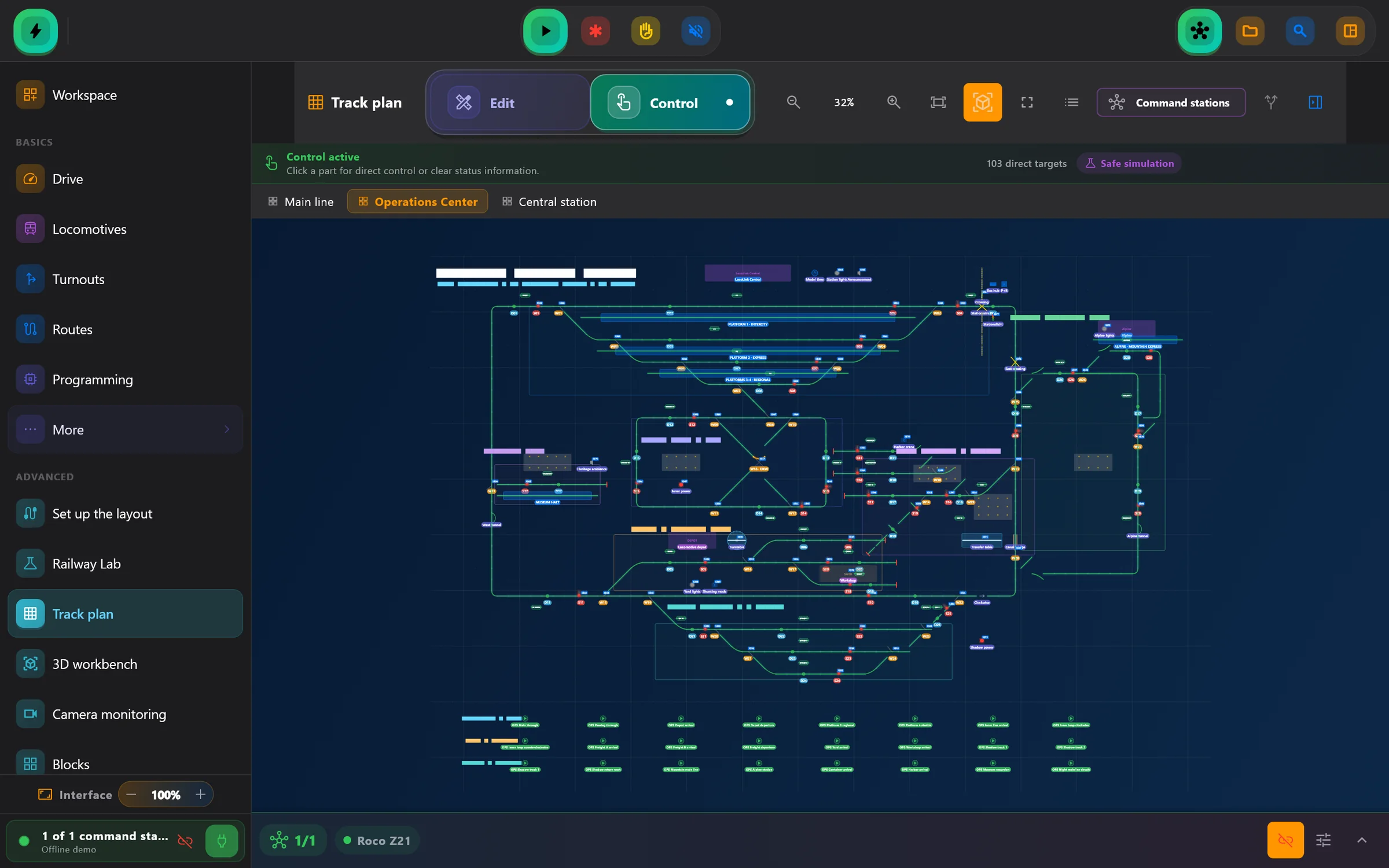
Draw your track plan once and LocoLink builds it as a real model railway: ballast and sleepers, platforms, signals and buildings. Then operate turnouts and signals right in 3D.
One host connects the layout. Guests drive their trains and set turnouts, signals and routes from their own phones.
Coming from iTrain, Rocrail, JMRI or a Märklin Central Station? LocoLink imports your track plan and locos.
Emergency stop on every screen, commands that wait for confirmation and a recovery wizard when something goes wrong.
“Emergency stop in LocoLink.” Control power, speed and lights by voice on iPhone.
Updating from the App Store version? Your track plans, locos, routes and purchases come along automatically.
Friends without the app can drive along from any web browser on the same network.
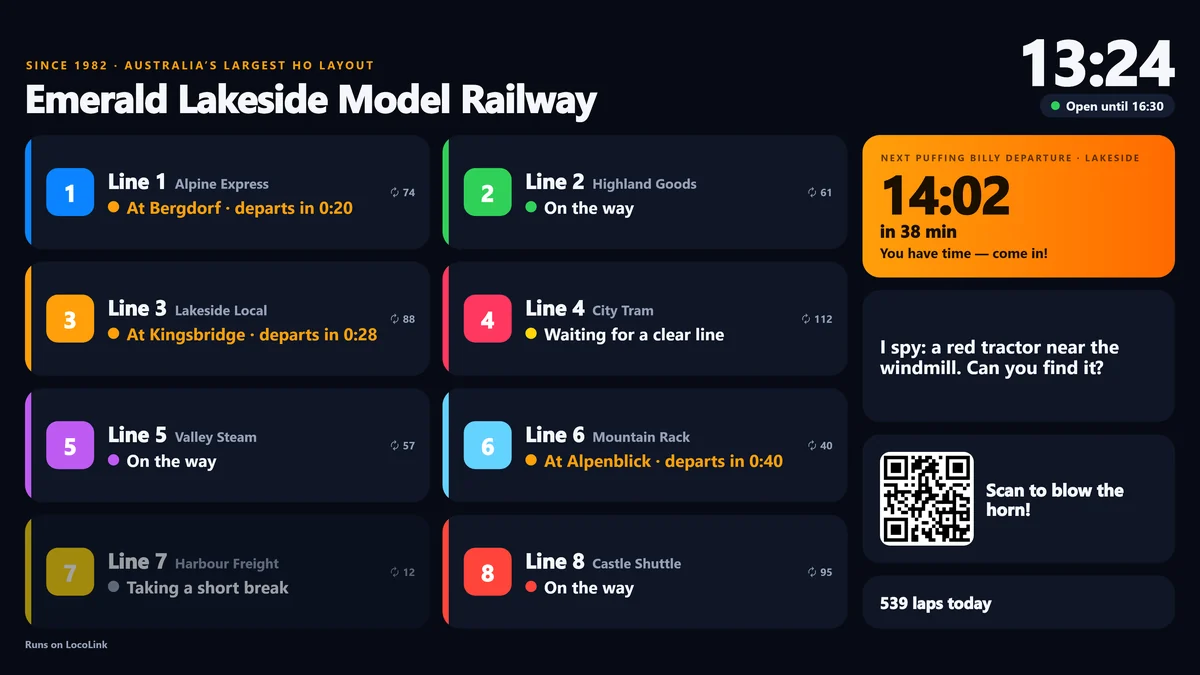
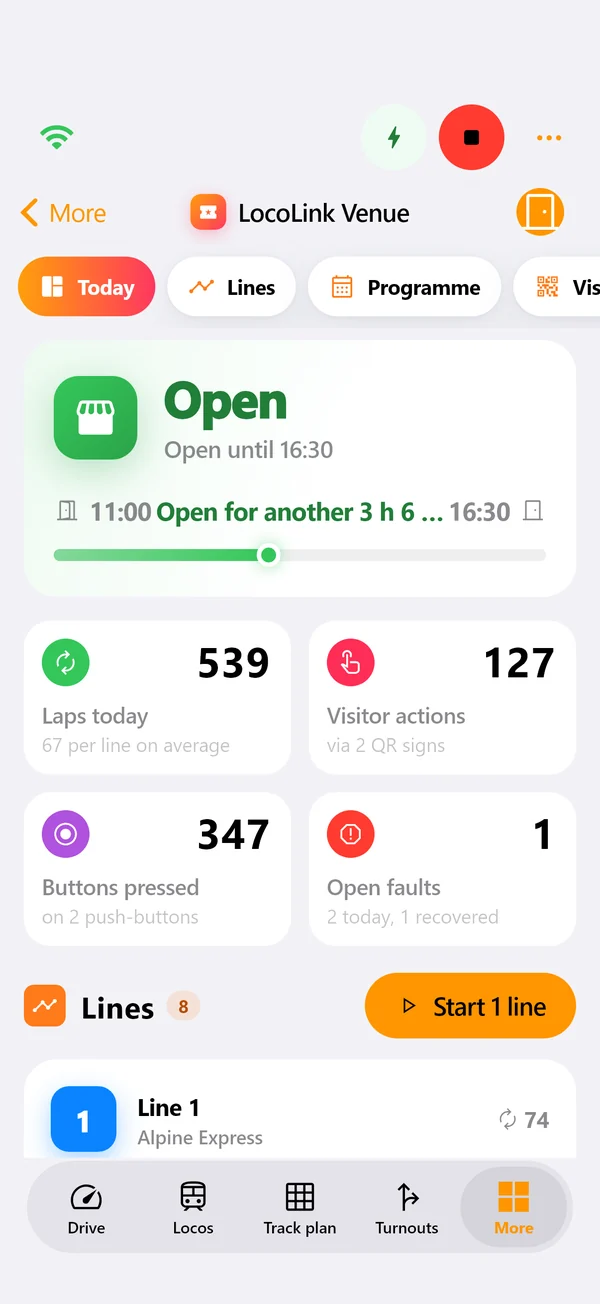
LocoLink Venue runs your public layout, club layout or shop layout all day by itself: opening hours, lines that keep running, a departure board on the TV and QR codes that let visitors join in.
30 days free · Included for LocoLink partners · From LocoLink 2.0.7
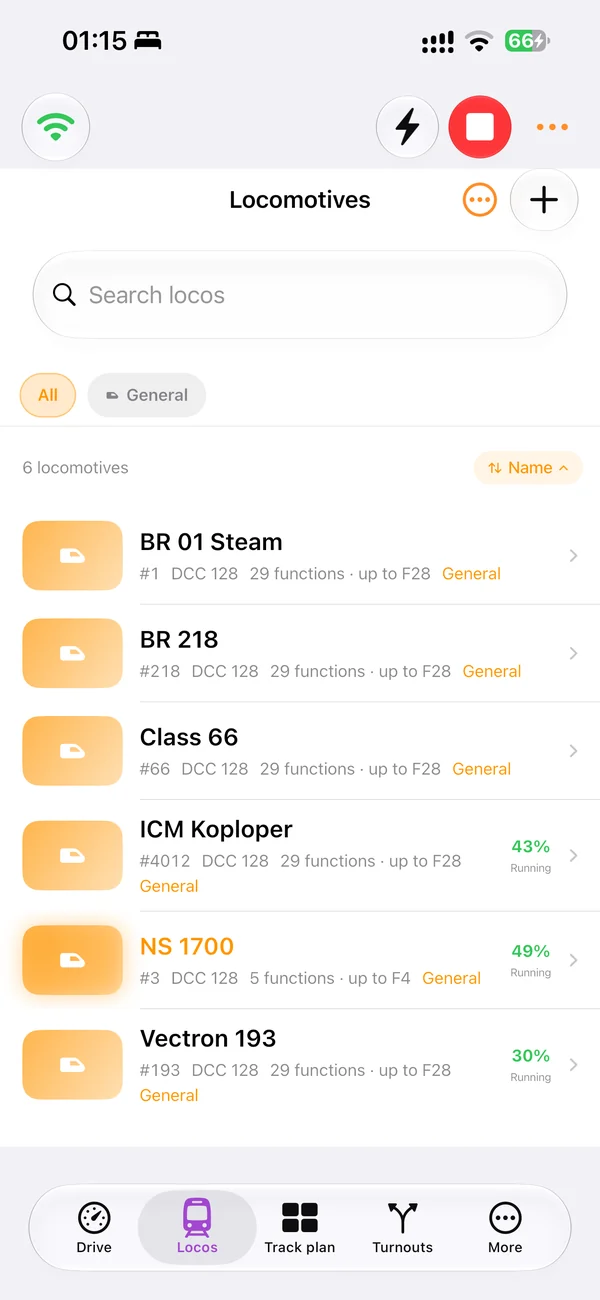
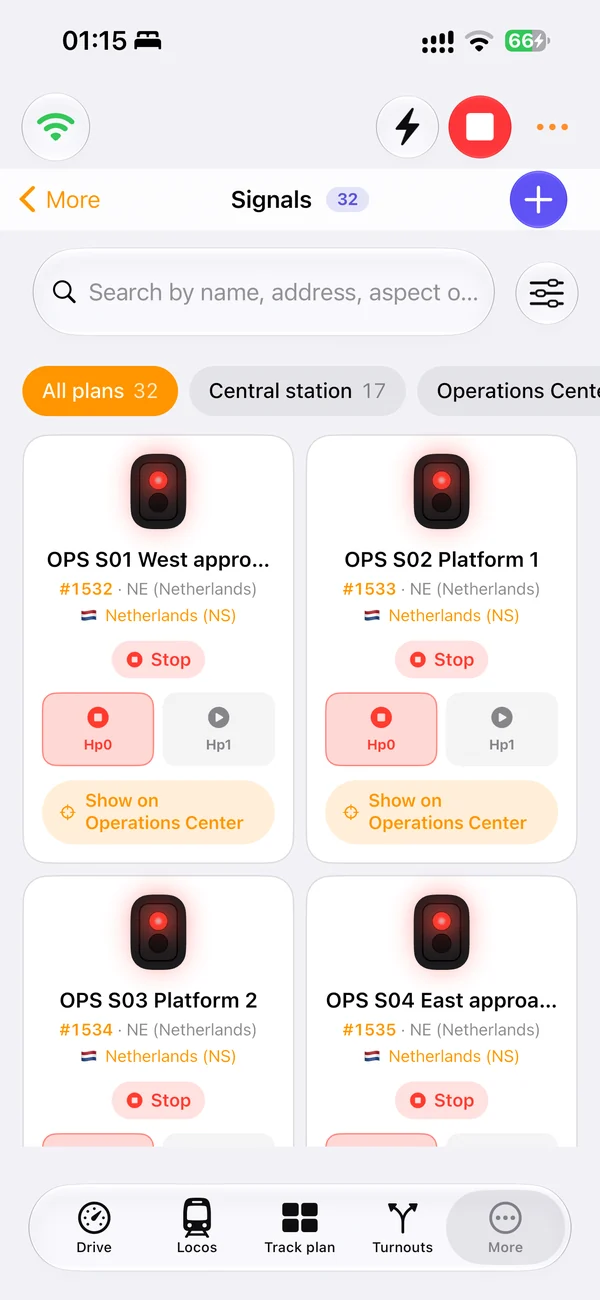
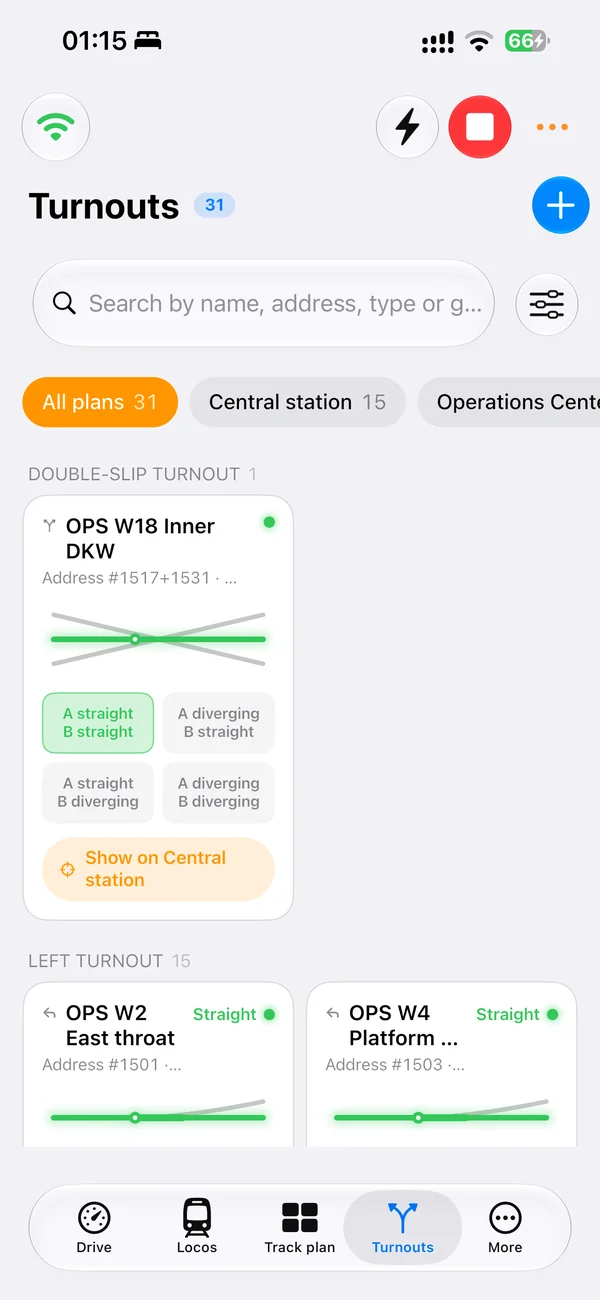
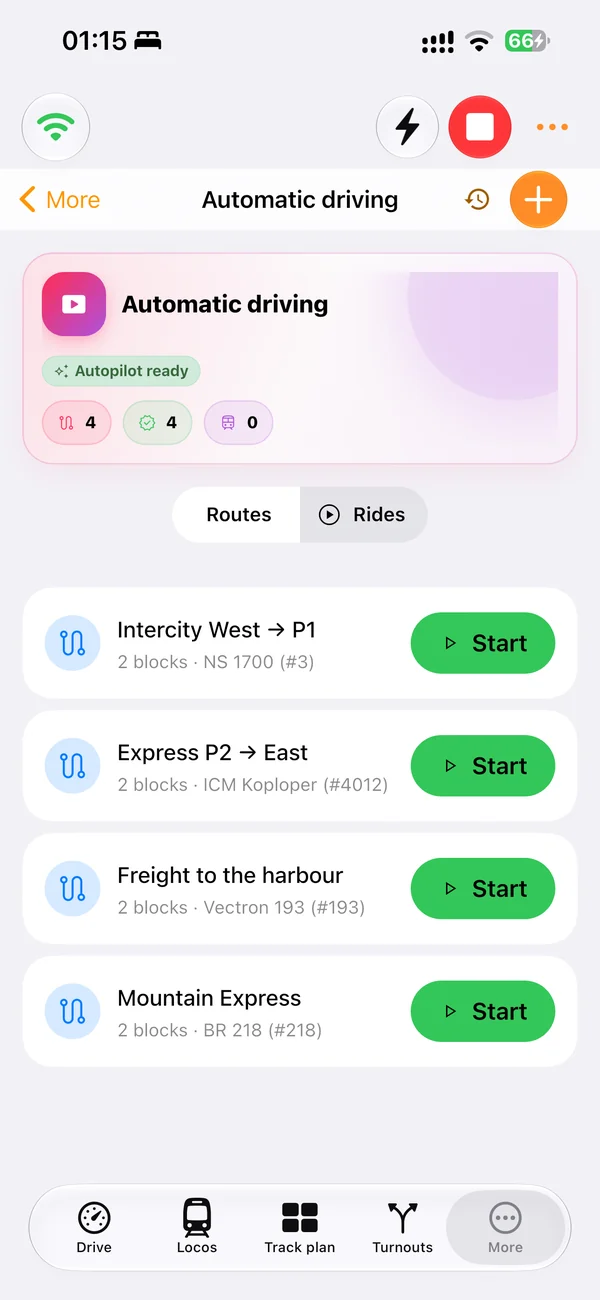
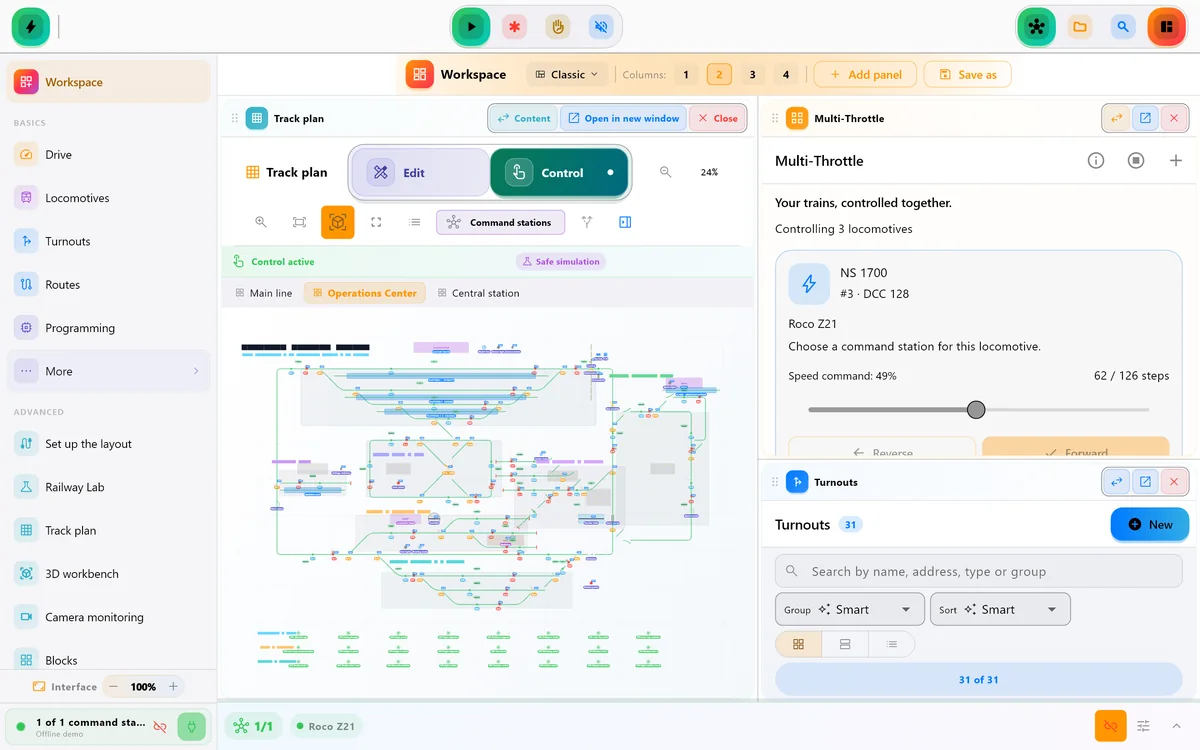
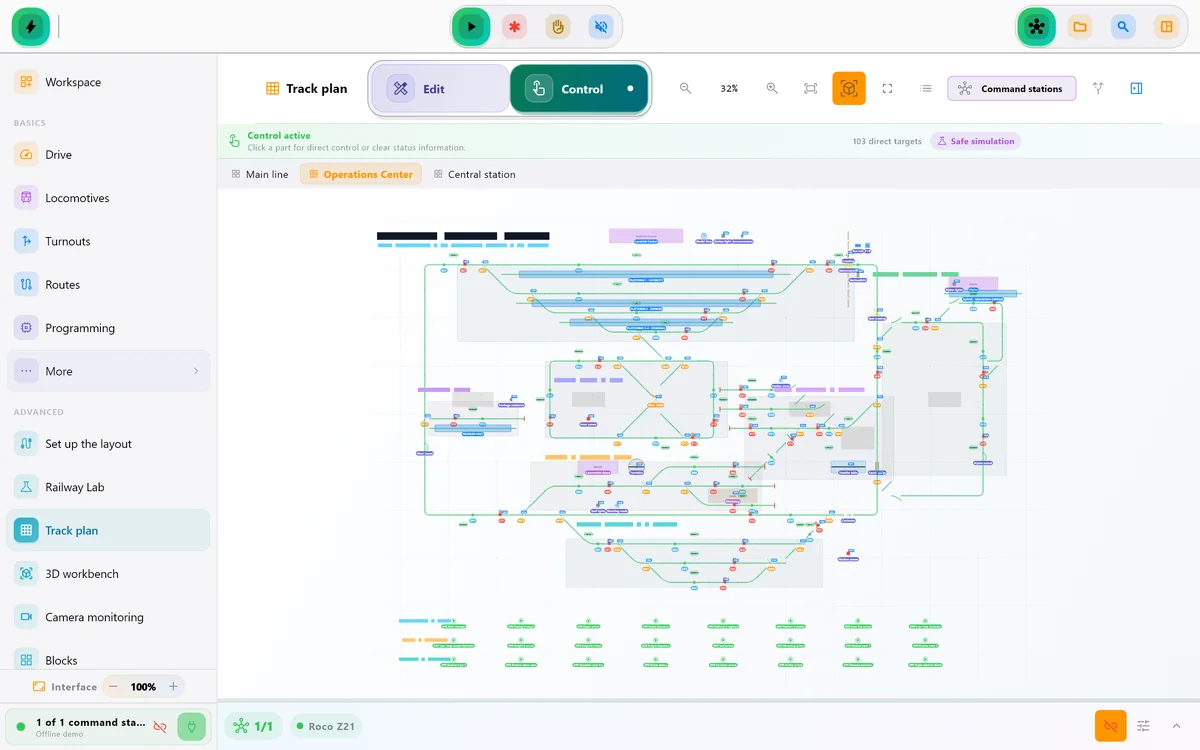
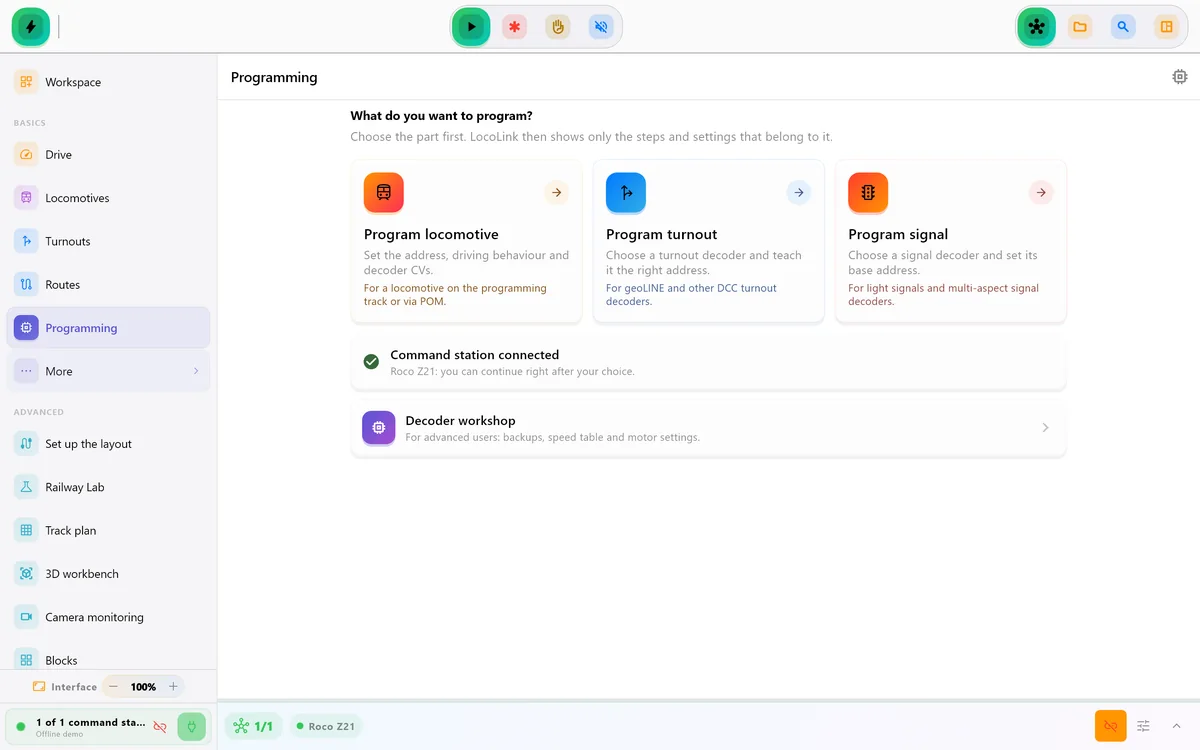
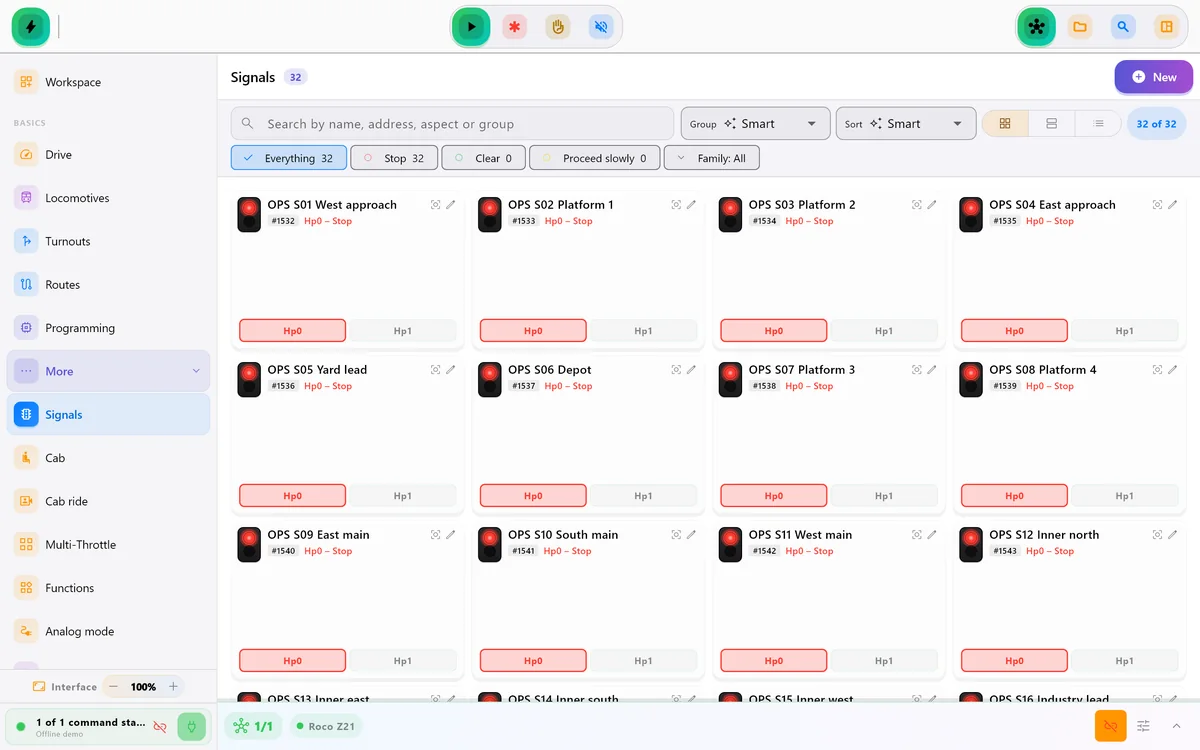
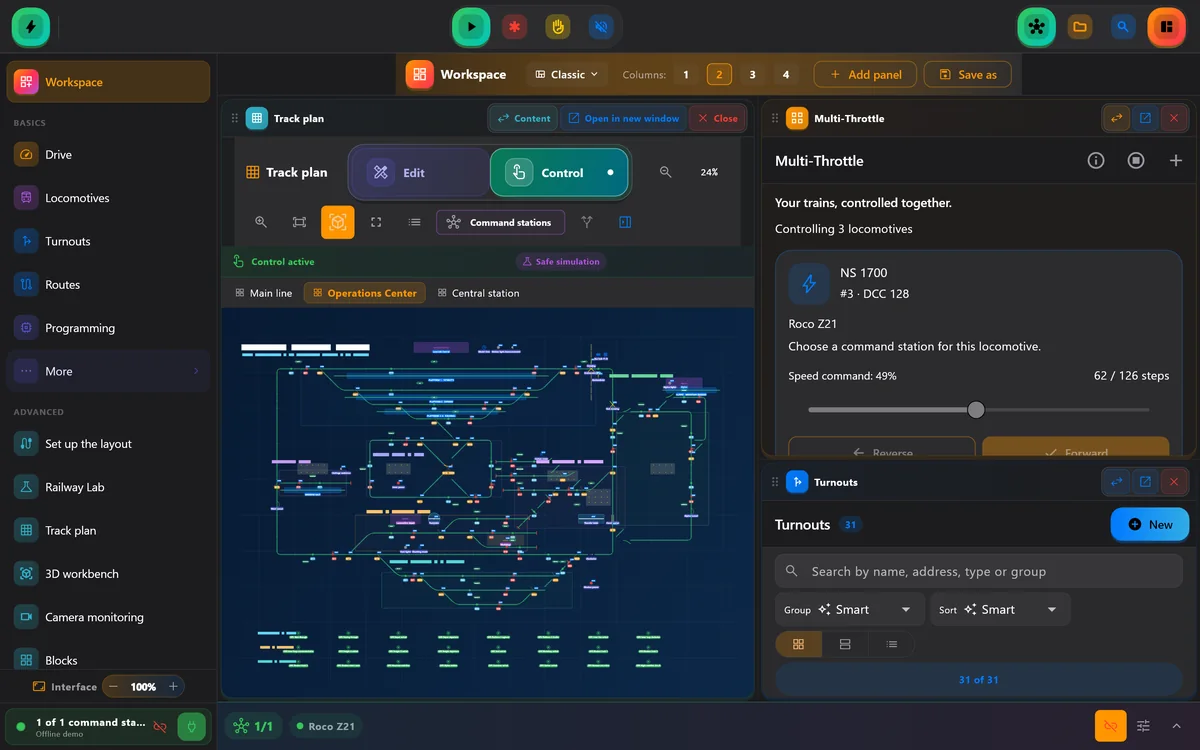
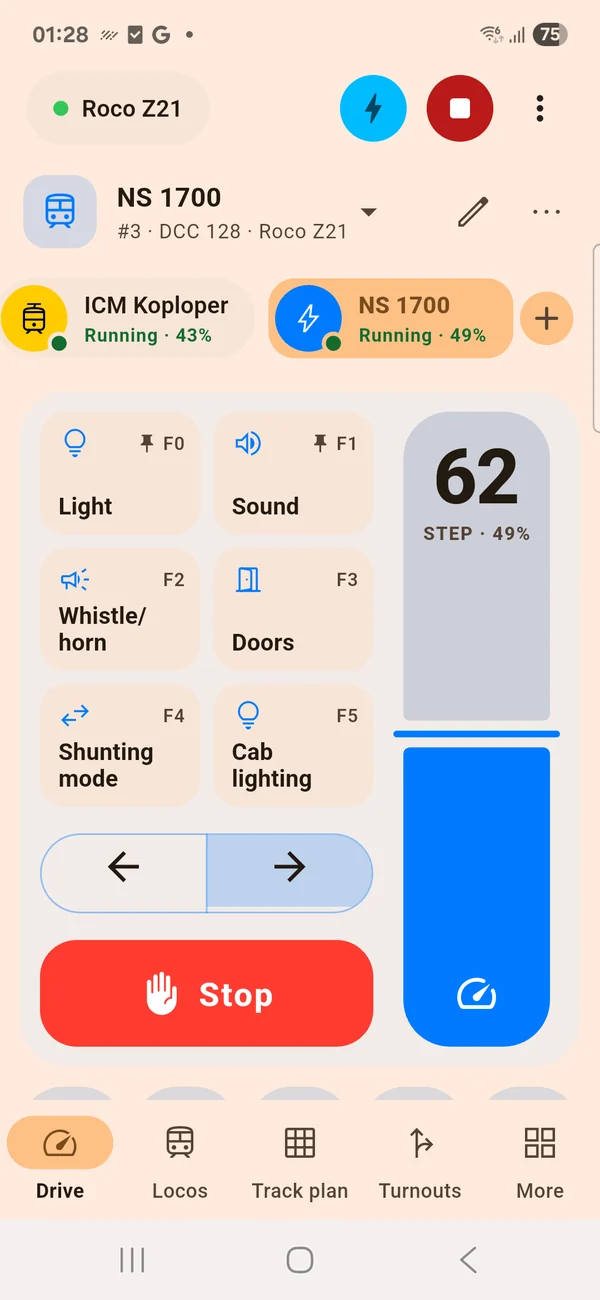
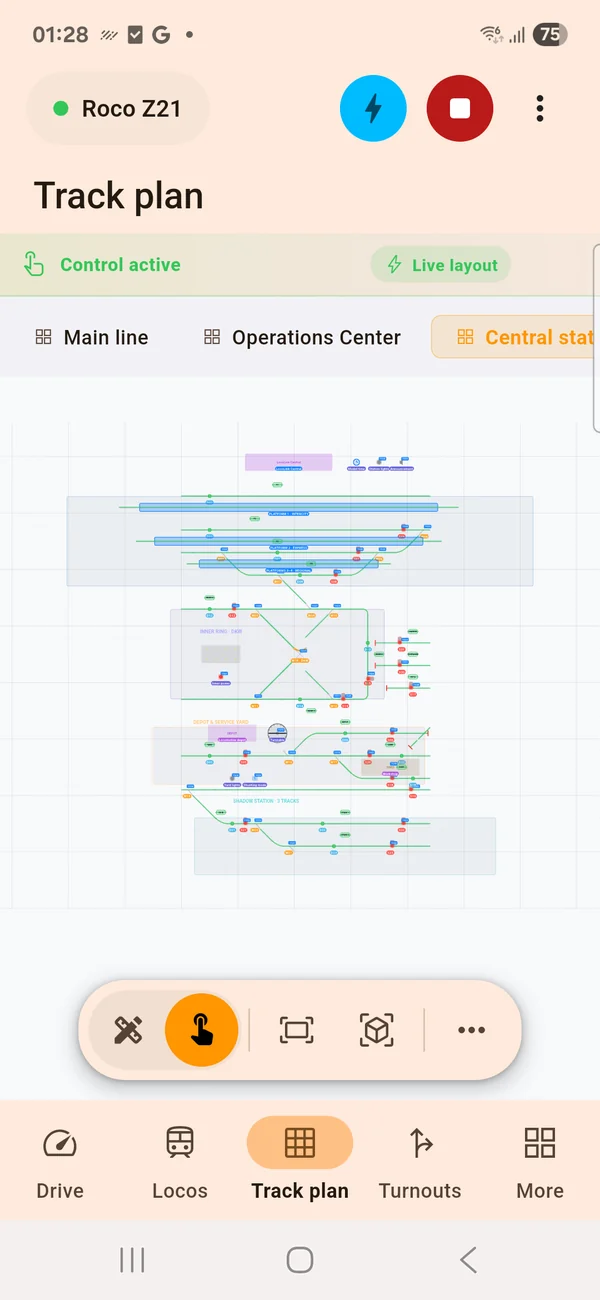
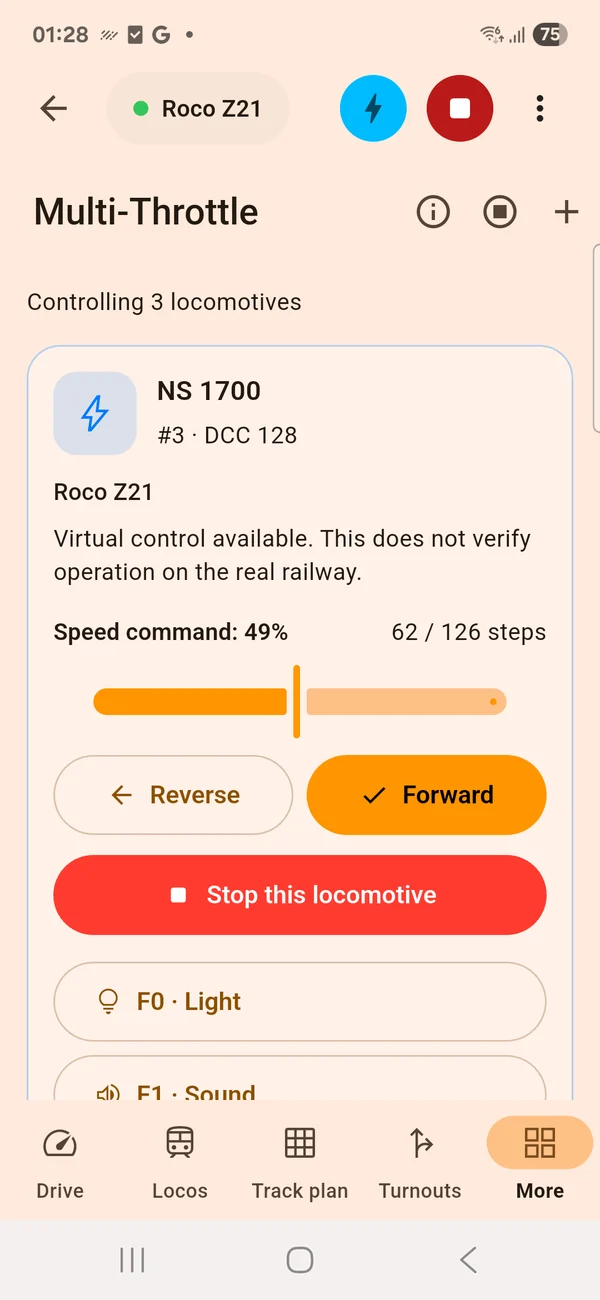
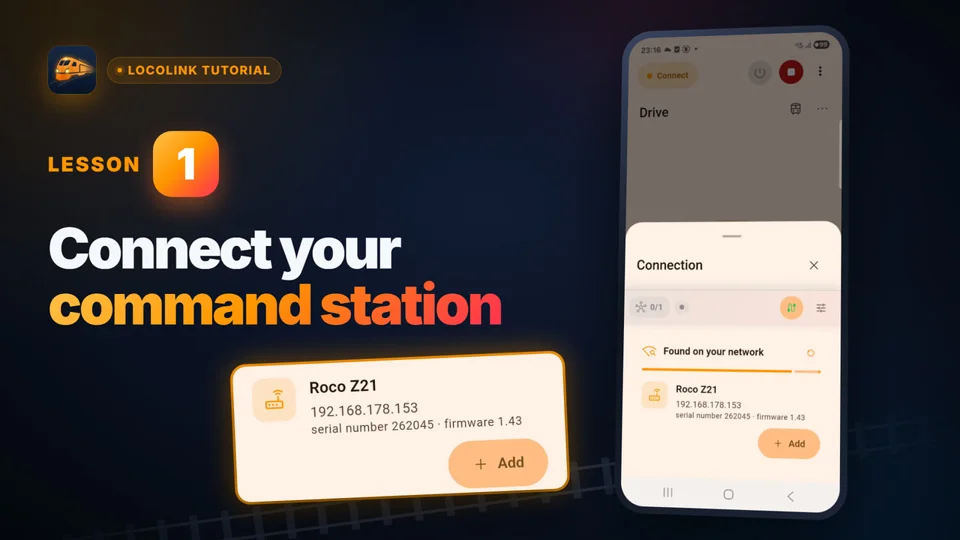
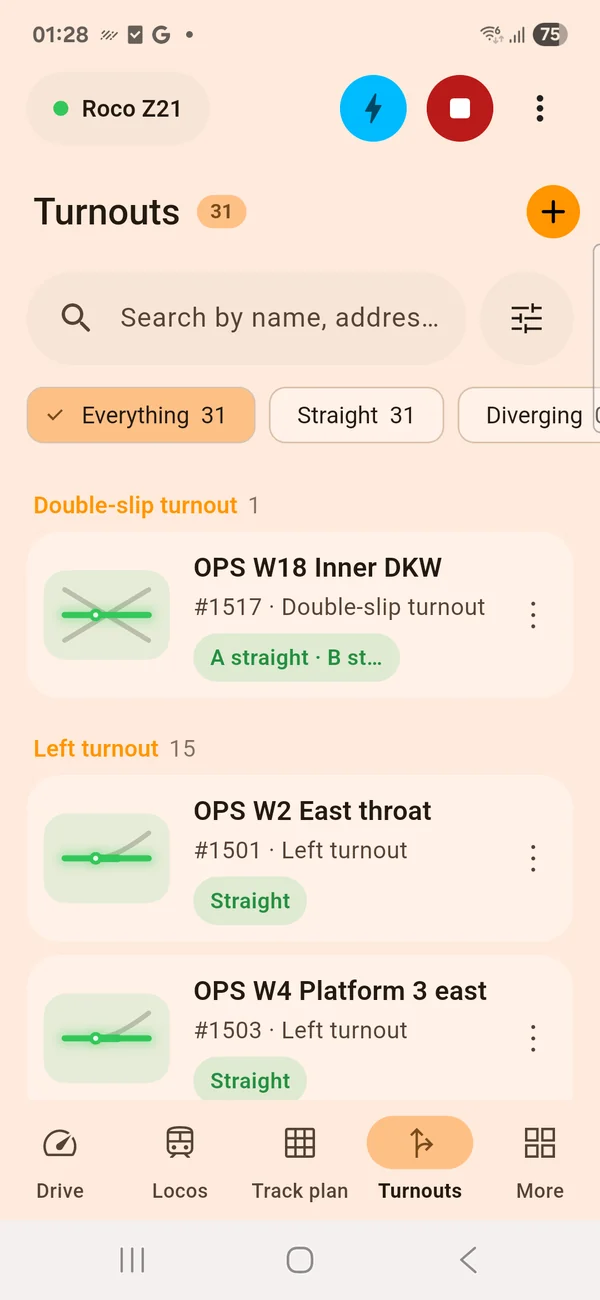
Z21, ECoS, DCC-EX, NCE and Märklin CS3 are fully supported. Every command station listed by LocoLink is fully supported.
LocoLink is the best fit when you want locomotive control, a track plan, decoder tools and automation in one modern app. Compare it with planning, inventory and simulation apps.
Compare control apps, planners and alternatives.
Step by step for the central you already own.
iPhone, iPad and Android beside the layout.
Local terms, local hardware, your language.
Also in other languages:iTrain alternatiefiTrain-AlternativeNCE modelspoorNCE ModellbahnMärklin CS3 appMärklin CS3 App
Use the 30-day Pro trial first, with no obligations. Then unlock LocoLink+ from €3.99/month on iPhone & iPad or from €5.49/month on Windows.