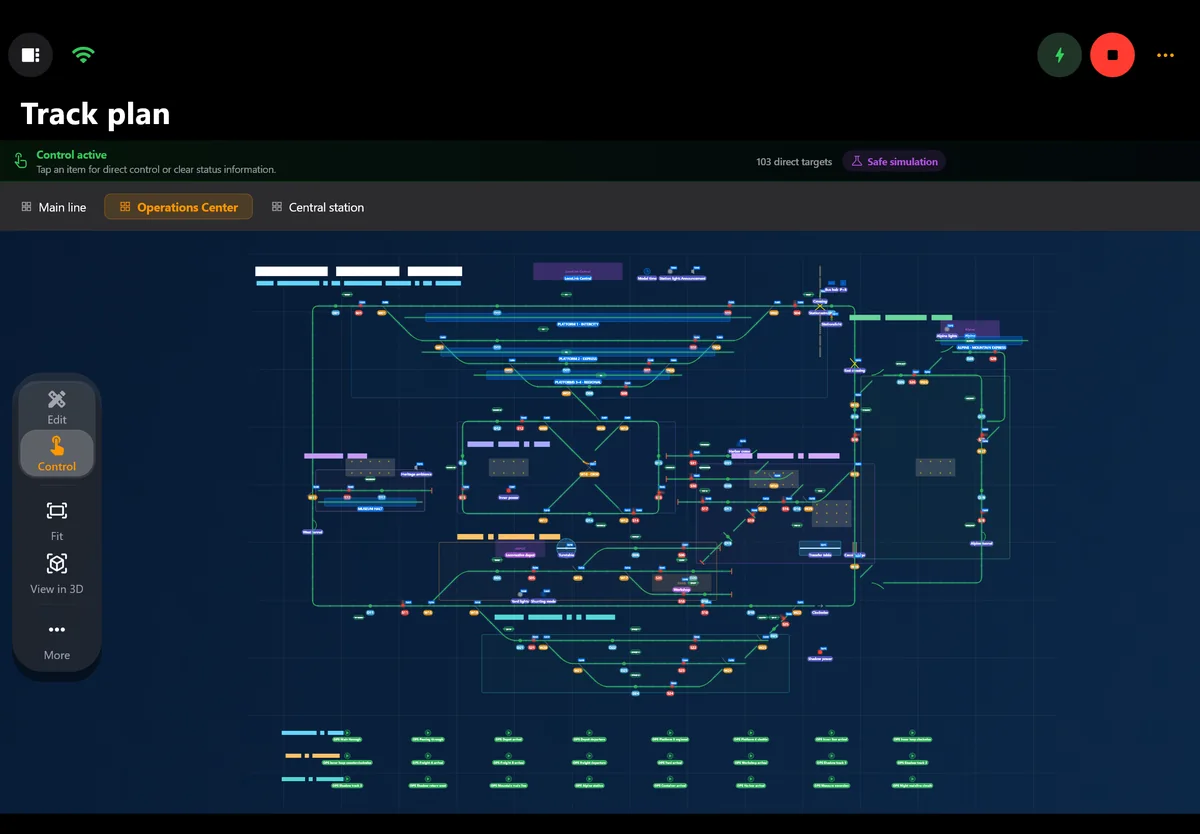
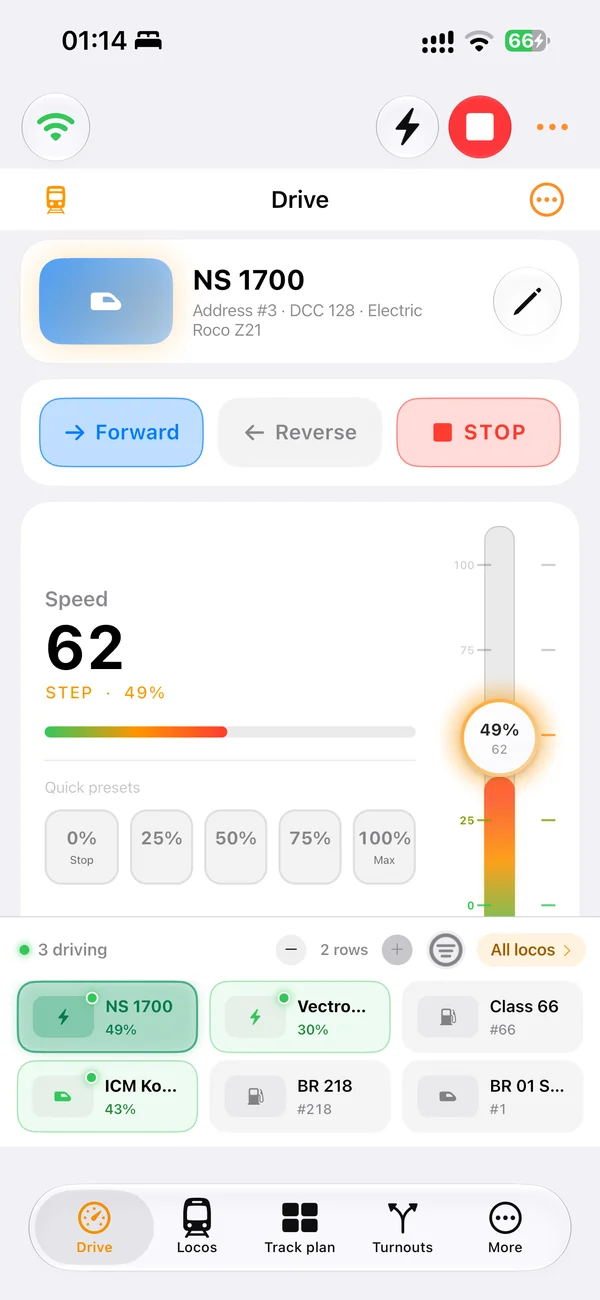
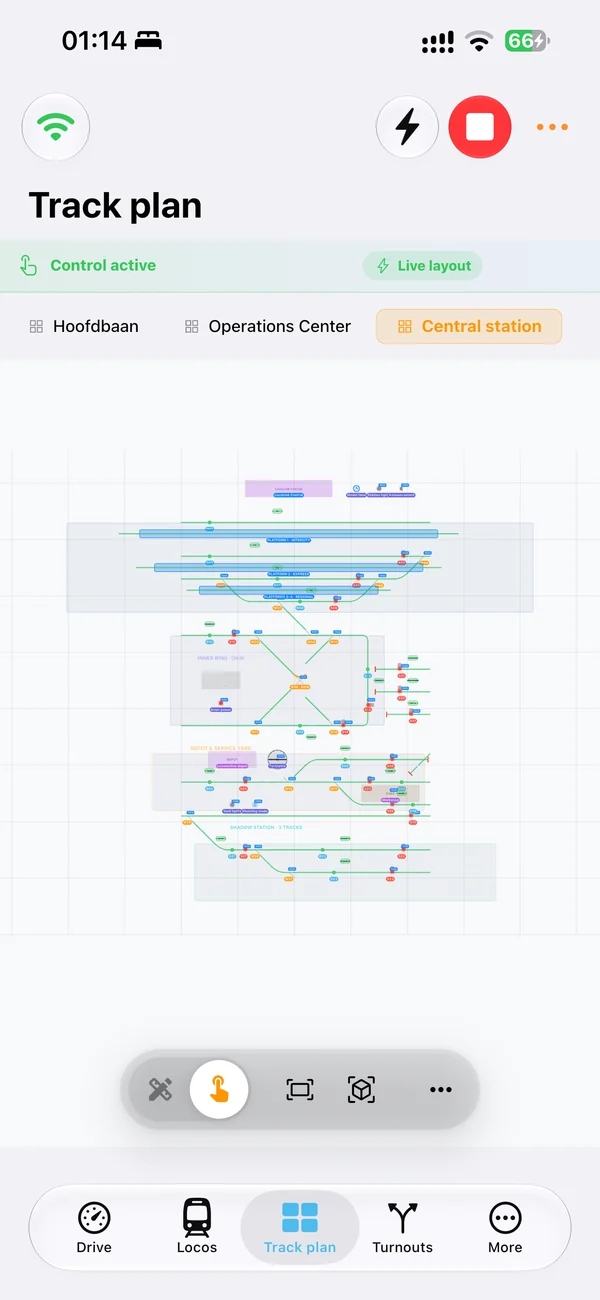
One project on every device
Run the control room on Windows, Mac or Linux and walk along the layout with a native iPhone or iPad app. Same roster, same track plan, same automation.
iTrain alternative · bring your layout along
LocoLink is the most powerful iTrain alternative: one modern app for Windows, Mac, Linux, iPhone, iPad and Android with a visual track plan, blocks, routes, automatic running, timetables and DCC decoder tools. Import your iTrain project with locomotives, turnouts, signals, blocks and track plan, review it first and keep running your trains.
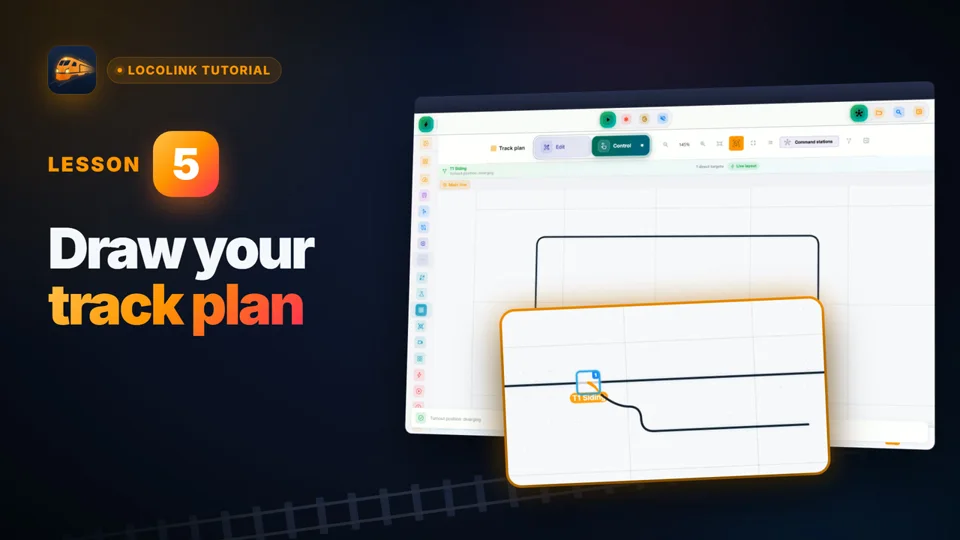
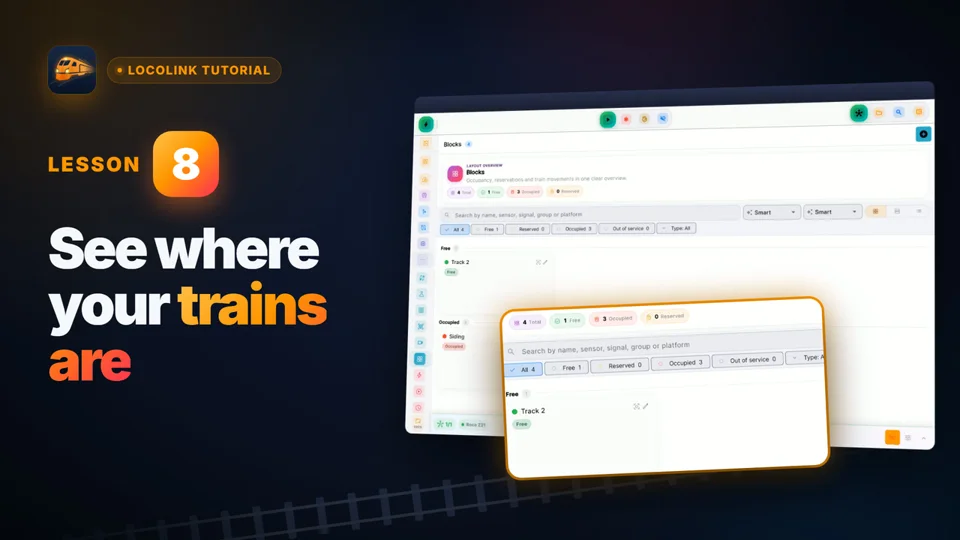
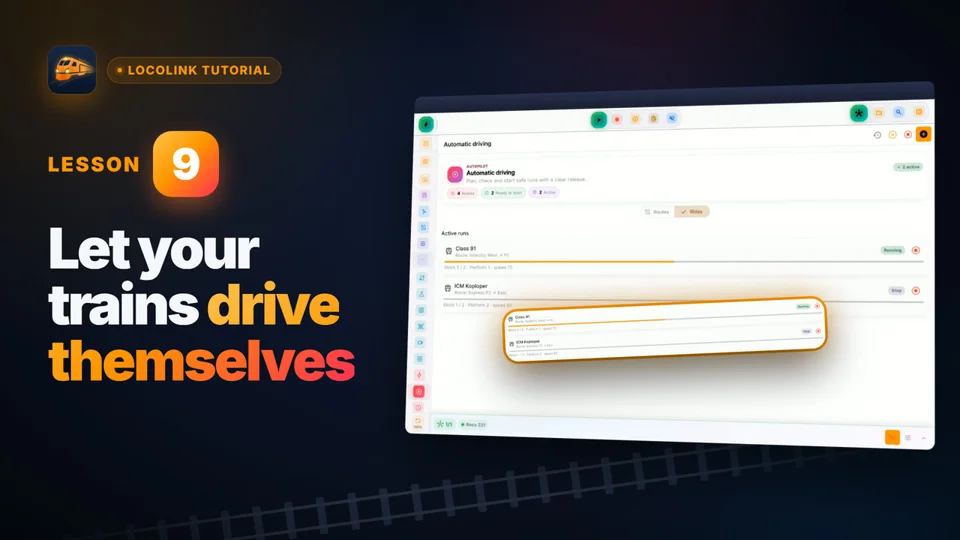
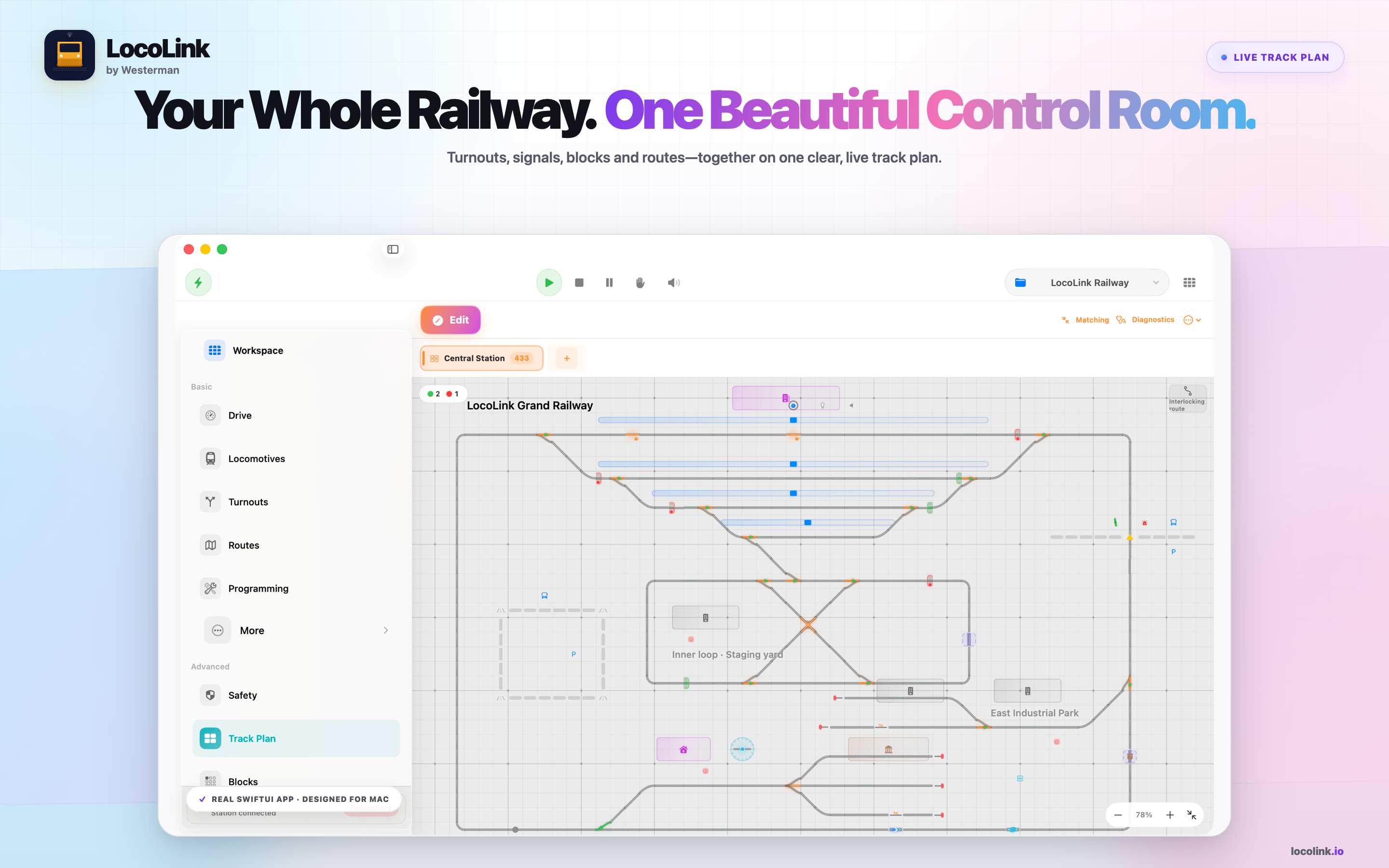
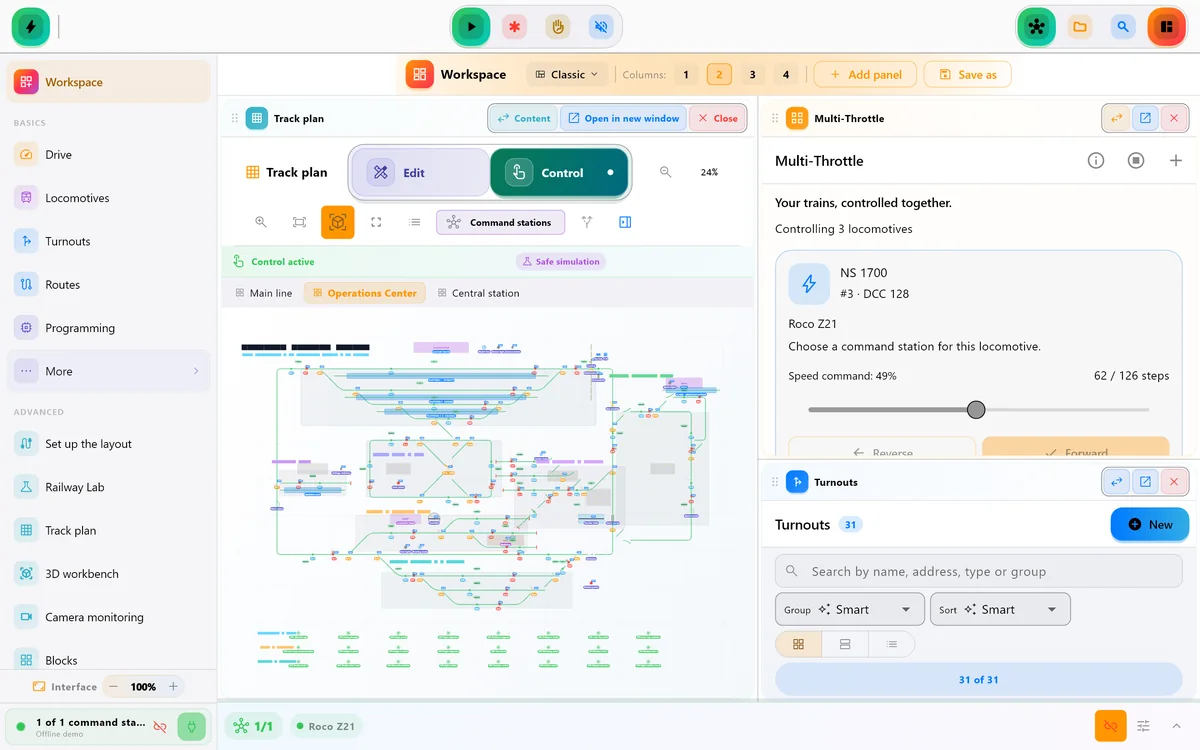
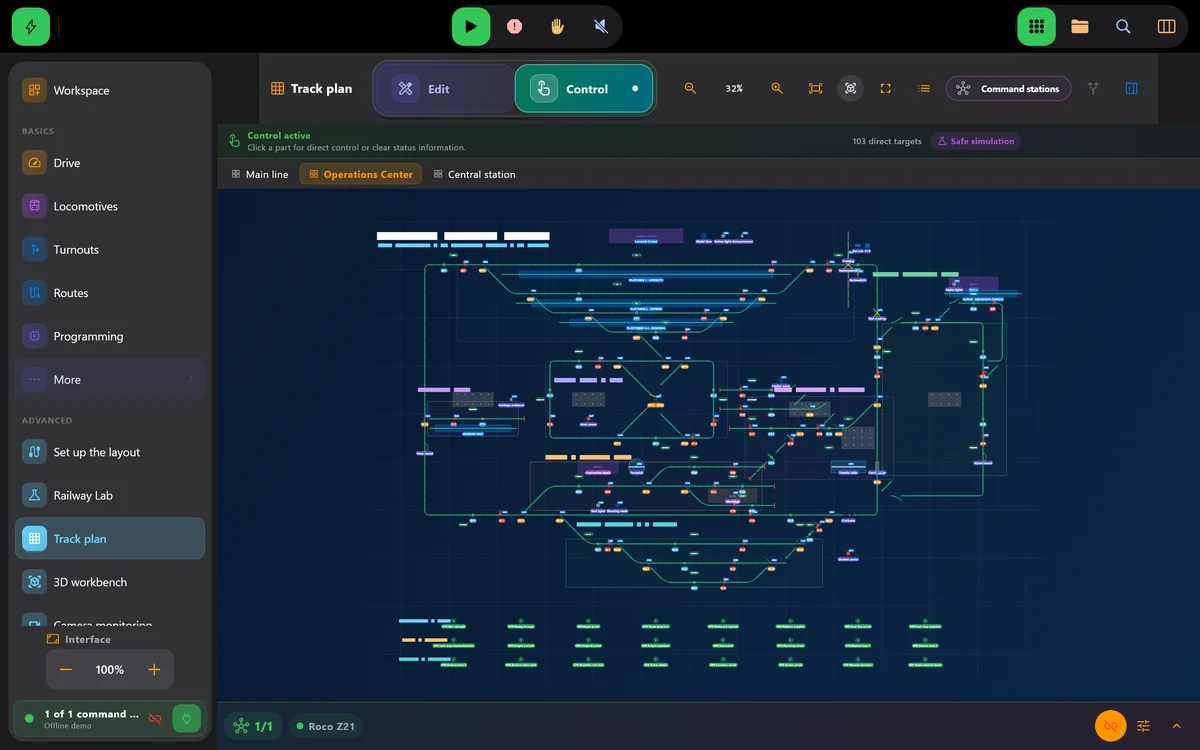
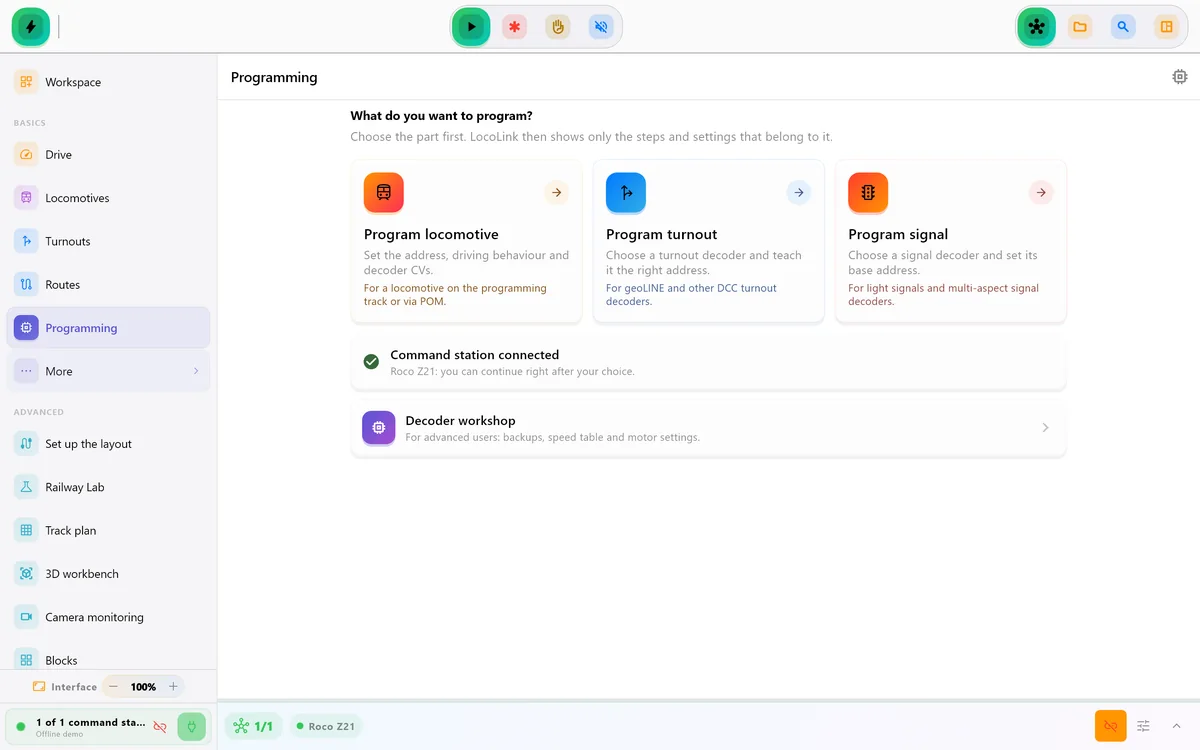
Real screens of LocoLink 2.0 on Windows, Mac, iPad and iPhone.
Explore the current screens, choose your devices and see exactly which license you are buying. Start with the free 30-day Pro trial on your own layout.
Why switch
LocoLink does everything you use iTrain for and adds what modern layout control needs: native apps on every device, a guided setup and one project that travels with you.
Run the control room on Windows, Mac or Linux and walk along the layout with a native iPhone or iPad app. Same roster, same track plan, same automation.
Blocks, feedback, routes, shuttle trains, automatic running and timetables with a model clock, built step by step on the track plan.
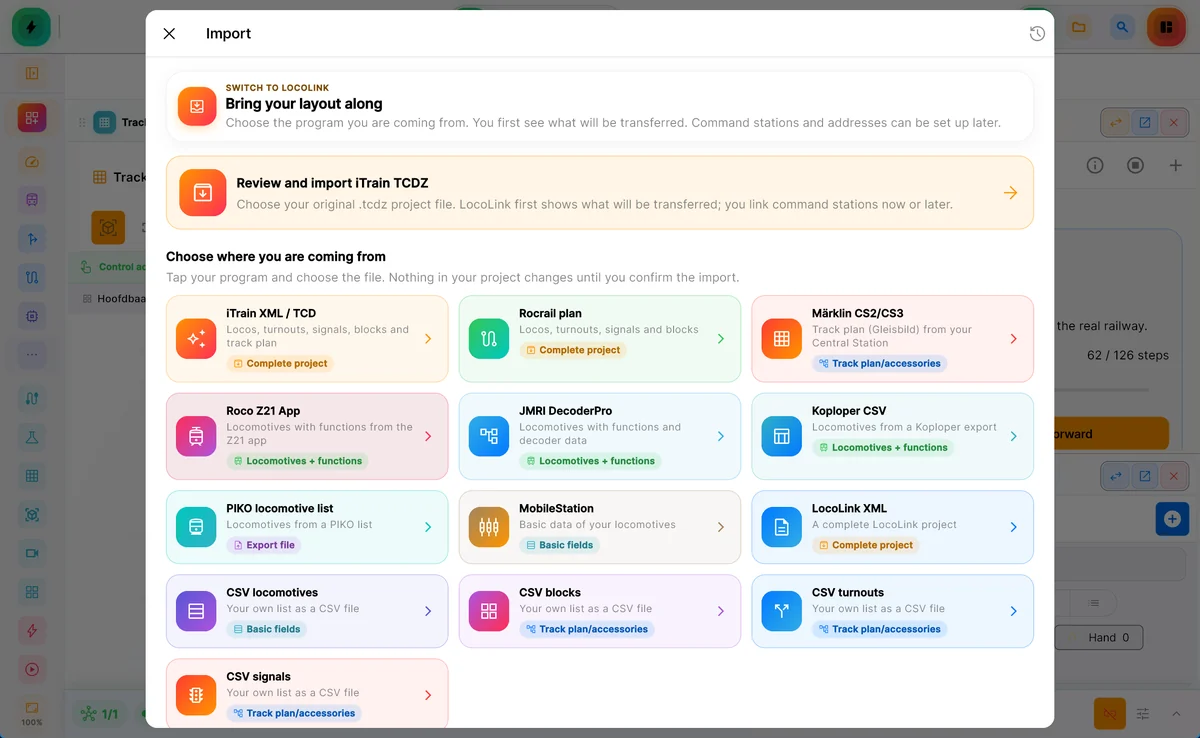
The iTrain import reads your .tcd, .xml or .tcdz project: locomotives with functions, trains, turnouts, signals, blocks with sensors, routes and the track-plan tabs.
Direct comparison
Based on current LocoLink product information and the official iTrain website.
| Decision point | LocoLink | iTrain | Your advantage |
|---|---|---|---|
| Devices | Windows, Mac and Ubuntu Linux, plus native iPhone and iPad apps | Windows, macOS and Linux desktop | Drive with a real native app in your hand, not only from the PC. |
| Track plan and automation | Visual track plan, blocks, routes, shuttle trains, automatic running and timetables with a model clock | Switchboard, blocks, routes and automatic driving | Everything you know from iTrain, in a modern interface that is quick to learn. |
| Decoder programming | Guided decoder wizard plus an expert CV mode, built in | Included from the Plus edition | Read and write CVs without a separate tool. |
| Command stations | All 45+ listed systems fully supported | Its own list of digital systems | Keep the command station you already own. |
| Switching | iTrain project import with preview, migration archive and undo | Your existing .tcd or .tcdz project | Bring your layout along instead of starting over. |
| Trial | 30 days of Pro, free, no credit card | Two-month trial after registration | Try everything on your own layout straight away. |
| Development | LocoLink 2.0 (September 2026) with frequent updates | Developed by Berros | New features and devices keep coming. |
This comparison is written and published by LocoLink. LocoLink capabilities were checked in the current product and public compatibility adviser. iTrain facts are limited to Berros’s official product, pricing and download pages. No affiliate payment or unperformed independent test is claimed.
What comes along
LocoLink reads your original iTrain file and shows what it will take over before anything changes.
Real LocoLink screens
Real screens of LocoLink 2.0.
Switching
Pick iTrain and select your .tcd, .xml or .tcdz project file.
LocoLink shows every locomotive, turnout, block and route it takes over. Your original file is never changed.
Connect one of the 45+ fully supported systems now, or later in the hardware settings.
Test a locomotive, open the track plan and switch on automation. The migration archive can always restore the previous project.
Short video lessons with the real app.
FAQ
LocoLink. It is the most powerful iTrain alternative for anyone who wants one modern app on Windows, Mac, Linux, iPhone, iPad and Android with a visual track plan, complete automation and decoder tools, and it imports your existing iTrain project.
For a modern layout, yes. LocoLink adds native iPhone and iPad apps, a guided setup, a clear interface and one project across all your devices, while covering blocks, routes, automatic running and timetables.
Yes. LocoLink reads .tcd, .xml and .tcdz files and takes over locomotives with functions, trains, turnouts, signals, blocks with sensors, routes, stations, boosters and the track-plan tabs. You review the result first and the original file is never changed.
Every command station in the LocoLink adviser is fully supported: 45+ systems, directly or through the required interface or gateway.
Yes. Blocks, feedback, routes, shuttle trains, automatic running and timetables with a model clock are all part of LocoLink Pro.
Yes. LocoLink runs on Windows, Mac and Ubuntu Linux (amd64), with native apps for iPhone and iPad.
Yes. The native iPhone and iPad apps put a full throttle, functions, turnouts and the track plan in your hand, with the same project as your computer.
Very little. Import the iTrain project, review what comes along, link your command station and drive. Start with the free 30-day Pro trial; no credit card needed.
Sources and disclosure
This comparison is written and published by LocoLink. LocoLink capabilities were checked in the current product and public compatibility adviser. iTrain facts are limited to Berros’s official product, pricing and download pages. No affiliate payment or unperformed independent test is claimed.
Written and maintained by Tom Westerman. Reviewed and fact-checked .