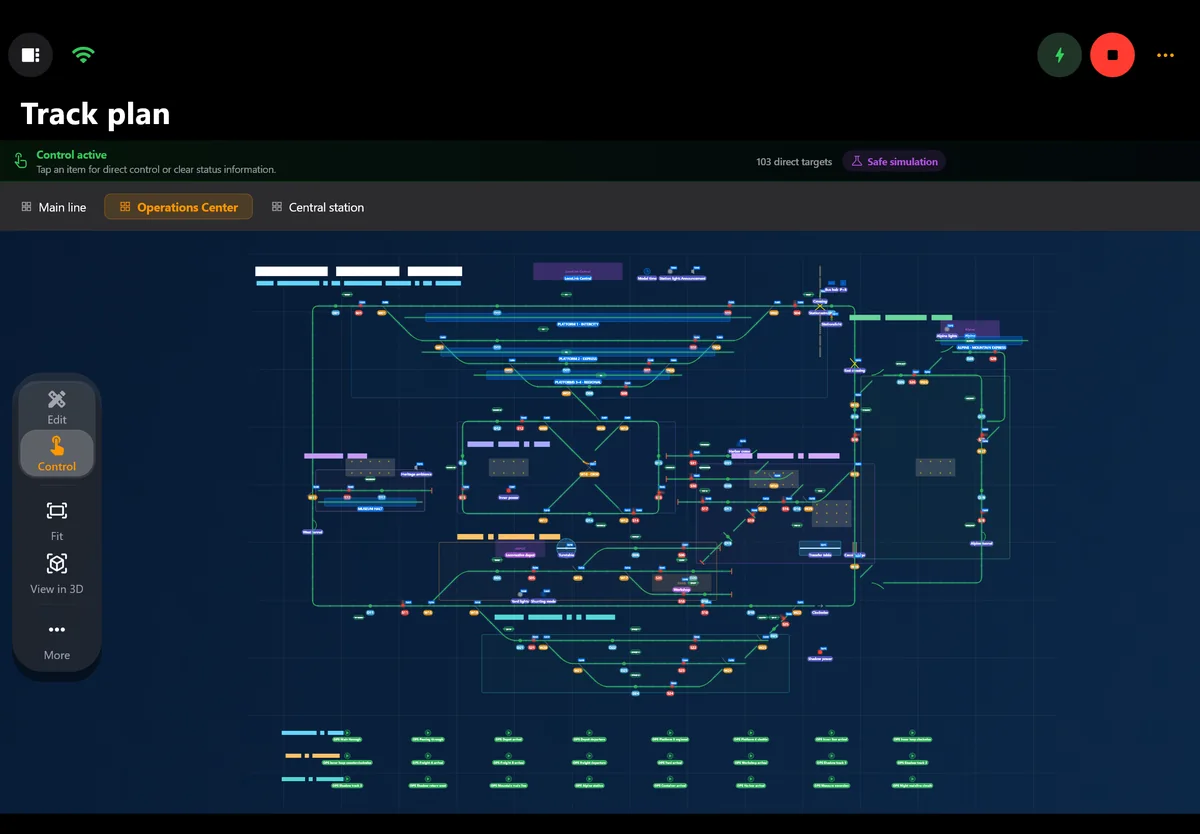
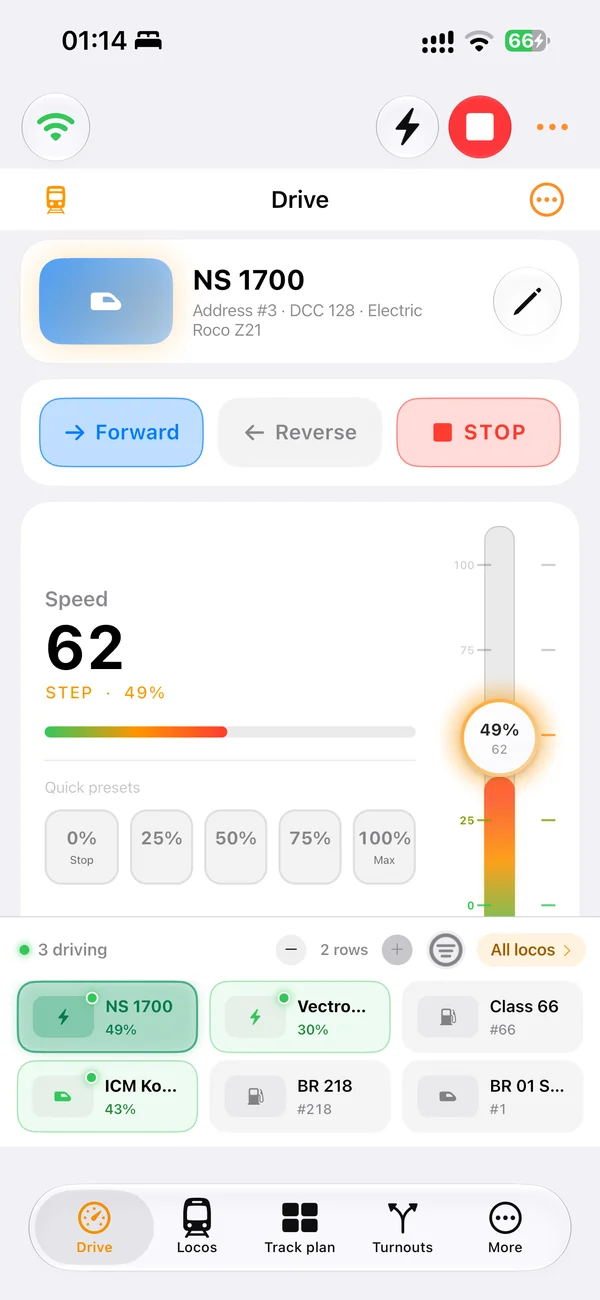
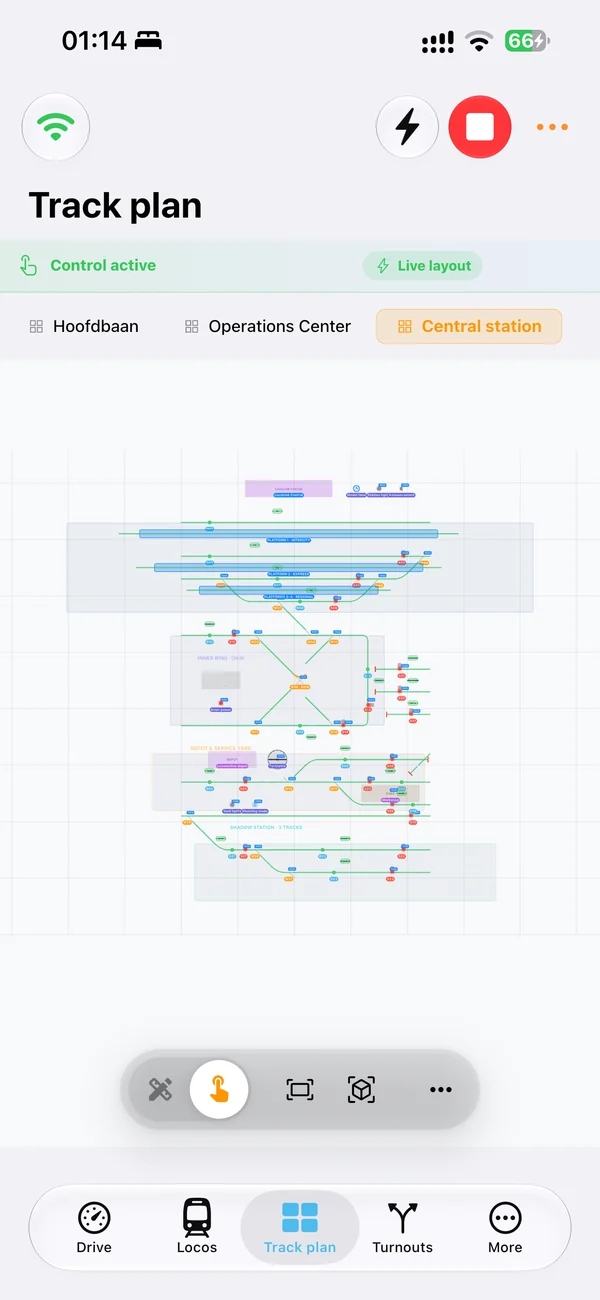
Every device, one project
Windows, Mac or Linux in the control room and a native iPhone or iPad app beside the track.
LocoLink · Rocrail
LocoLink is the most powerful Rocrail alternative: one modern app for Windows, Mac, Linux, iPhone, iPad and Android with a visual track plan, blocks, routes, automatic running and decoder tools. Import your Rocrail plan with track plan, locomotives, turnouts, signals, blocks and routes, review it first and keep driving.
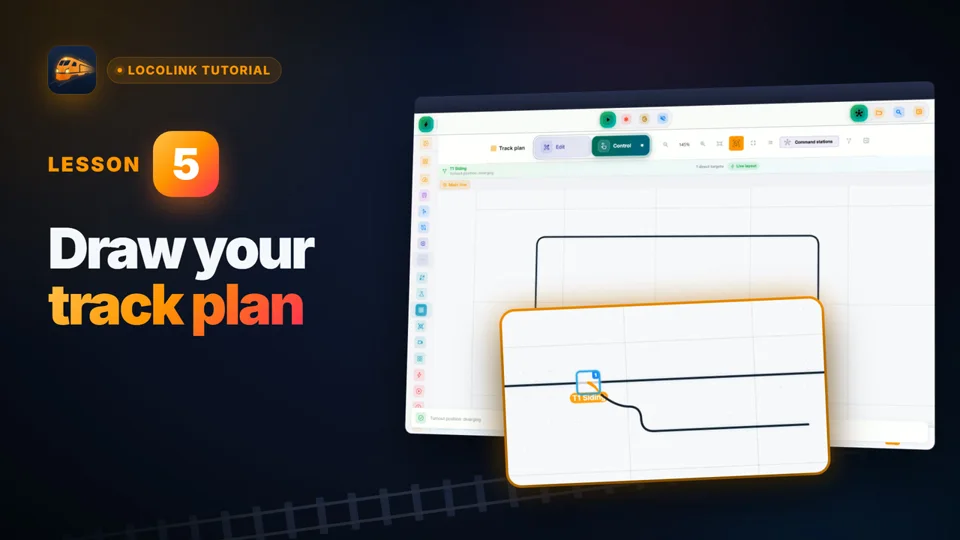
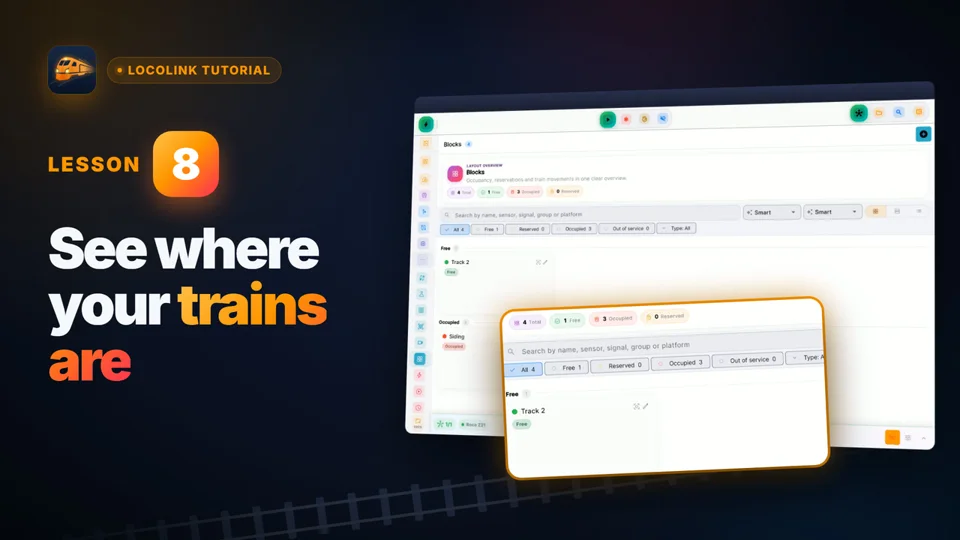
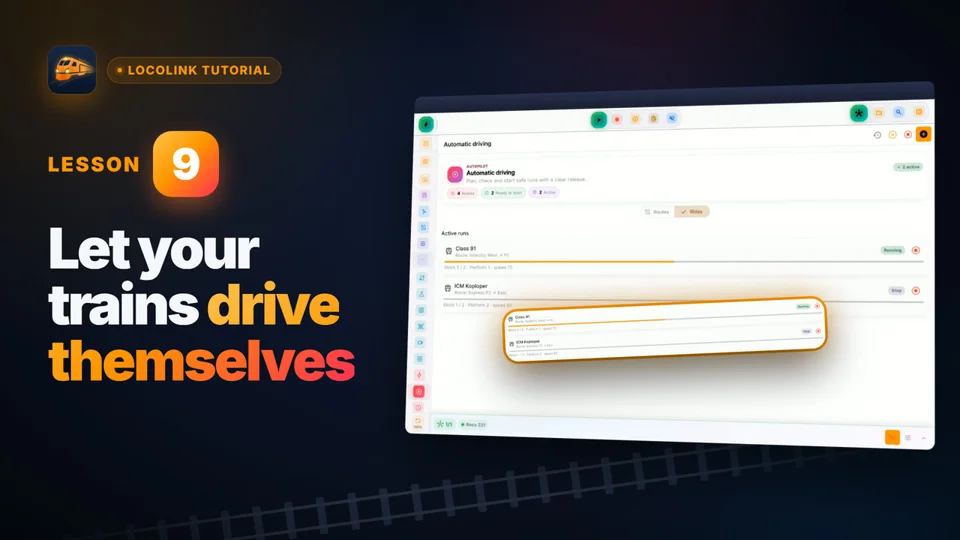
Real screens of LocoLink 2.0 on Windows, Mac, iPad and iPhone.
Everything you do most, from choosing a locomotive and setting a turnout to following a route and watching feedback on the track plan, works in one clear app on every device you own. No server to set up and no separate clients: LocoLink runs natively on Windows, Mac, Linux, iPhone, iPad and Android.
Windows, Mac or Linux in the control room and a native iPhone or iPad app beside the track.
Blocks, feedback, routes, shuttle trains, automatic running and timetables with a model clock, built on the track plan.
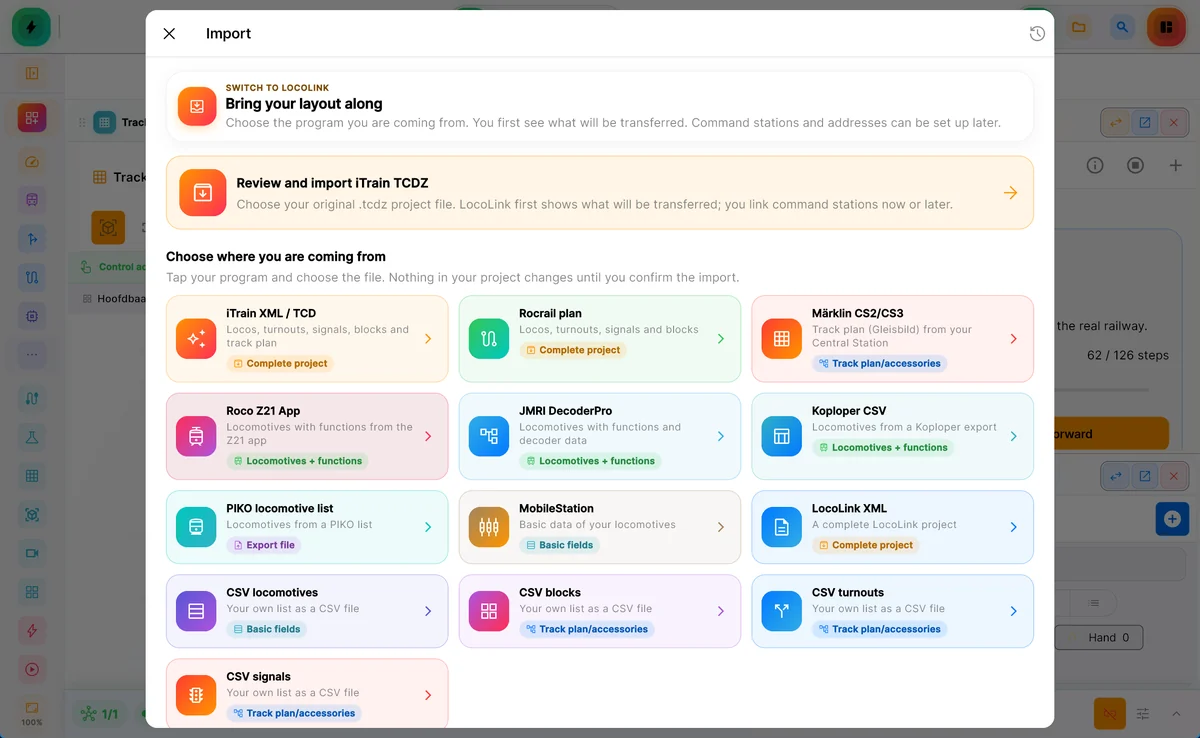
The Rocrail import reads plan.xml and takes over the track plan per level, locomotives with functions, turnouts, signals, blocks, routes and sensors.
Rocrail combines separate desktop, server and client tools. LocoLink puts driving, the track plan, automation and decoder programming in one modern app, with the same project on every device and a guided setup for the 45+ fully supported command stations.
Choose a one-time license for the devices you use: Desktop (Windows, Mac and Linux, 3 computers), Mobile (iPhone and iPad, 5 devices) or Everything. Start with 30 days of Pro, free and without a credit card.
Yes. LocoLink reads your Rocrail plan.xml and automatically picks up rocrail.ini and the locomotive file from the same folder. It takes over the track plan per level, locomotives with functions, wagons and trains, turnouts, signals, outputs, turntables, blocks including staging blocks, routes, sensors, boosters and your interfaces as command stations.
You see everything before it is applied, and your Rocrail files are never changed. Rocrail schedules, actions and XMLScript are not converted: in LocoLink you set up automatic running and timetables visually on the track plan.
Pick Rocrail plan and select your plan.xml.
LocoLink shows the track plan, locomotives, turnouts, blocks and routes it takes over. Your Rocrail files stay untouched.
Connect one of the 45+ fully supported systems now, or later in the hardware settings.
Test a locomotive on the imported track plan and switch on automatic running.
LocoLink connects to your Z21 directly over the network, finds it on your network and can import your locomotives from the Z21 app. The Z21 guide shows every step.
Read the Z21 connection guideExplore the current screens, choose your devices and see exactly which license you are buying. Start with the free 30-day Pro trial on your own layout.
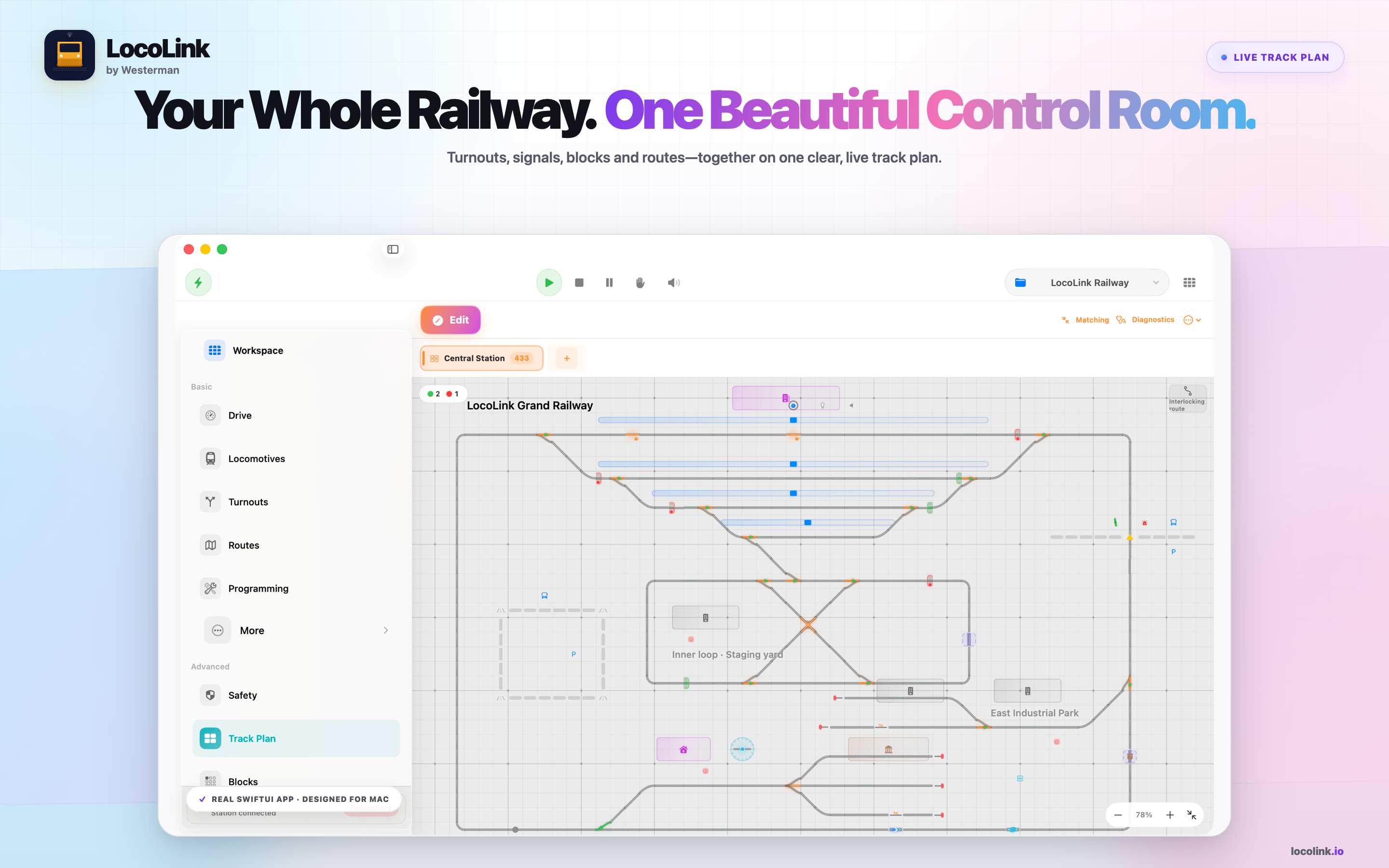
Plus covers driving and accessories. Pro adds the track plan, blocks, routes and automatic running. Try Pro free for 30 days first.
View all licensesShort video lessons with the real app.
No. LocoLink is a separate, independent product by Westerman: one modern app for Windows, Mac, Linux, iPhone, iPad and Android that imports your Rocrail plan.
The track plan per level, locomotives with functions, wagons, trains, turnouts, signals, outputs, turntables, blocks, routes, sensors, boosters and your interfaces. Schedules, actions and XMLScript you set up again visually in LocoLink.
Because LocoLink gives you one clear app on every device, native iPhone and iPad control, a guided setup, built-in decoder programming and frequent updates, without servers or separate clients.
Choose Everything for 3 computers and 5 phones or tablets. Desktop covers Windows, Mac and Linux on 3 computers; Mobile covers iPhone and iPad on 5 devices.
Published by LocoLink. Platform information comes from Rocrail’s official documentation; LocoLink import details were checked against the app’s Rocrail importer. This is a product comparison, not an independent hardware test. Rocrail, iTrain and TrainController are names of their respective owners; no affiliation or endorsement is implied.