Skip to content
  1. Home
  2. Guide

Switching software · bring your layout along

Switch to LocoLink
and bring your layout along.

LocoLink opens projects from TrainController, iTrain, Rocrail and Koploper, AnyRail track plans and Märklin CS2/CS3 track diagrams, and takes over locomotive lists from JMRI, the Z21 app and CSV. You see what comes along before anything is applied.

Projects from 4 control programsReview before applying30 days of Pro, no credit card
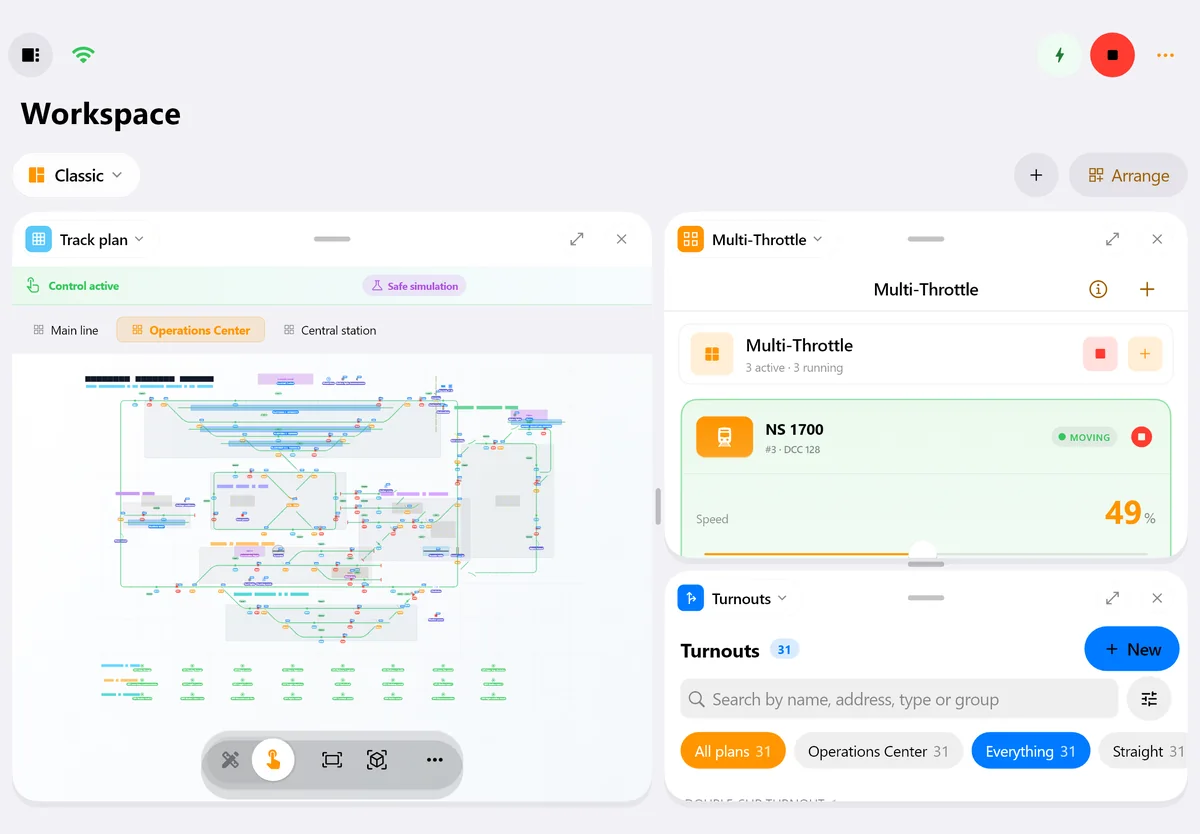
One project after the switchThe imported layout opens as a LocoLink project on Windows, Mac and Linux, and on iPhone, iPad and Android.
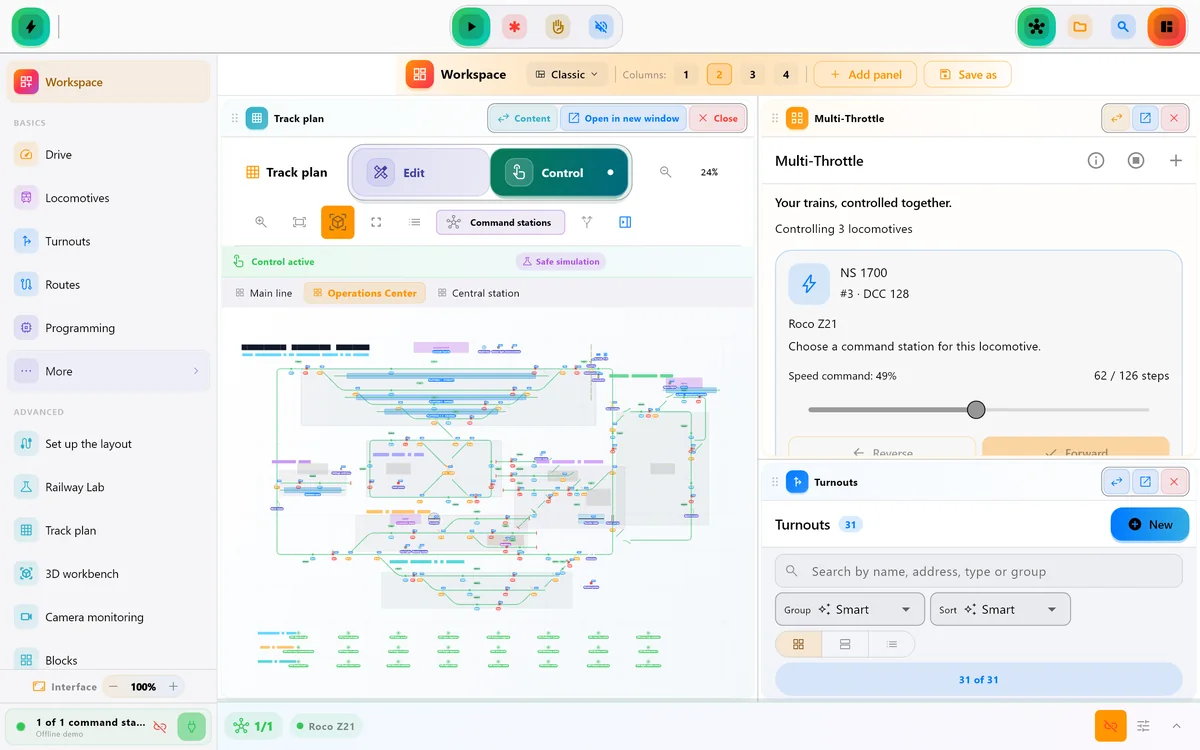
LocoLink 2.0 · real screens

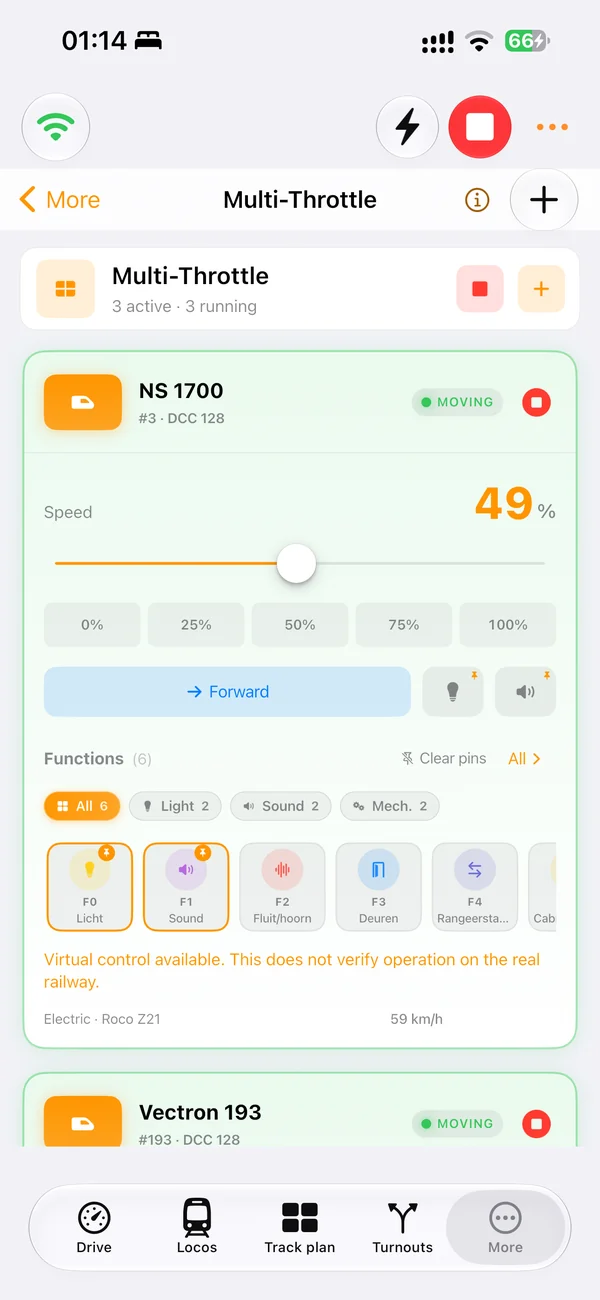
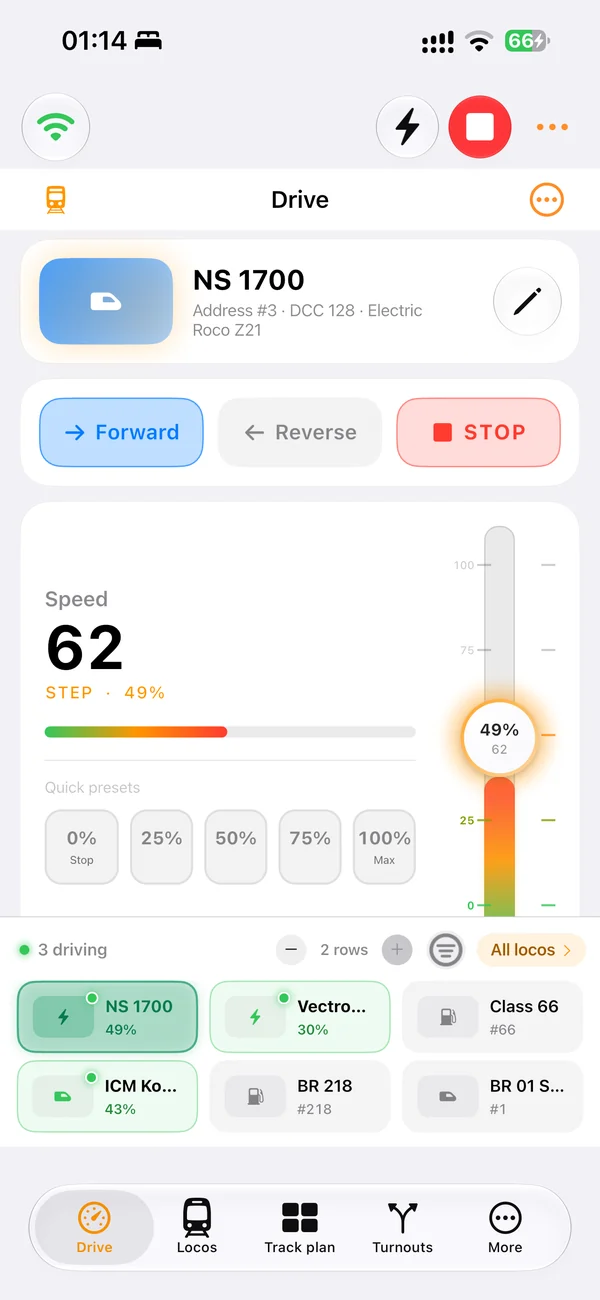
Real screens of LocoLink 2.0 on Windows, Mac, iPad and iPhone.

Windows + ApplePlatforms
30 daysPro trial
NonePayment today
Z21 · ECoS · DCC-EXCore systems

From your current program to LocoLink

Choose your program in LocoLink under Import. Every import reads your own file; your original stays as it is.

TrainController

Projects from TrainController 7 to 11 (.yrrg, .yrrs, .yrrb, .yrr): every switchboard as a track plan, locos with address, functions and picture, cars and trains, turnouts, signals, sensors, blocks with their neighbours, routes, schedules, macros and the timetable.

iTrain

The iTrain project (.tcdz or XML export): track plan, locos with functions and photos, cars, trains, turnouts, signals, sensors, blocks, stations, boosters, routes and runs for automatic running. You choose what comes along.

Rocrail

plan.xml, with rocrail.ini and the loco file from the same folder: the track plan per level, locos, turnouts, signals, blocks, routes, sensors and locations.

Koploper

The database folder, a file in it or a ZIP of it: locos with photo, blocks with feedback, turnouts, signals, routes, block groups and every track-plan page. A loco list from a Koploper CSV export works too.

AnyRail

Your AnyRail plan (.any) in its real shape: track, flex track, turnouts, crossings, heights, texts and sections, as a 2D and 3D track plan.

Märklin CS2/CS3 and ESU ECoS

A Märklin CS2/CS3 track diagram (Gleisbild) becomes a track plan. Locos come straight from the roster of your Märklin CS2/CS3 or ESU ECoS when you connect, or from a MobileStation locs.properties file.

JMRI DecoderPro

roster.xml, a single roster entry or a ZIP of the roster folder: locos, function labels, decoder profile and key CV values.

Roco Z21 app

Locos from a Z21 app export (.z21): names, decoder addresses, protocol, speed steps and functions when the export contains them.

CSV lists

Locos, blocks, turnouts and signals from a CSV file, for any other program or spreadsheet.
Switch in four steps

Keep your old program installed until LocoLink runs your layout the way you want.

Find your project file

Look up the file or folder in the table below. For TrainController, Koploper and AnyRail you open the file your program already saves.

Import it in LocoLink

Choose Import, pick your program and open the file. LocoLink reads it without changing the original.

Review what comes along

Before applying, you see every part, with a note for anything LocoLink converts differently or leaves out.

Link your command station

Connect one of the 45+ fully supported systems, check the addresses and test one route at low speed.

Which file to open, and what to check

Every import shows a review first. Nothing is applied until you confirm.

ProgramWhat you openCheck after import
TrainController.yrrg, .yrrs, .yrrb or .yrr (version 7 to 11)Addresses per command station; a train keeps one pulling loco
iTrainThe project file (.tcdz) or an XML exportThe list of what LocoLink does not take over, with the reason
Rocrailplan.xml (rocrail.ini and the loco file are read along)Schedules, actions and XMLScript are not converted
KoploperThe database folder, a file in it or a ZIPRestore a protected Koploper backup in Koploper first
AnyRailThe .any planAnyRail has no digital addresses: link turnouts to your command station
Märklin CS2/CS3The Gleisbild text fileTrack-plan context, not a full command-station backup
JMRI DecoderProroster.xml or a ZIP of the roster folderFunction labels and CV values per decoder
Roco Z21 appThe .z21 exportFunctions only when the export contains them
CSVA .csv file with locos, blocks, turnouts or signalsColumn names and addresses

Compatibility reviewed . Not sure how your command station connects? See the command-station adviser.

Switching from a specific program

For the programs people switch from most, a separate page shows what comes along and how LocoLink compares: TrainController, iTrain and Rocrail.

Freiwald Software, the maker of TrainController, has ceased operations. LocoLink reads TrainController projects itself, so the import also works when TrainController no longer starts. TrainController is a trademark of Freiwald Software; LocoLink is not affiliated with Freiwald Software.

Frequently asked questions

Do I have to uninstall my old program?

No. LocoLink only reads your project file. Keep your old program until LocoLink runs your layout the way you want.

Does the import change my original file?

No. LocoLink reads the file and creates a new LocoLink project; your original file stays as it is.

What if something does not come along?

The review lists every part, with a note for anything converted differently or left out. If a TrainController project contains a part LocoLink does not know yet, LocoLink says so and asks you to send the file.

Which command stations does LocoLink support?

All 45+ systems in the LocoLink command-station adviser are fully supported, directly or through the required interface or gateway.

What does switching cost?

Downloading is free and you get 30 days of LocoLink Pro without a credit card. After that you choose monthly, yearly or one-time.

Sources and review

Product and compatibility claims are checked against first-party documentation. Every listed command station is fully supported; direct, interface and gateway only describe the required connection route.

Reviewed by · Last reviewed .