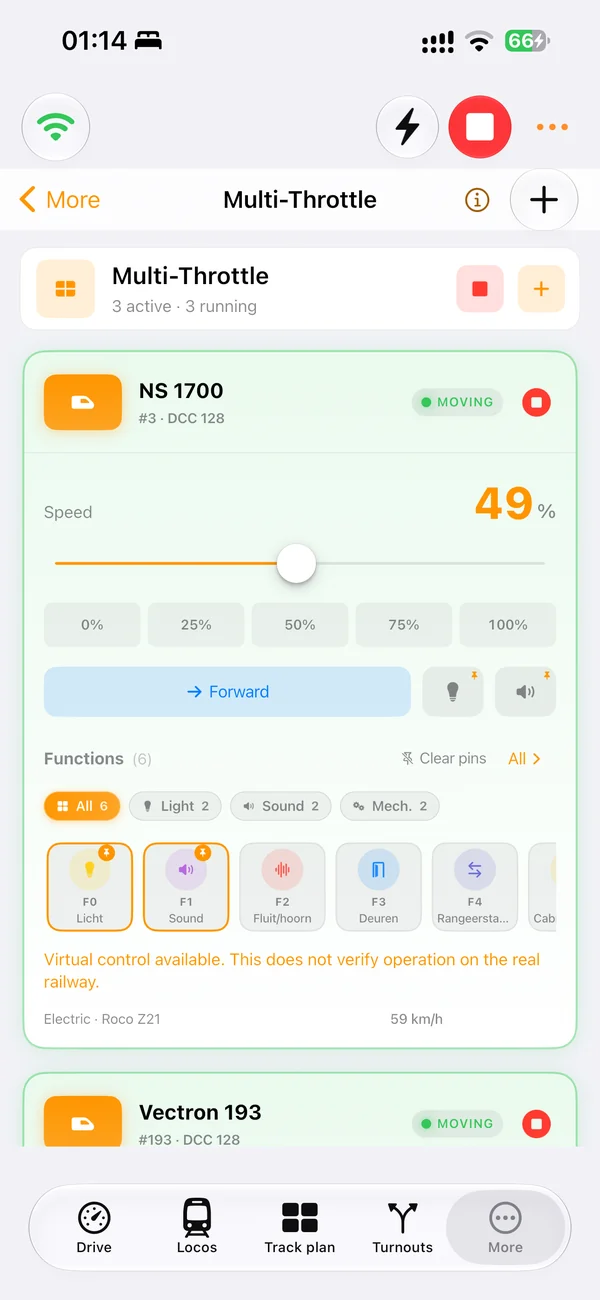
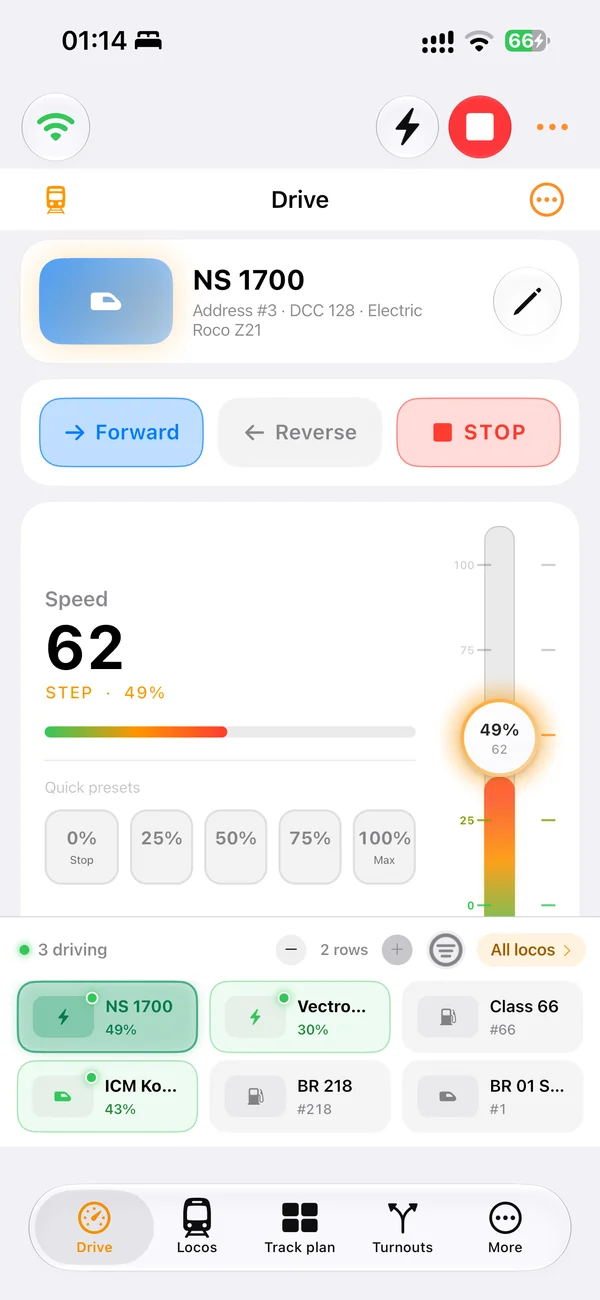
Drive locomotives
Use clear speed, direction, emergency stop and function controls while CS3 remains the digital command station.
Märklin CS3 app and model railway software
Yes. LocoLink fully supports Märklin CS3 and CS3 plus through the local-network Märklin CAN connection. Control locomotives, turnouts, signals and routes, then add a visual track plan and automation in the same app.
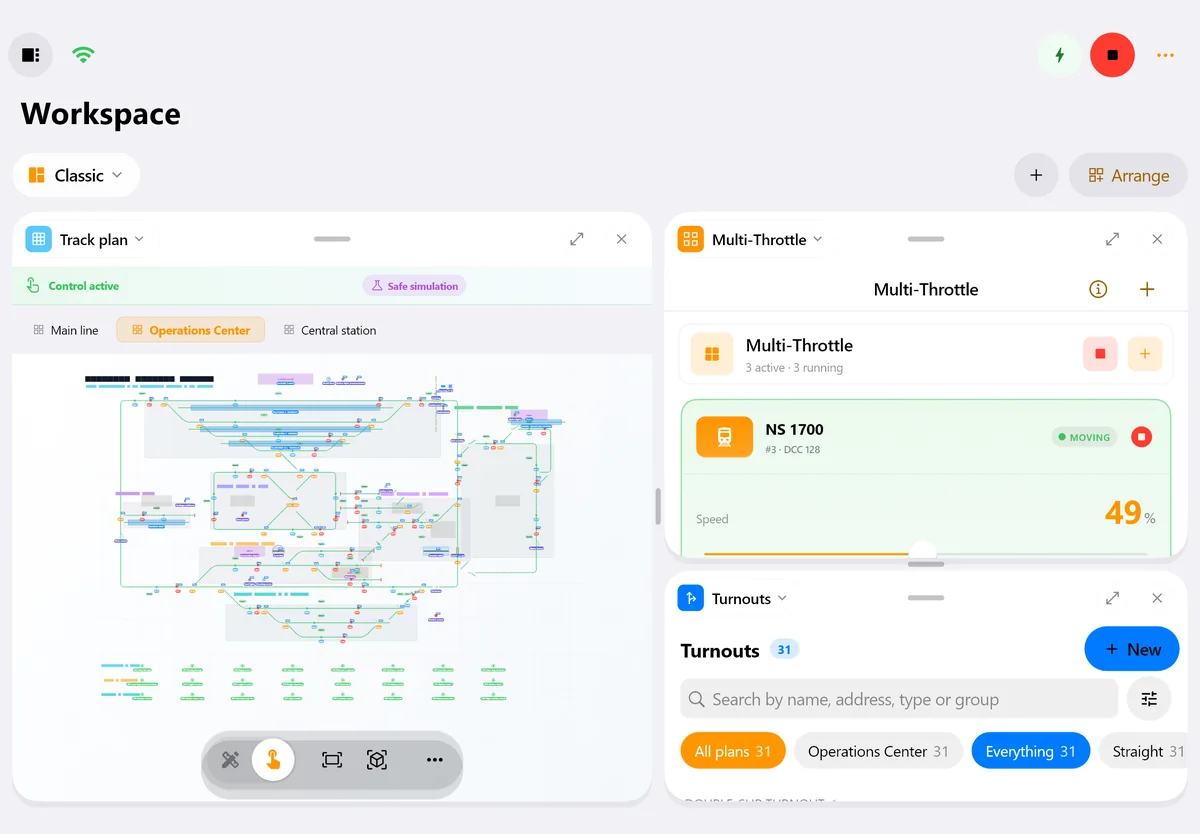
Real screens of LocoLink 2.0 on Windows, Mac, iPad and iPhone.
What you can do
The integration is available as a finished, fully supported LocoLink connection. The physical interface, network settings, drivers and command-station firmware can still determine how a specific installation is connected.
Use clear speed, direction, emergency stop and function controls while CS3 remains the digital command station.
Keep turnouts, signals and routes together in a visual operating workflow.
Turn the layout into a clear control panel with blocks, feedback and infrastructure.
Create guarded routes, shuttle services, timetables and automatic driving after testing.
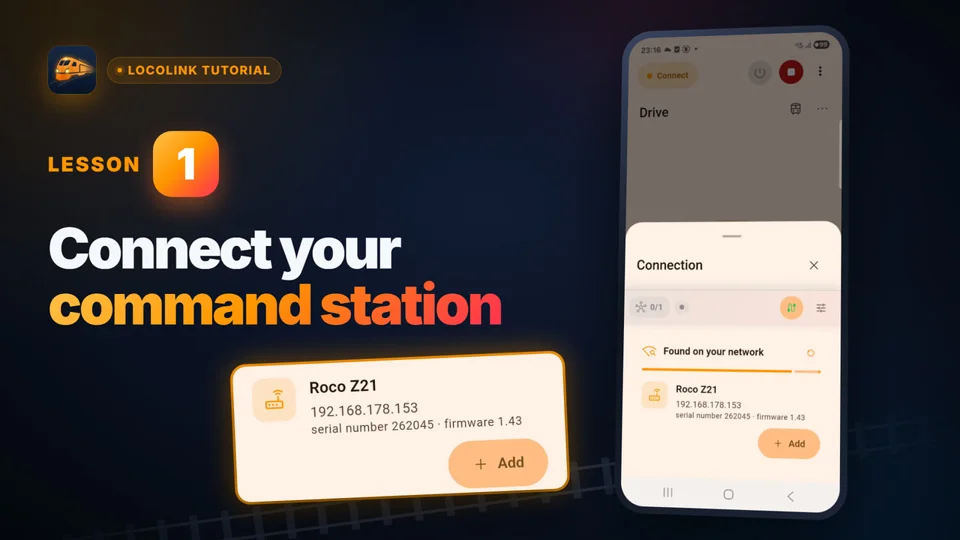
Connect LocoLink and the CS3 on the layout network through the supported Märklin CAN workflow.
Use diagnostics and staged commissioning instead of changing a complete layout at once.
Connection path
What “fully supported” means: The integration is available as a finished, fully supported LocoLink connection. The physical interface, network settings, drivers and command-station firmware can still determine how a specific installation is connected.
Put the CS3 and LocoLink device on the same trusted local network and note the CS3 address.
Choose the CS3 connection in LocoLink and confirm the network route.
Validate emergency stop, direction, functions and one accessory at low speed.
Build the track plan, routes, feedback and automation after the basic connection is stable.
Real product evidence
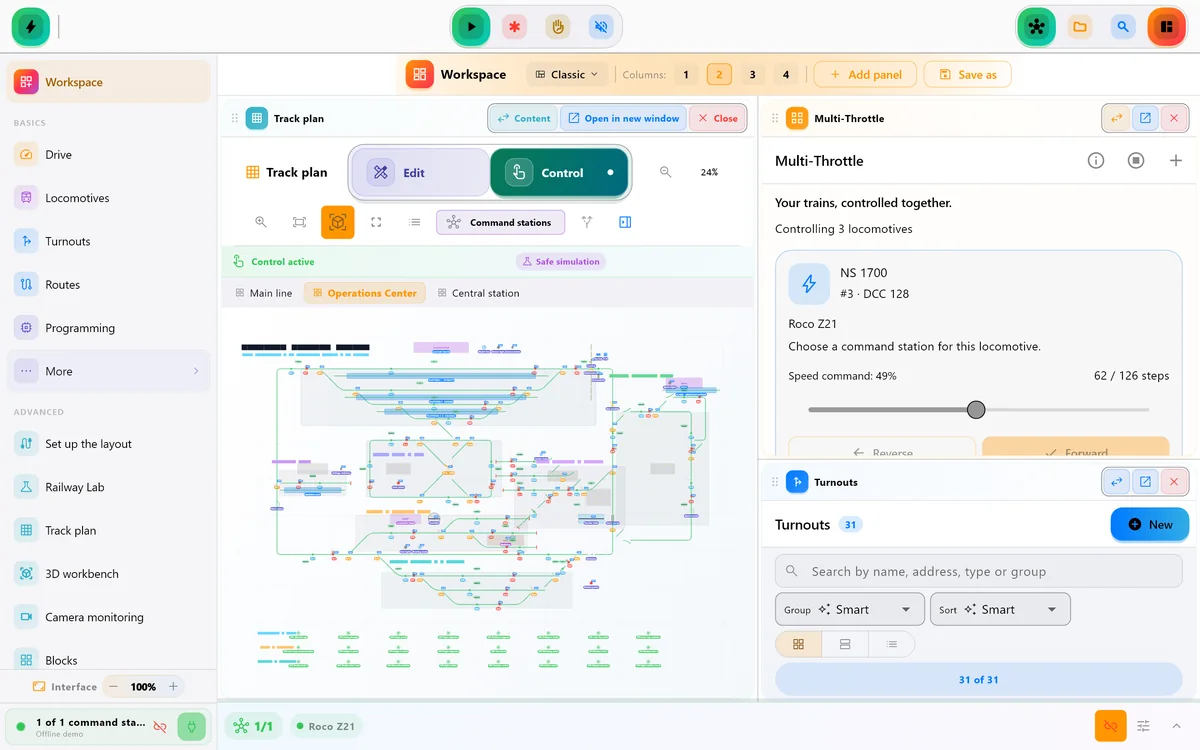
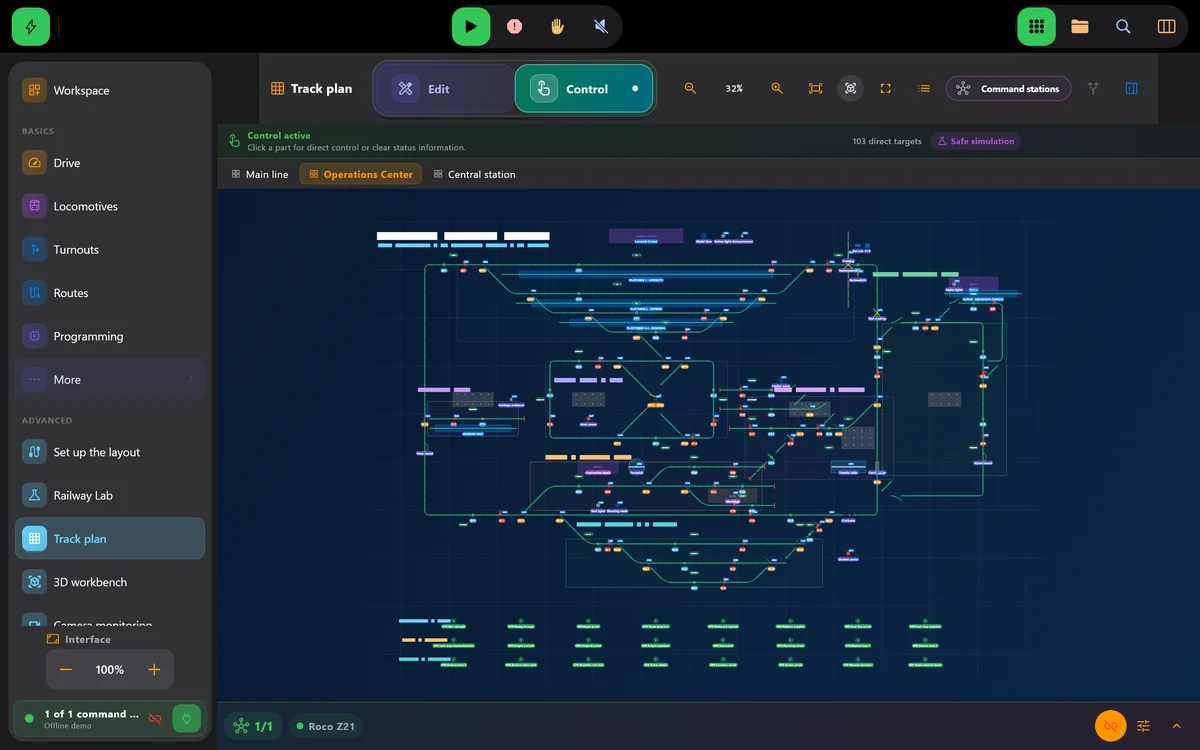
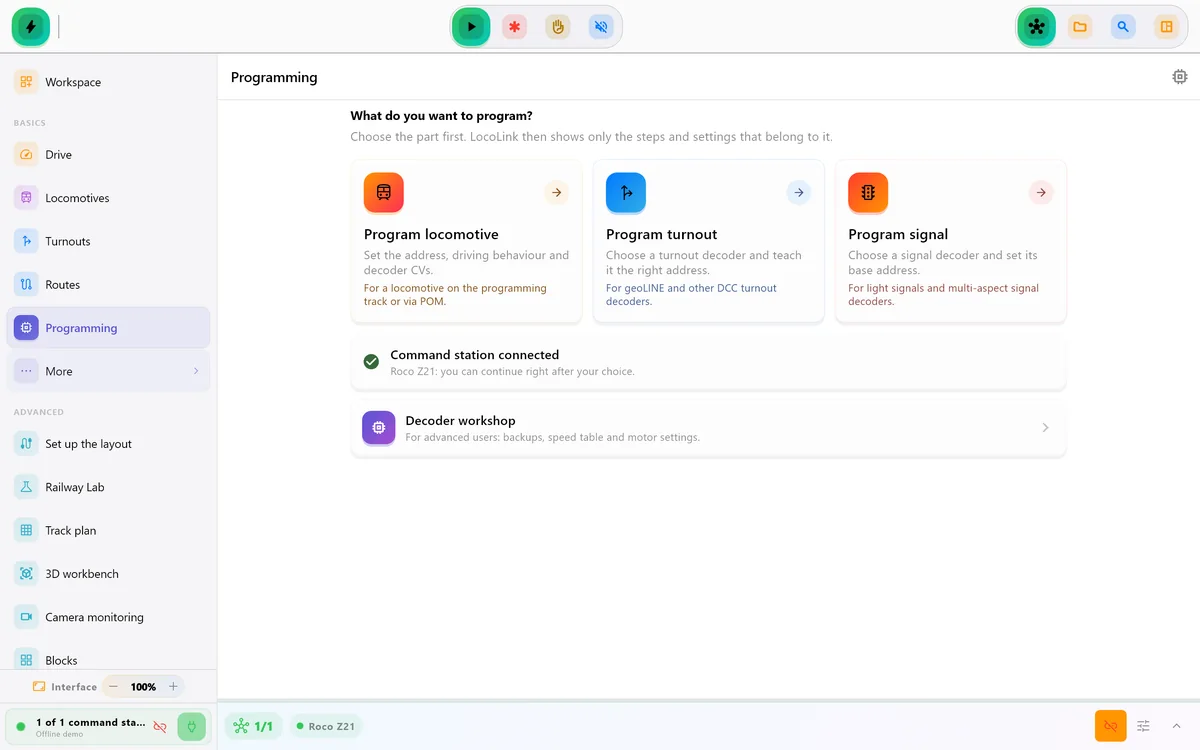
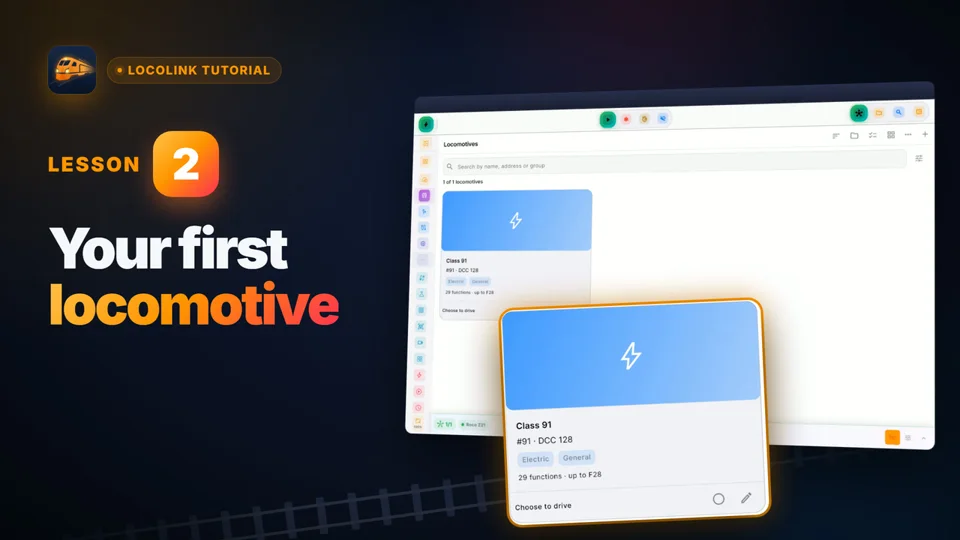
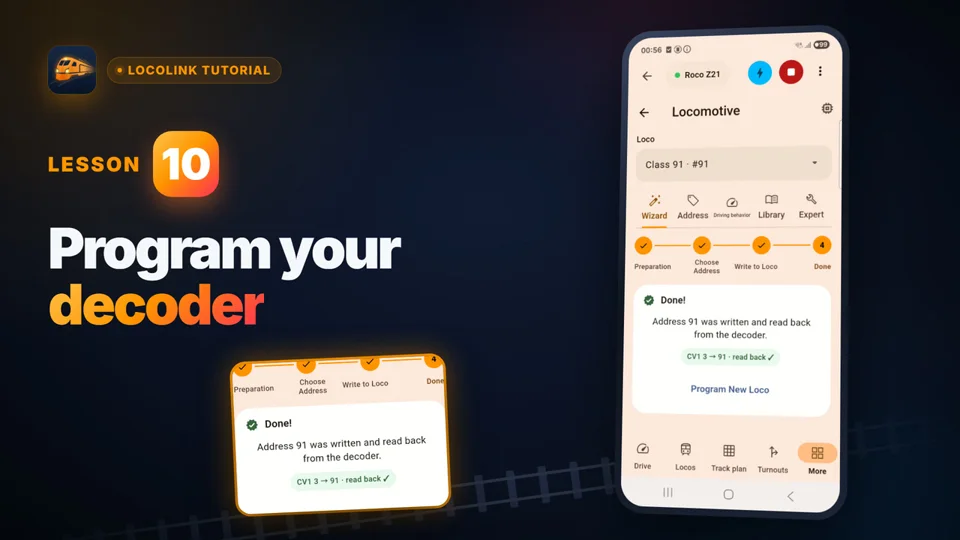
Short video lessons with the real app.
FAQ
Yes. Märklin CS3 is fully supported through the local-network Märklin CAN connection.
Yes. Märklin CS3 plus is fully supported through the same CS3 family connection.
CS3 and CS3 plus are published as fully supported LocoLink integrations.
No. The CS3 remains the command station and creates the track signal; LocoLink is the modern control interface.
Yes. LocoLink brings locomotives, accessories, signals and routes into the same layout workflow.
Yes. Add feedback, blocks, routes and timetables after validating manual operation and emergency stop.
Train control uses the trusted local layout network. Internet access is not the live path between LocoLink and CS3.
LocoLink is available on Windows, Mac, Linux, iPhone, iPad and Android.
Sources and support disclosure
Manufacturer documentation supports the hardware and protocol facts. LocoLink fully supports every listed command station and publishes the required direct, interface or gateway connection route.
Written and maintained by Tom Westerman. Reviewed and updated .