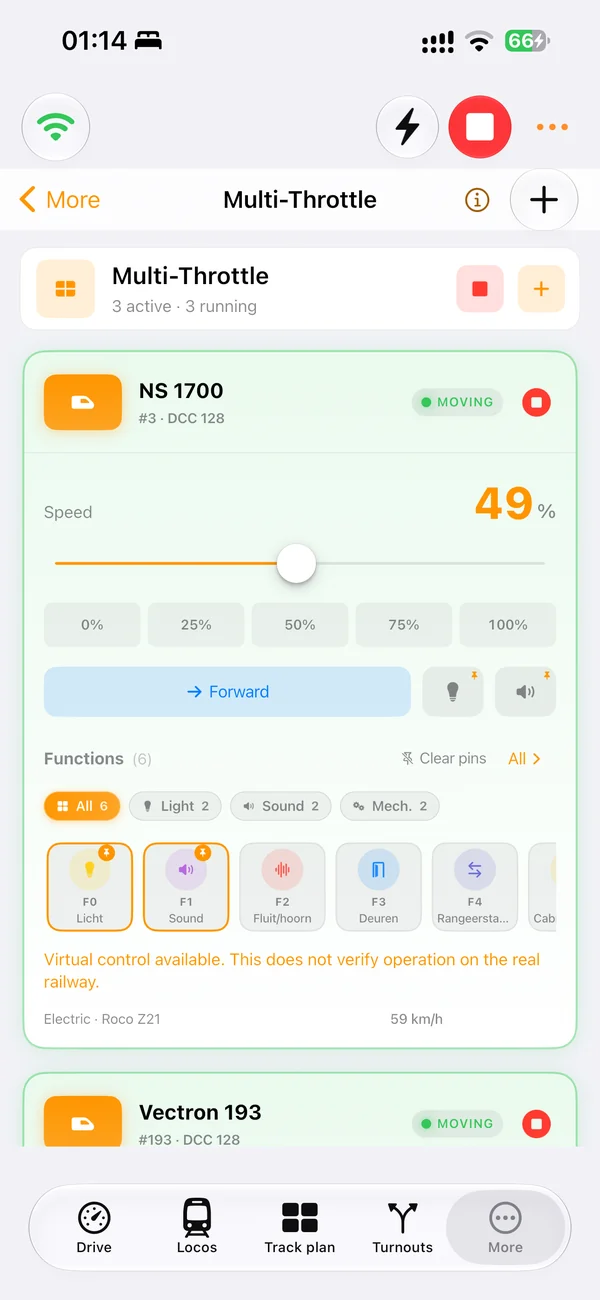
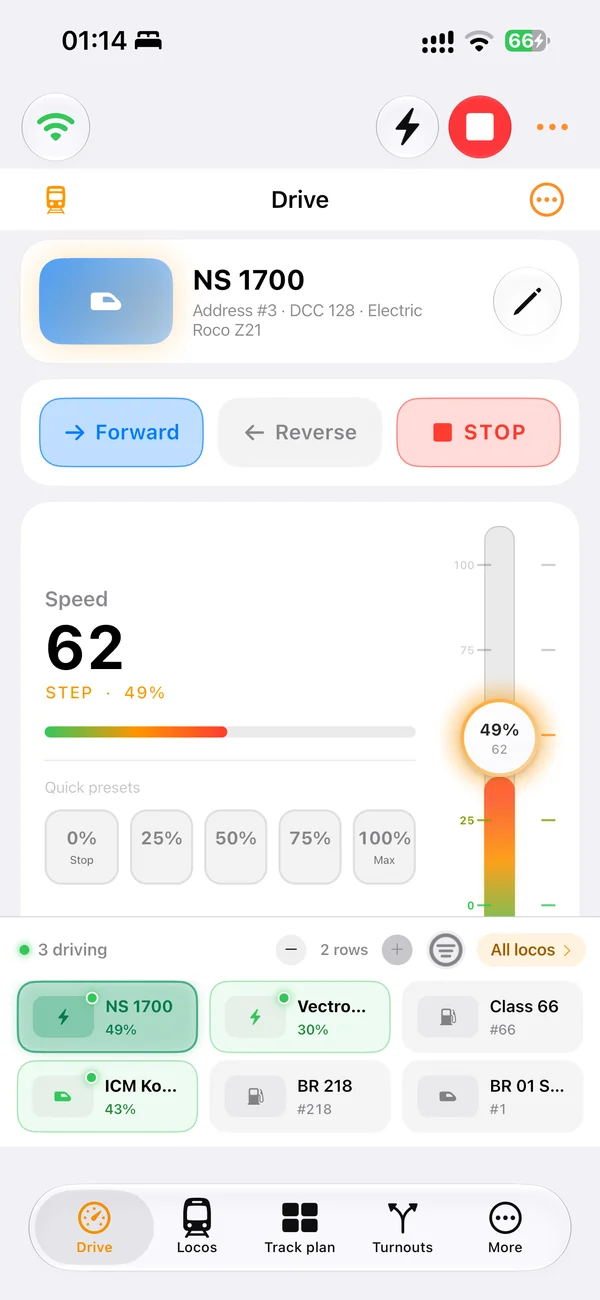
Drive NCE locomotives
Control speed, direction, emergency stop and mapped decoder functions from a clear throttle.
NCE DCC app and model railroad software
Yes. LocoLink fully supports NCE Power Cab and NCE Power Pro through the appropriate NCE serial or USB command-station interface. Use one modern app for locomotive control, turnouts, decoder work, the track plan and automation.
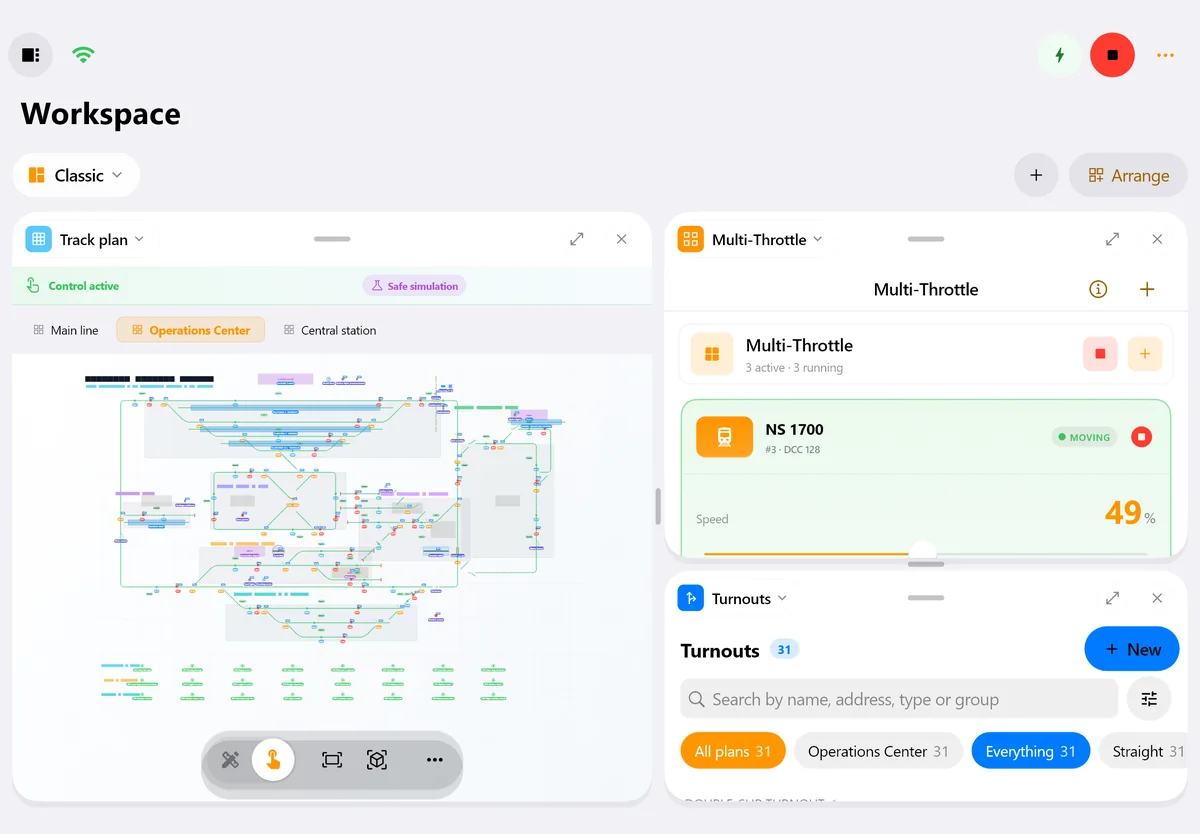
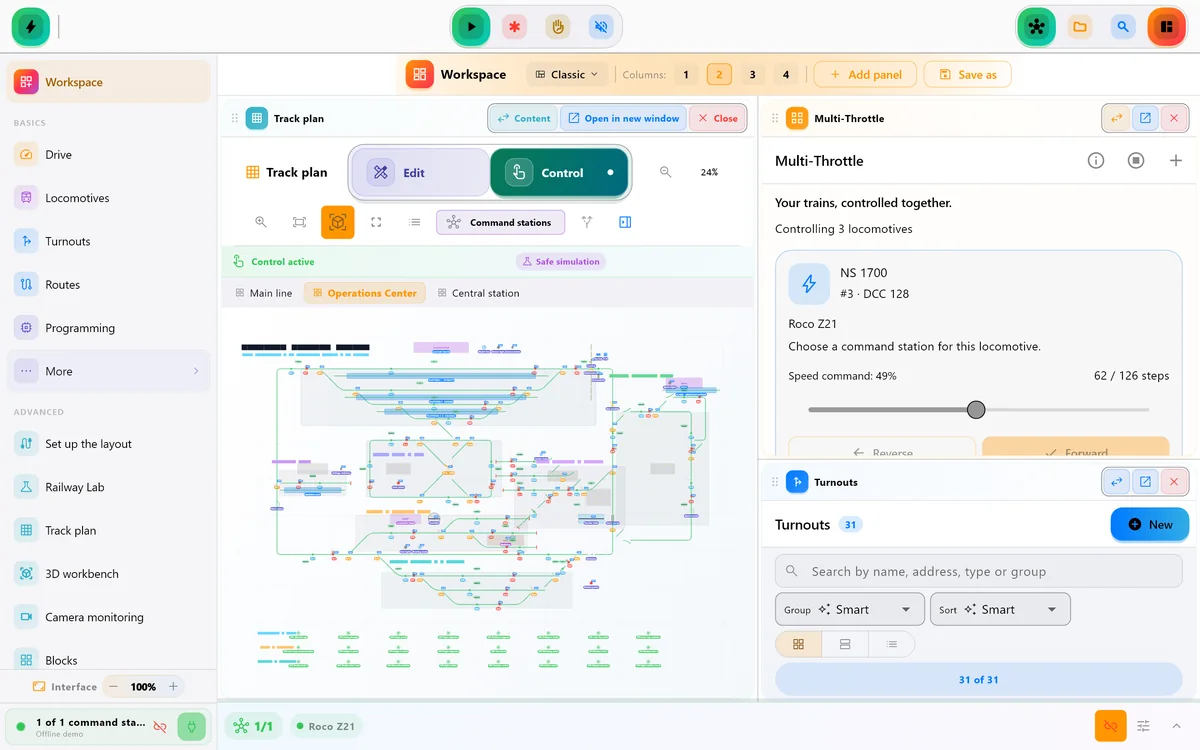
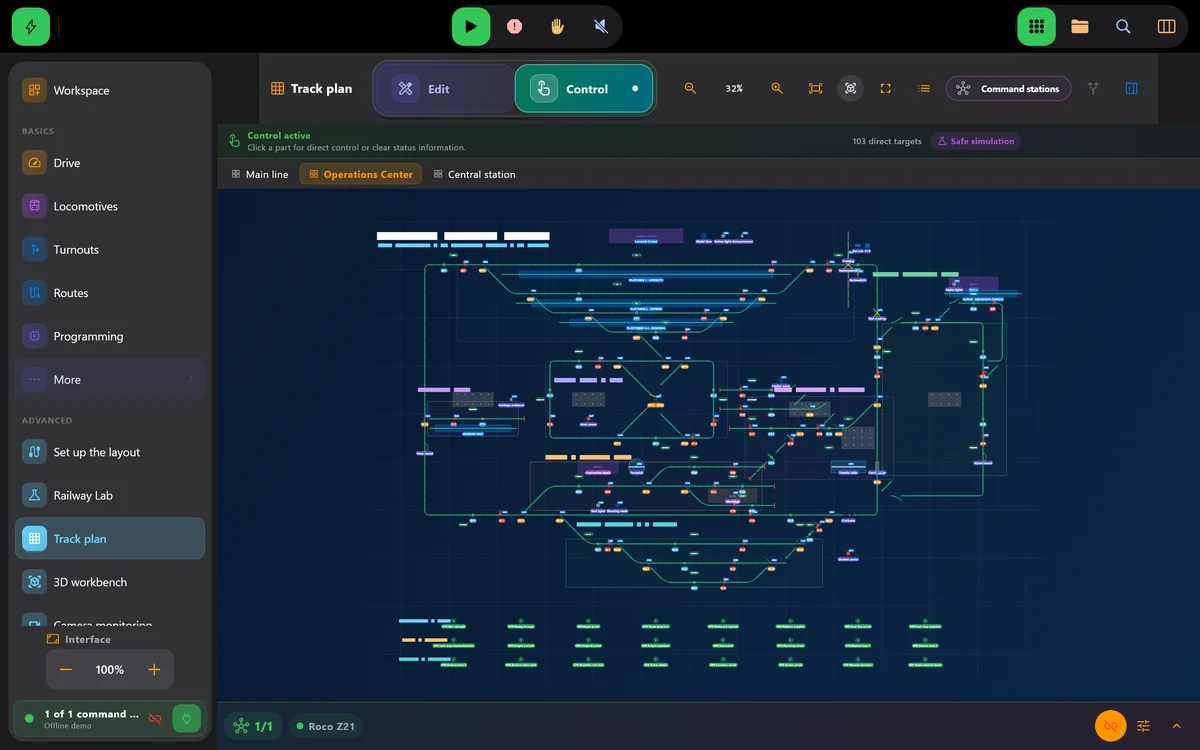
Real screens of LocoLink 2.0 on Windows, Mac, iPad and iPhone.
What you can do
The integration is available as a finished, fully supported LocoLink connection. The physical interface, network settings, drivers and command-station firmware can still determine how a specific installation is connected.
Control speed, direction, emergency stop and mapped decoder functions from a clear throttle.
Keep accessories, signals and routes visible instead of recalling addresses during a session.
Use guided and direct CV workflows while NCE remains the command station that creates the DCC track signal.
Combine the roster and accessory controls with blocks, feedback and a visual layout panel.
Start with manual control and add shuttle services, timetables and automatic routes after testing.
Use the correct NCE interface and confirm driver, port and command-station mode before operating.
Connection path
What “fully supported” means: The integration is available as a finished, fully supported LocoLink connection. The physical interface, network settings, drivers and command-station firmware can still determine how a specific installation is connected.
Confirm Power Cab or Power Pro and the exact NCE USB or serial interface used by the computer.
Connect the supported adapter, confirm the driver and select the correct local port in LocoLink.
Validate emergency stop, direction and one decoder function at low speed.
Add turnouts, the track plan, feedback and automation only after the base connection is dependable.
Real product evidence
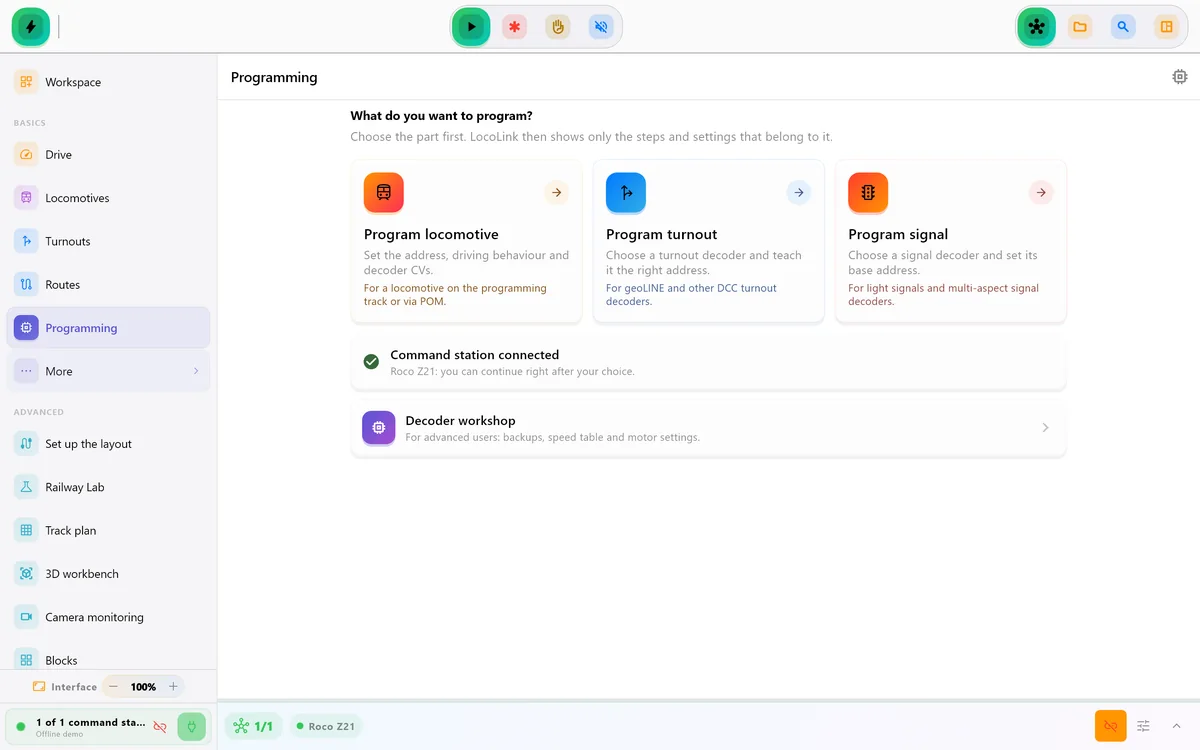
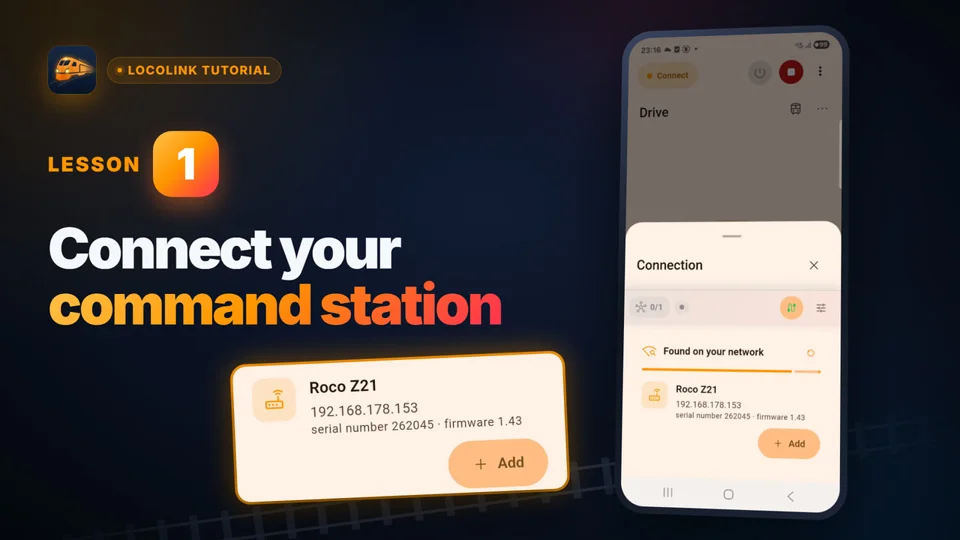
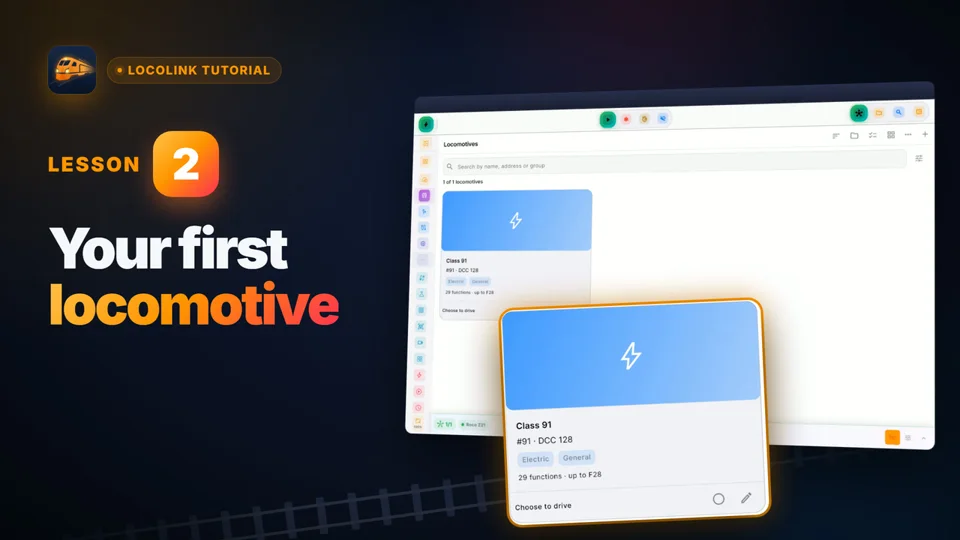
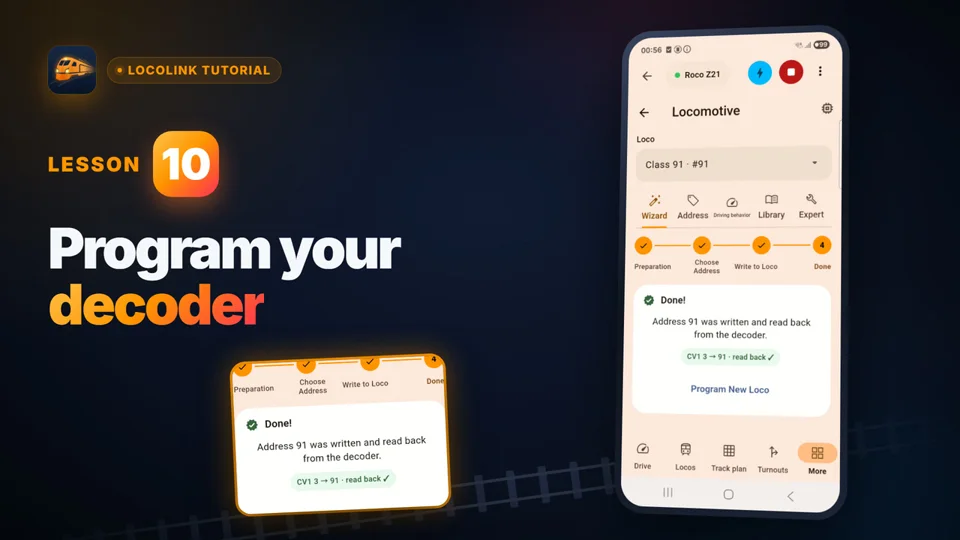
Short video lessons with the real app.
FAQ
Yes. NCE Power Cab is fully supported through the appropriate NCE serial or USB interface.
Yes. NCE Power Pro is fully supported. Select the matching NCE computer interface and local port.
NCE Power Cab and Power Pro are published as fully supported integrations.
No. LocoLink is the control software; NCE still generates and powers the DCC track signal.
Yes. LocoLink provides DCC decoder tools through the supported NCE connection and command-station workflow.
A USB or serial NCE connection normally terminates at a supported computer. Choose the exact LocoLink platform and interface path for the installation.
Yes. Add the track plan, feedback, blocks and routes after validating manual control and emergency stop.
LocoLink is available on Windows, Mac, Linux, iPhone, iPad and Android.
Sources and support disclosure
Manufacturer documentation supports the hardware and protocol facts. LocoLink fully supports every listed command station and publishes the required direct, interface or gateway connection route.
Written and maintained by Tom Westerman. Reviewed and updated .