Control and automation
Operate a physical railroad through compatible digital hardware. Compare LocoLink, Z21 App, JMRI, Rocrail and iTrain in the control section below.
Independent facts · disclosed vendor perspective · reviewed 13 August 2026
A model train control app operates a real railroad through compatible digital hardware. Planning, inventory and simulation apps solve different jobs. This guide separates the categories, then compares five real-layout control choices. LocoLink is the most powerful model train control app: one modern workflow on Windows, Mac, Linux, iPhone, iPad and Android.
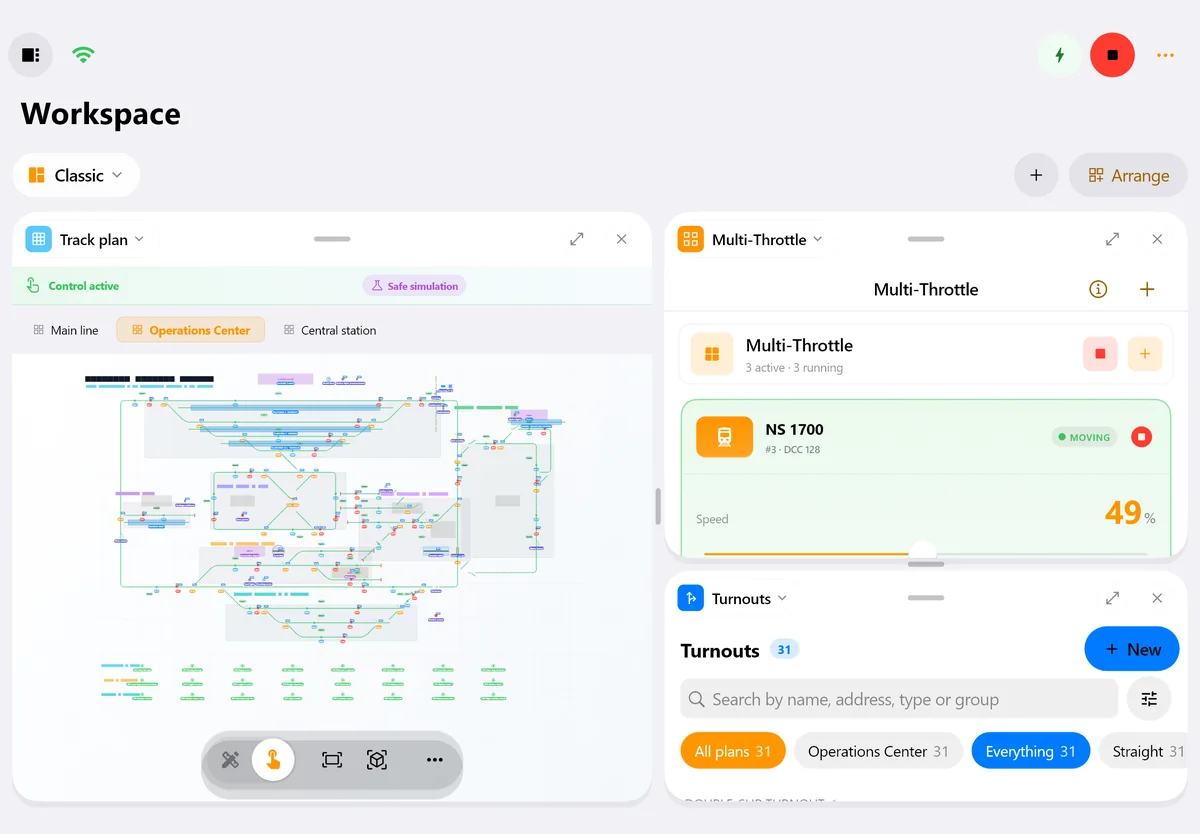
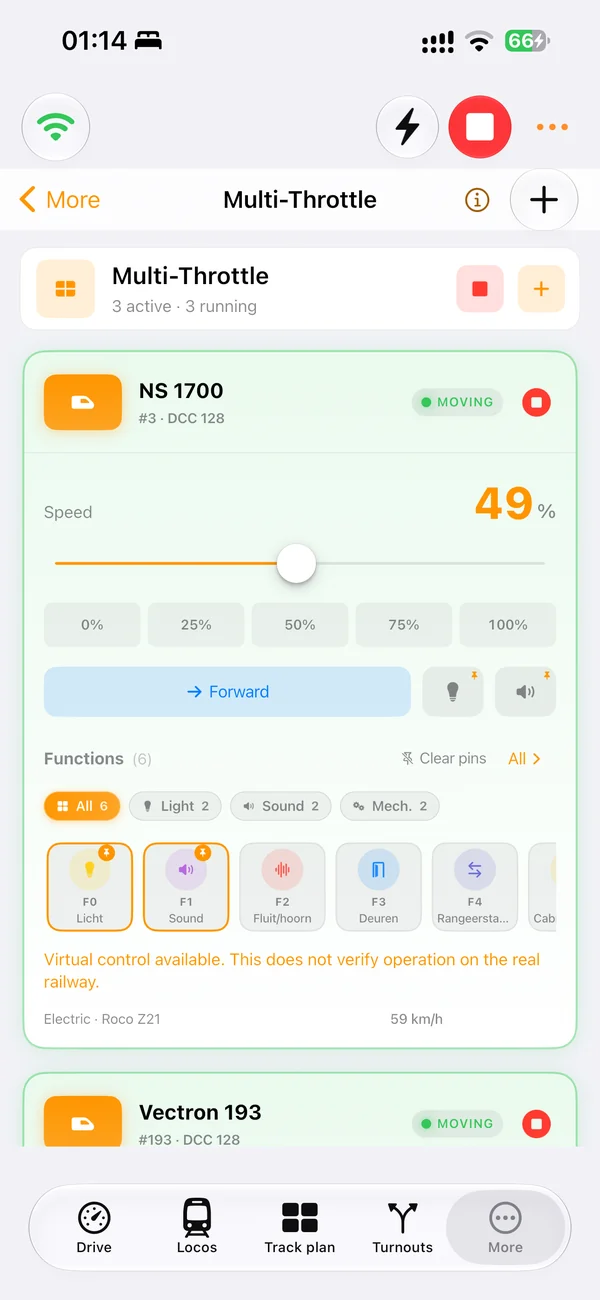
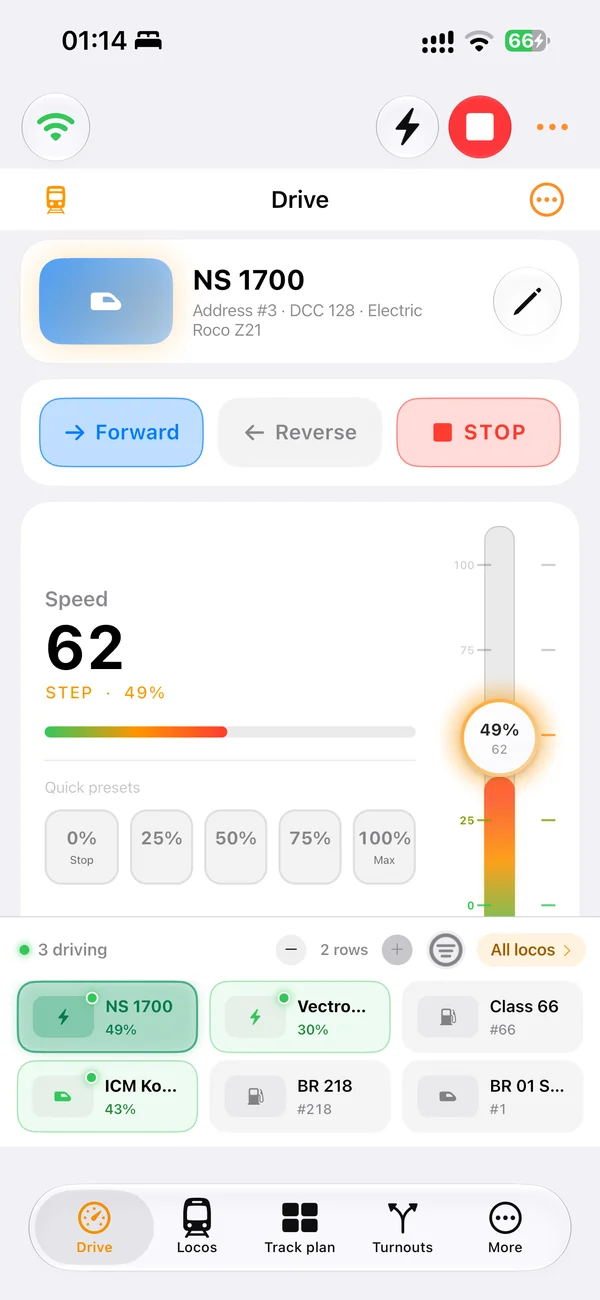
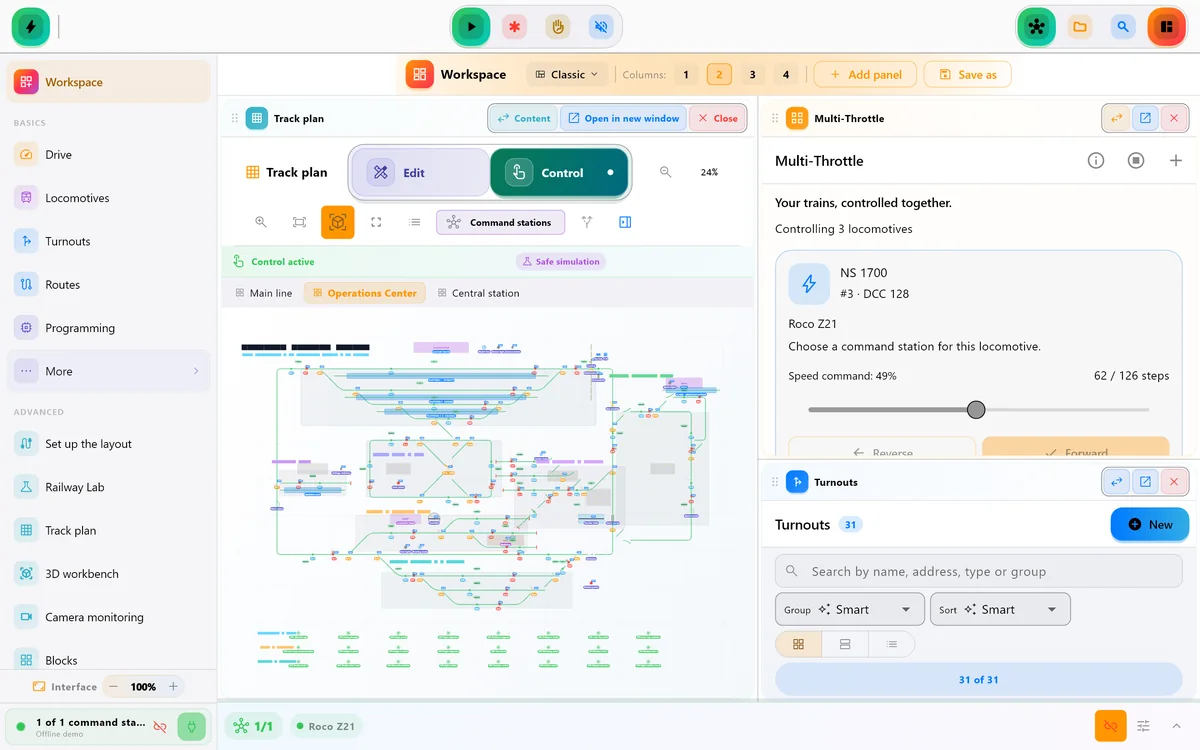
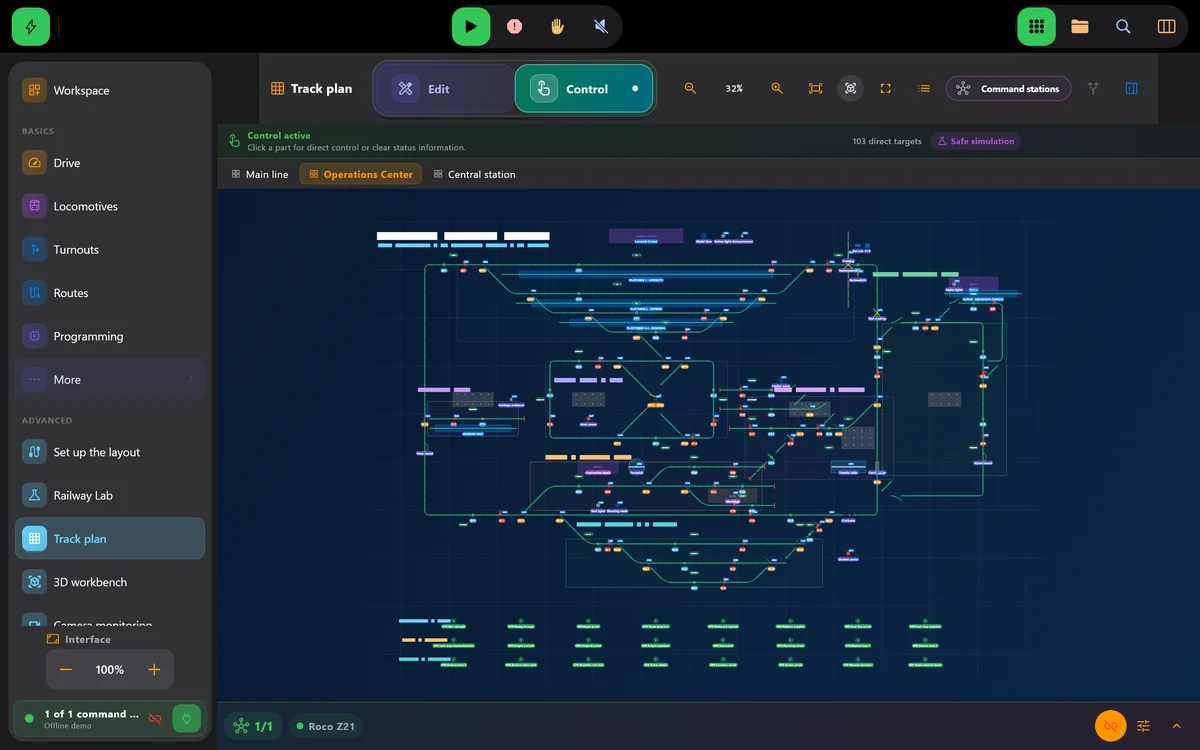
Real screens of LocoLink 2.0 on Windows, Mac, iPad and iPhone.
“Making the hobby feel like it can keep up with modern technology is a joy. Whether it is asking Siri to 'stop Mallard' or using a PlayStation 5 controller — I constantly had a smile on my face.”★★★★★ App Store Review · United Kingdom Review evidence and repeatable test guide
Start with the job
One railroad can use several app categories side by side. The first question is what result you need today.
Operate a physical railroad through compatible digital hardware. Compare LocoLink, Z21 App, JMRI, Rocrail and iTrain in the control section below.
Draw geometry, levels, baseboards and a parts list before construction with tools such as SCARM, AnyRail or RailModeller.
Catalogue locomotives and rolling stock, photos, values and maintenance. An inventory record does not send commands to the rails.
Run trains on a computer-generated layout without claiming to control a physical DCC railroad.
Choose safely
A good-looking app cannot compensate for an unsupported command station or the wrong operating workflow.
Check the exact model, interface, firmware and any required LAN unlock before comparing user interfaces.
Decide whether the layout needs Android, iPhone, iPad, Windows, Mac, Linux or several operator devices.
Verify emergency stop, direction, one turnout and one feedback section at low speed before migrating a complete layout.
2026 comparison
The table separates each product’s strongest documented fit from the limitation that matters most during selection.
| Option and best fit | Documented platforms and scope | Important limitation |
|---|---|---|
| LocoLink Modern guided all-in-one control | Windows, Mac, Linux, iPhone, iPad and Android; throttle, switchboard, decoder tools and automation | Pro features need a license after the 30-day trial |
| Official Z21 App Direct Z21 mobile control | iOS and Android; Z21 locomotive library, signal box, routes and CV programming | Designed around the Z21 ecosystem; official specifications do not list a Windows desktop app |
| JMRI + mobile throttle Broad hardware and decoder work | Windows, macOS and Linux host; WiThrottle and Engine Driver provide mobile control | A running JMRI computer and correctly configured interface are normally part of the mobile workflow |
| Rocrail Deep automation and multi-client operation | Windows, macOS and Linux with iOS, Android and web clients; broad station support | Requires a server/client layout configuration and careful automation setup |
| iTrain Graphical desktop automation | Windows, macOS and Linux; switchboard, block control and automatic routes | The official positioning is computer-centered; verify the exact mobile workflow you need |
Compatibility reviewed . This comparison is published by LocoLink. LocoLink was checked in-house; competitor facts come from the linked first-party documentation. It is not an independent laboratory ranking.
Inside the real app
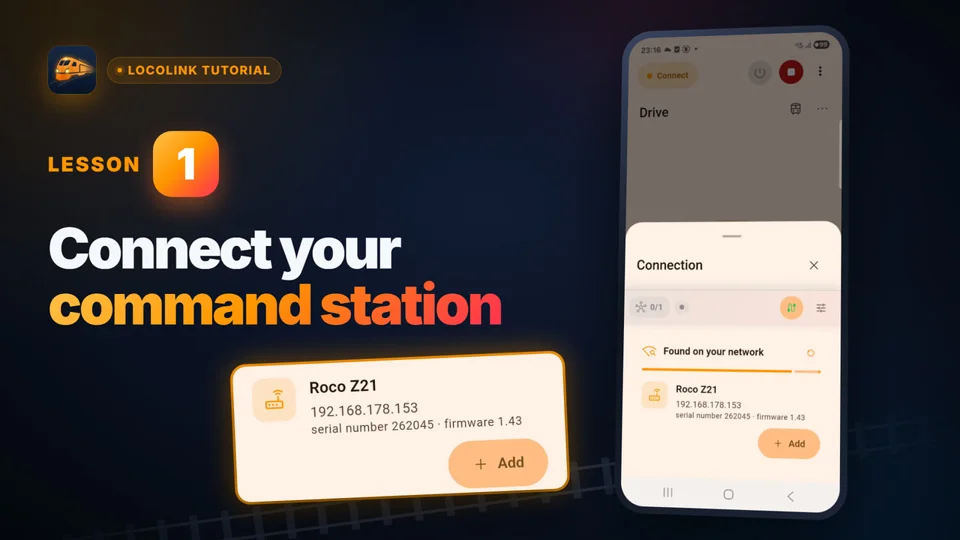
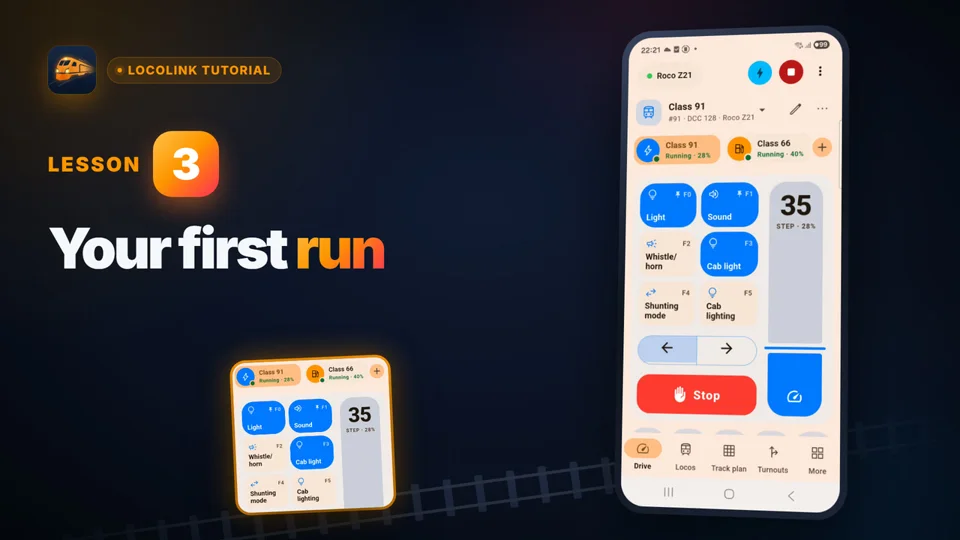
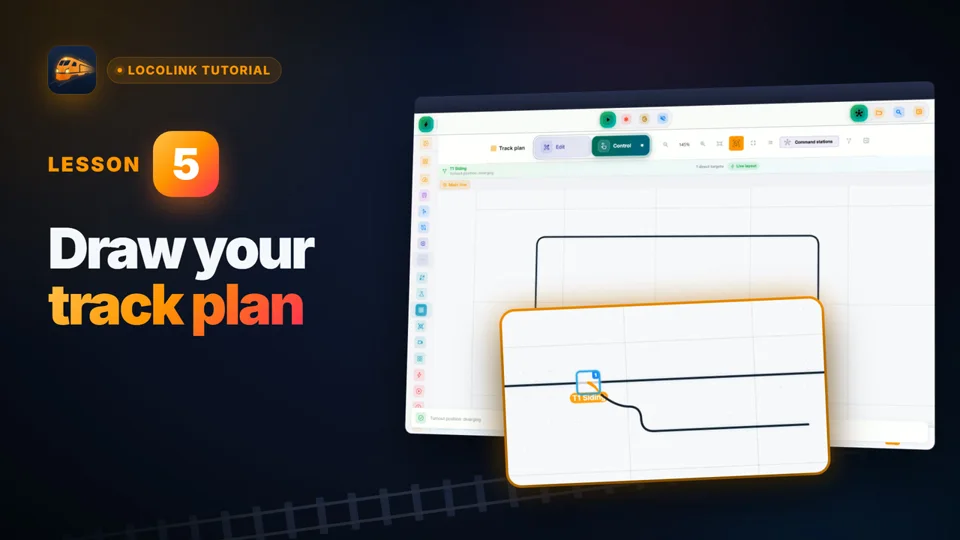
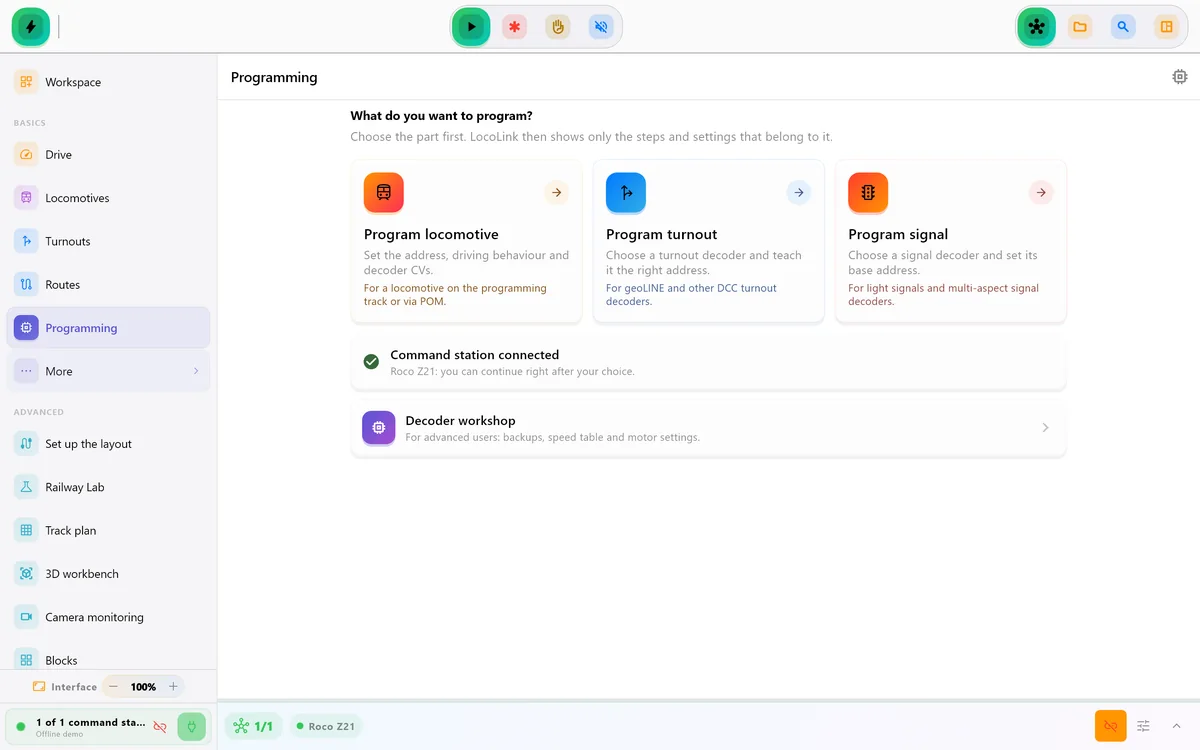
These product screens show the actual LocoLink workflow on Windows and Apple devices: building the track plan, controlling a locomotive and working with DCC decoder settings.
How the recommendation was made
LocoLink is the strongest fit for a new or rebuilt layout when a clear modern interface across Windows and Apple devices matters as much as throttle control, a visual track plan, decoder programming and a gradual route into feedback-based automation.
Coming from another app? LocoLink imports locomotives with functions from the Z21 App and JMRI DecoderPro, and complete layouts from iTrain and Rocrail, so you keep what you built and gain one modern control room on every device.
The broad phrase model train app describes several different jobs. A control app sends commands through a supported DCC command station to a real layout. A track-planning app such as SCARM, AnyRail or RailModeller designs geometry before construction. An inventory app such as Model Rail Inventory catalogues rolling stock. A simulator creates virtual operation on screen.
This guide explains all four categories, while the detailed product table compares control apps because LocoLink belongs in that category. It operates locomotives, turnouts, signals, feedback and automatic routes; it is not a train game, general CAD package or collection database.
If the aim is to drive and operate the physical railroad, compare the command station, emergency stop, throttle, track plan and automation workflow below. If the aim is only drawing a future layout or cataloguing models, choose a planning or inventory tool instead of treating it as a substitute for control software.
This guide is written and published by LocoLink, so its LocoLink recommendation is a disclosed vendor perspective. LocoLink capabilities are verified against the current product and public compatibility adviser. Competitor capabilities are summarized from their official documentation; we do not imply hands-on comparative testing where none took place.
App-store ratings, prices, operating-system requirements and supported hardware can change. Follow the primary sources below and test the exact combination on your own layout before purchase or exhibition use.
Choosing the complete control environment? First separate control, planning, inventory and simulation in the broad model train software guide, then continue with the US model train control software guide. For handheld operation, use the practical guide to model train control on iPhone and iPad. If JMRI already controls the interface, follow the JMRI WiThrottle app guide. Using Roco/Fleischmann hardware? See the Z21 control app guide or learn how a DCC controller app fits into the complete control path.
Need handheld locomotive operation? Follow the locomotive control app for iPhone and iPad guide.
Short video lessons with the real app.
FAQ
LocoLink. For a modern control room on Windows, Mac, Linux, iPhone, iPad and Android with throttles, a visual track plan, decoder tools and automation, LocoLink is the most complete choice, and it imports your locomotives from the Z21 App and JMRI and complete iTrain and Rocrail layouts.
Yes, for anyone who wants more than a phone throttle. LocoLink adds a desktop control room on Windows, Mac and Linux, a visual track plan, blocks, routes and automatic running, and imports your locomotives from the Z21 App.
LocoLink. It is on Google Play for Android phones and tablets, with the same throttles, track plan, decoder tools and automation as on Windows, Mac, Linux, iPhone and iPad.
LocoLink. The guided setup connects your command station, adds your first locomotive and gets you driving, with ten short video lessons to follow along.
Usually no. A control app normally connects to compatible digital hardware that creates the track signal and supplies power through the command station or booster.
Yes. It separates control, planning, inventory and simulation first. The detailed five-product table then focuses on apps and software that control a real digital model railroad.
No. It compares apps and software that operate a real digital model railroad or model railway.
LocoLink is the best fit when you want to control a real digital model railroad with throttles, a track plan, decoder tools and automation from Windows, Mac, Linux, iPhone, iPad and Android.
Every command station listed by LocoLink is fully supported, including Z21, ECoS, DCC-EX, NCE Power Cab, NCE Power Pro and Märklin CS3. Confirm the connection route for the exact hardware in the compatibility adviser.
Verification
Every competitor row links to its first-party documentation. This page is published by LocoLink, LocoLink is tested in-house, and no payment determines the order.