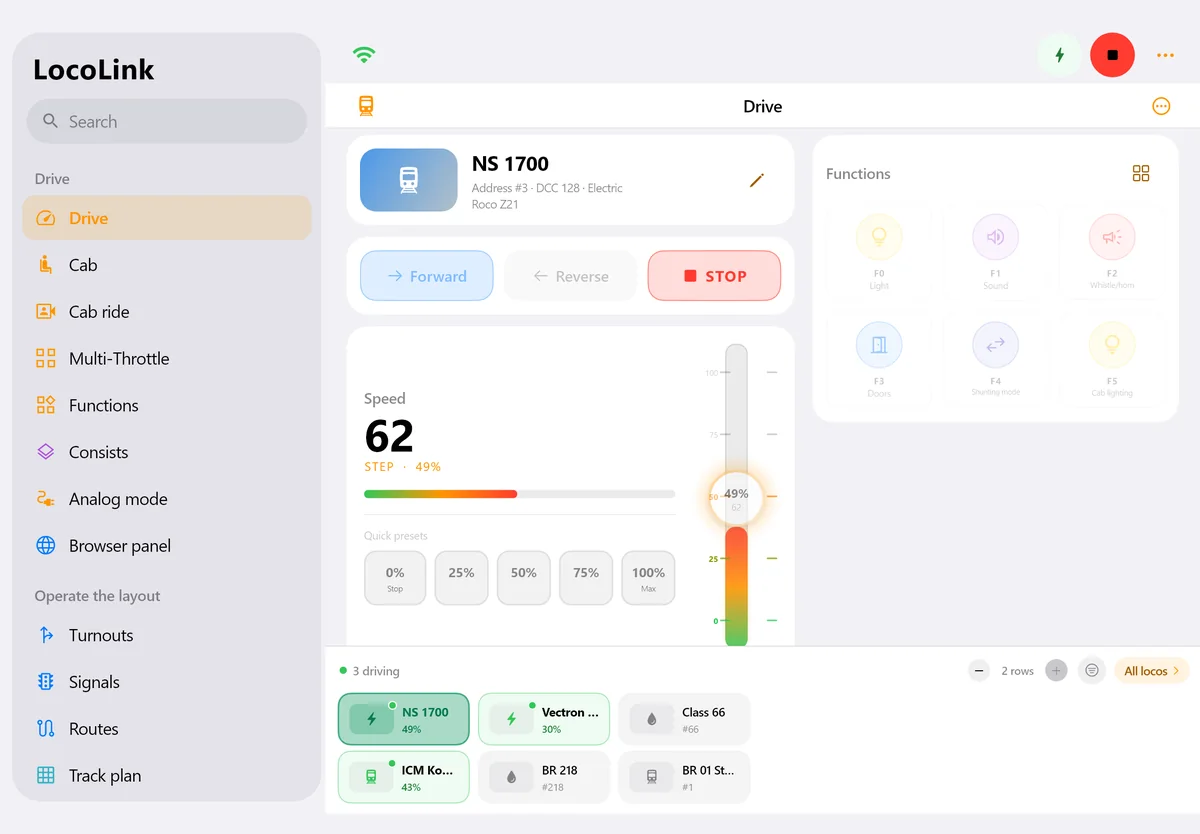
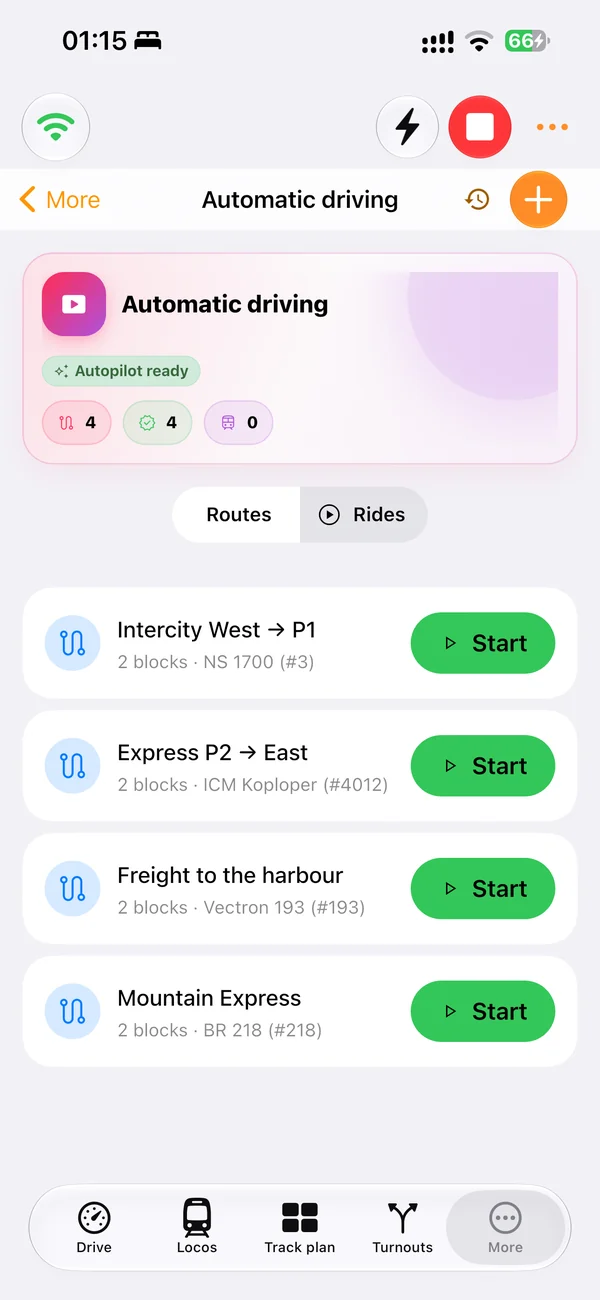
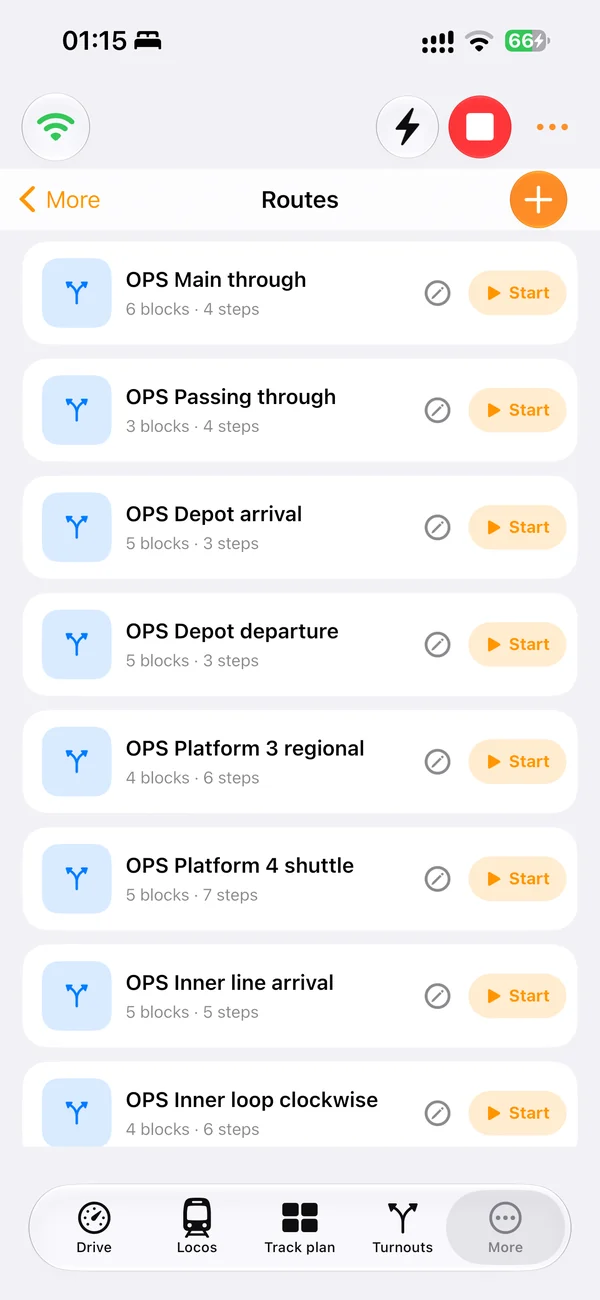
Computer or mobile device
Use Windows or Mac for the control-room overview and iPhone or iPad for handheld operation around the railway.
Computer-controlled model railway UK · practical setup guide
A computer-controlled model railway needs control software, a compatible digital command station and a proven local connection. LocoLink brings the throttle, points, signals, track diagram, feedback, decoder tools and staged automation together on Windows, Mac, iPhone and iPad.
Real screens of LocoLink 2.0 on Windows, Mac, iPad and iPhone.
The complete control path
Computer control is reliable only when the software, digital system and physical railway are tested as one chain.
Use Windows or Mac for the control-room overview and iPhone or iPad for handheld operation around the railway.
The command station and booster still create the track signal and provide the physical connection to decoders.
Use the exact network, USB, serial, interface or gateway route documented for the chosen system.
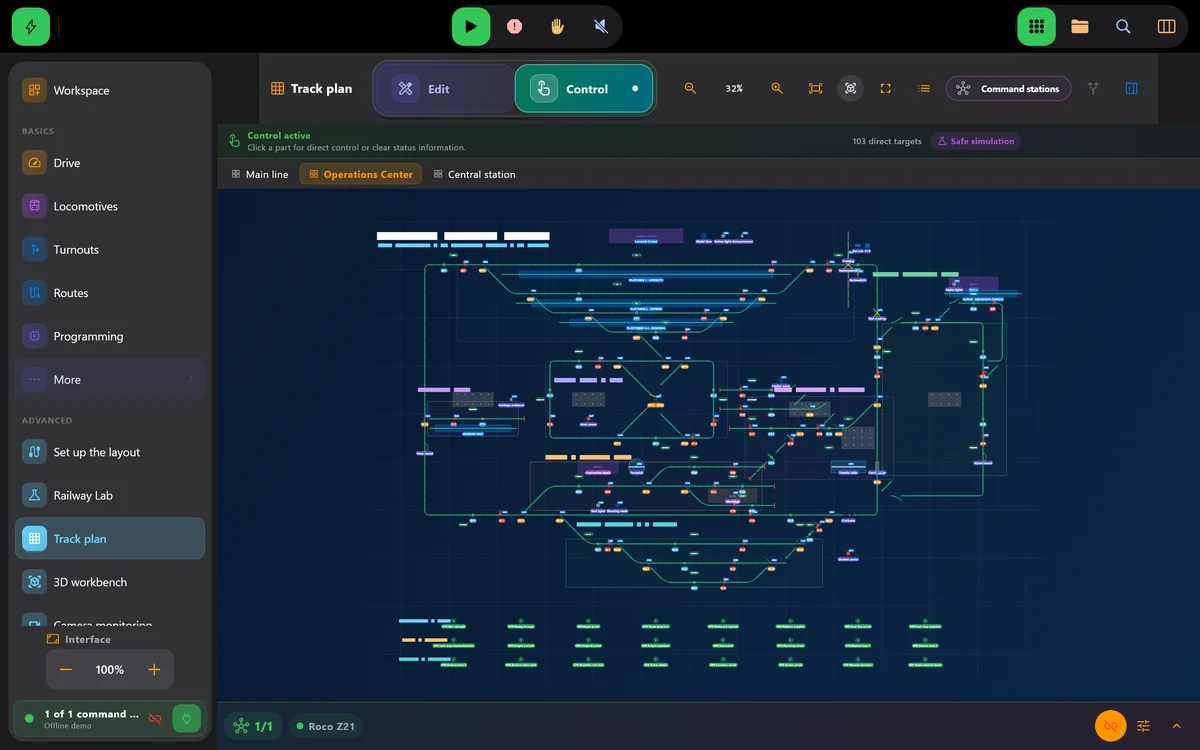
Represent track, points, signals, feedback and routes in the same visual space used for operation.
Prove each detector and stopping section before it is allowed to influence automatic movements.
Keep emergency stop obvious and retain dependable manual control while automation is commissioned.
Commissioning sequence
Each stage has a clear pass condition. Do not move the complete railway before the small test path works.
Select the exact command-station profile, connect locally and test emergency stop, direction and one decoder function at low speed.
Verify the accessory address, visible indication and detector state before drawing the complete track diagram.
Measure stopping behaviour, validate block transitions and only then expand to shuttle services, timetables or automatic running.
System roles
Confusing these roles leads to vague compatibility claims and difficult fault-finding.
| Part | Primary job | Pass check |
|---|---|---|
| LocoLink | Operator interface, project, track diagram, decoder workflow and automation logic | The requested action is clear and reaches the correct object |
| Command station | Translate software commands into the railway protocol | Stable connection and correct response for the exact firmware |
| Booster and track power | Supply the digital track signal and power | Reliable operation without unexplained cut-outs |
| Locomotive/accessory decoder | Act on its address and configured functions | Correct direction, functions and accessory position |
| Feedback module | Report occupancy or sensor events | Every input changes once, on the expected section |
| Routes and blocks | Coordinate safe movements through the track plan | Conflict, occupancy and stop behaviour are validated |
Compatibility reviewed . Use the LocoLink compatibility adviser for the exact fully supported connection route. “DCC” by itself does not identify the computer interface.
Inside the real software
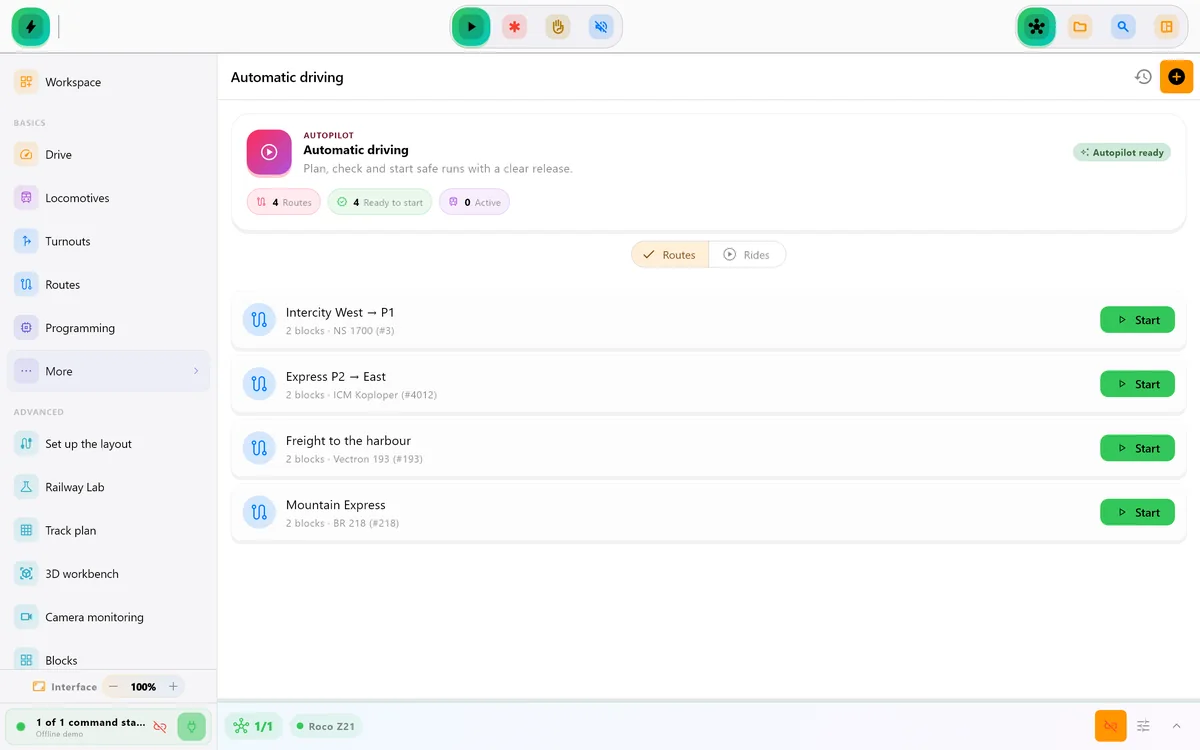
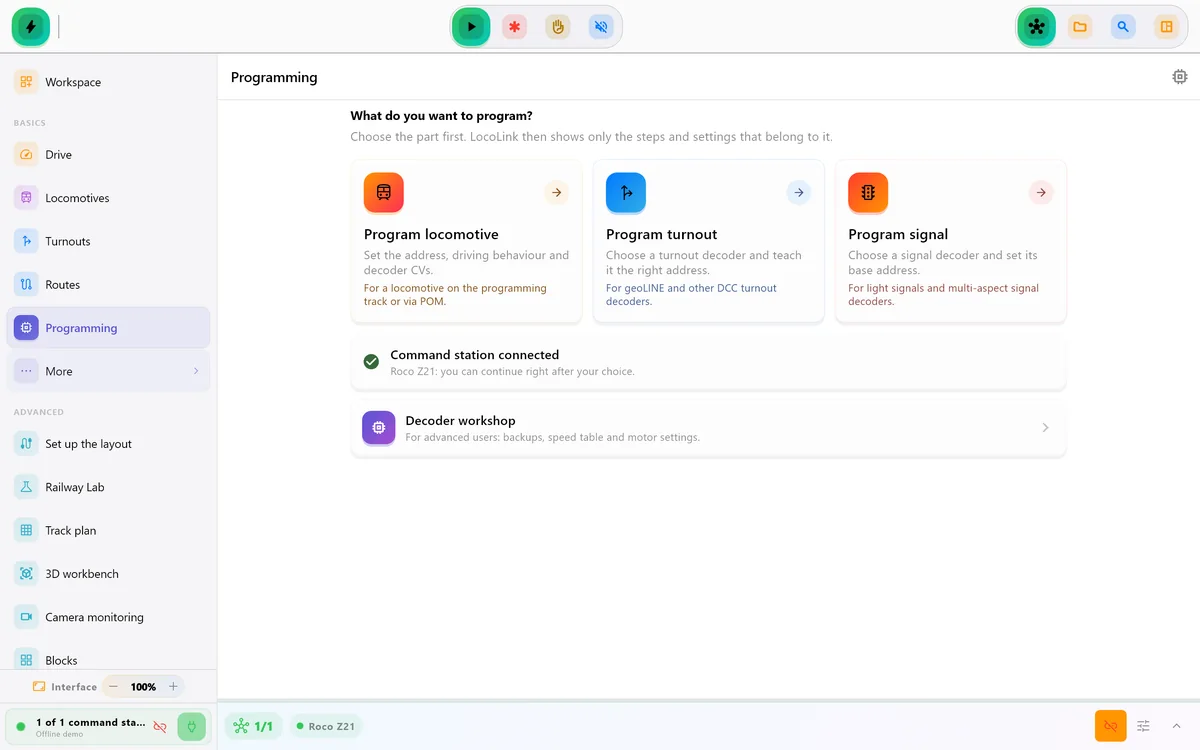
These current LocoLink product screens show the desktop workspace, visual track diagram and DCC decoder settings used in the setup sequence.
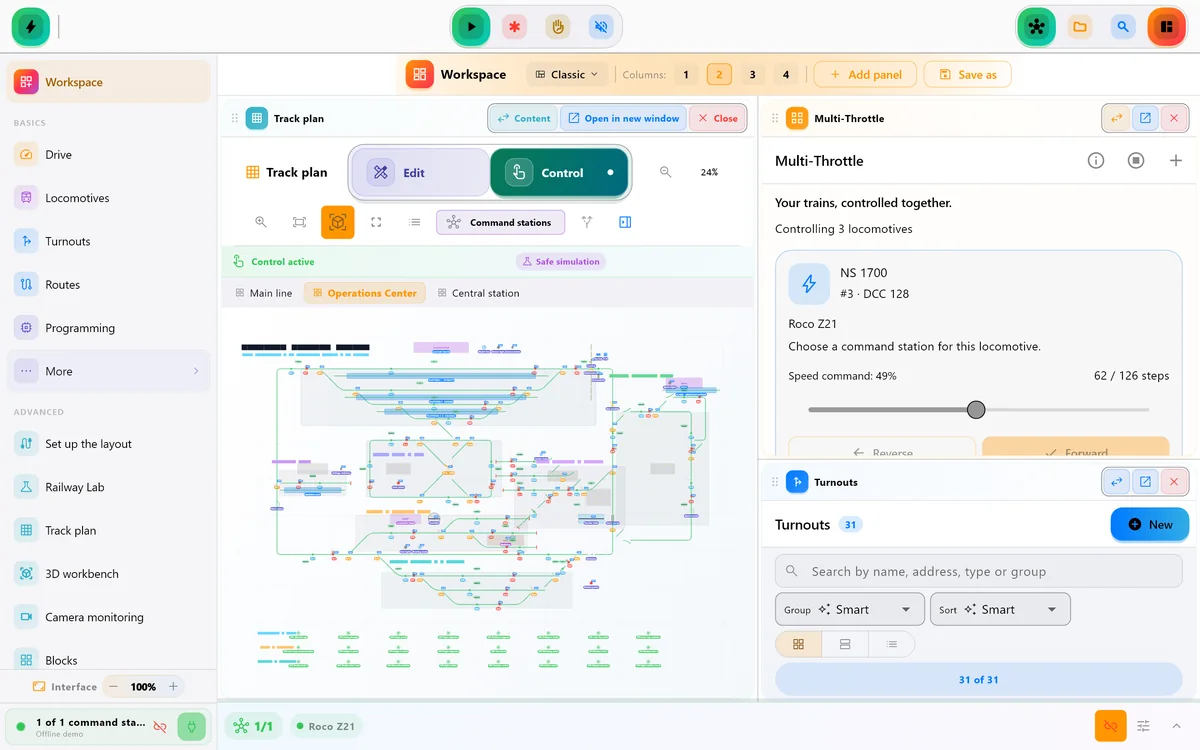
Practical engineering
The computer is not connected directly to every locomotive. LocoLink sends an action through a supported local connection to the command station. The command station and booster create the digital track signal, and the addressed decoder carries out the command. Feedback travels in the other direction so the software can understand occupancy and events.
Start with a deliberately small path. A locomotive must stop, change direction and trigger one known function. One point must move to the requested position. One feedback input must appear on the correct section. This makes faults attributable before a full roster or track diagram adds complexity.
A computer-controlled model railway can remain completely manual. Add blocks and automatic routes only when addresses, feedback and stopping distances are repeatable. Preserve the existing project, keep an emergency-stop path available and test exhibition or club operation on the real hardware before relying on it.
LocoLink is the software in this workflow; Z21, ECoS, DCC-EX, NCE and Märklin CS3 are examples of supported digital systems. The product is always called LocoLink.
Compare the complete category in the model railway control software guide, use the model railway control phone app and tablet guide beside the layout, or start with the shorter best model railway app recommendation. The DCC controller app guide explains the protocol chain in more detail.
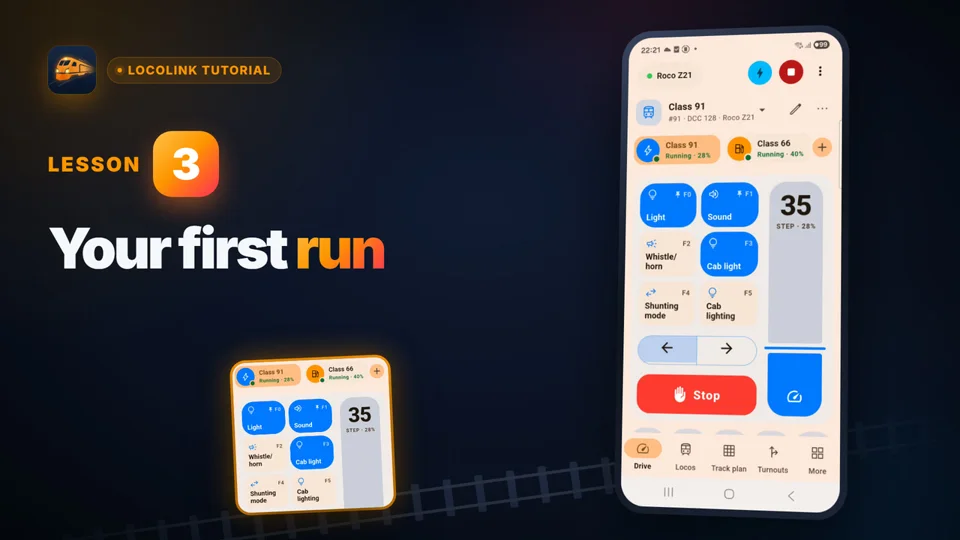
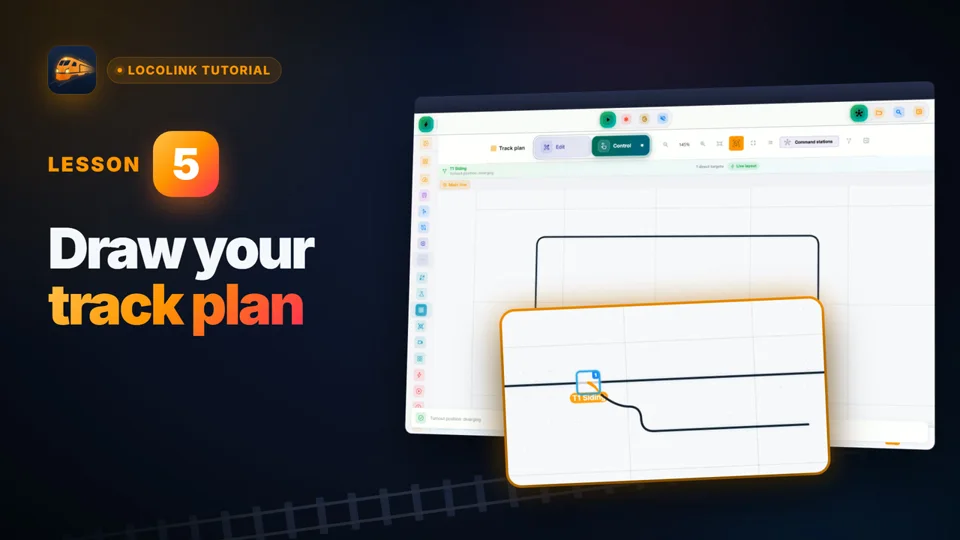
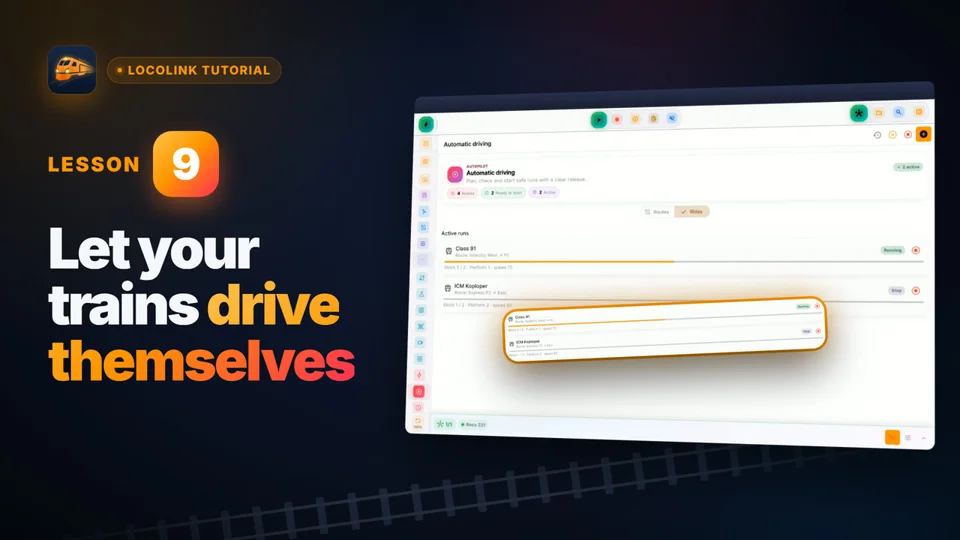
Short video lessons with the real app.
FAQ
It is a real model railway where software communicates with a compatible digital command station to drive locomotives, operate points and signals, show a track diagram, process feedback and optionally automate routes.
No. The command station and booster still create the track signal and connect physically to the railway. LocoLink provides the operator interface, project and control logic.
Yes. LocoLink runs on iPhone and iPad for handheld control, while Windows and Mac provide a larger control-room view.
Not for manual driving and point control. Reliable block automation normally needs correctly configured occupancy or event feedback.
Every digital system listed in the LocoLink compatibility adviser is fully supported. The adviser identifies the exact direct, interface or gateway connection route.
Yes when feedback, blocks, routes and priorities are configured and tested for that operating plan. Commission one route before expanding mixed operation.
The control path to the command station is local. Downloads, licensing or optional platform services may use the internet separately.
Keep the current working setup and backup, test LocoLink in parallel, verify emergency stop and every critical route on the actual hardware, and retain a manual fallback.
Verification
This setup guide is published by LocoLink. LocoLink screens and platform availability are checked in the current product; protocol and hardware concepts are linked to primary technical documentation. No independent laboratory status is implied.